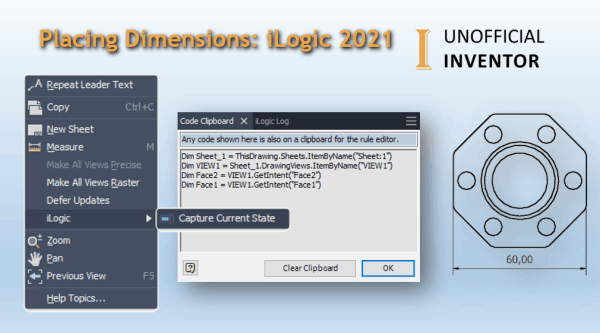
Using "Capture Current State" to Automate Dimensions with iLogic. iLogic in 2021 introduces the ability to add dimensions to drawings and to capture the state of selected geometry on a drawing view. In this example I'm going to show you how to create a linear dimension. In the image below I have named some faces... Continue Reading →
Control Drawing View Reps & Style with iLogic
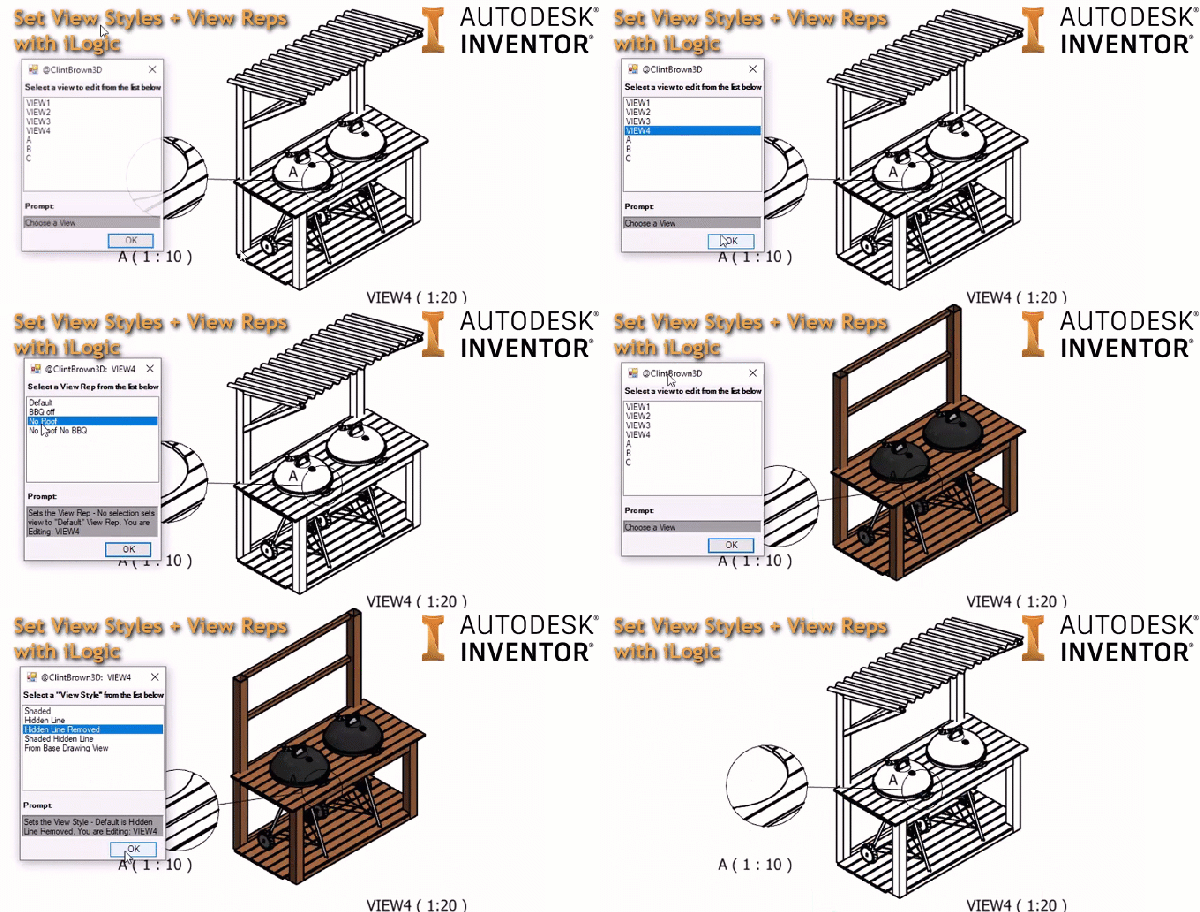
I've written some iLogic code to control the "View Style" and "View Representation" of drawing views. The code gathers all of the views in the drawing and presents them in a list to the user. It then presents a pre-defined set of "View Styles", once it has done this, it then gathers all of the... Continue Reading →
AutoCAD Quick Tip: Convert PDF to DWG
AutoCAD has the ability to convert any Vector based PDF files into DWG (or DXF). Vector based PDF's are usually PDF's that have been published by a drawing package and contains lines circles and arc, as well as layer information. Simply go to the "Insert" tab, then click on PDF, from there the wizard interface... Continue Reading →
You must be logged in to post a comment.