Back To The Future - The Toyota Pickup Well, just about! I was asked if I could help make a part for a 1980 model Toyota Hilux Pickup (very similar to Marty's in Back to the Future). The part in question is a small air vent coupler that sits under the dashboard. The original truck... Continue Reading →
AutoConstrain July 2025 Updates
https://youtu.be/8cvwDiiv2R8 AutoConstrain just got a fantastic upgrade that's more powerful and user-friendly than ever! If you often work with turned parts or enjoy creating revolves, you'll love our new Diametric dimensions feature. It automatically identifies your center lines and provides the diameter dimensions you’ve been looking for. Using AutoConstrain is now even easier! You can... Continue Reading →
AutoConstrain for Fusion Sketches
AutoConstrain for Fusion is here! Fusion Subscribers will start getting access to this new tool from today, as it is rolled out with the January update.AI powered AutoConstrain in Fusion automatically identifies and applies sketch constraints and dimensions to unconstrained sketch geometry. Located under the new Automate tab in the Sketch environment, AutoConstrain will endeavour... Continue Reading →
Multiple unit Drawings in Autodesk Fusion
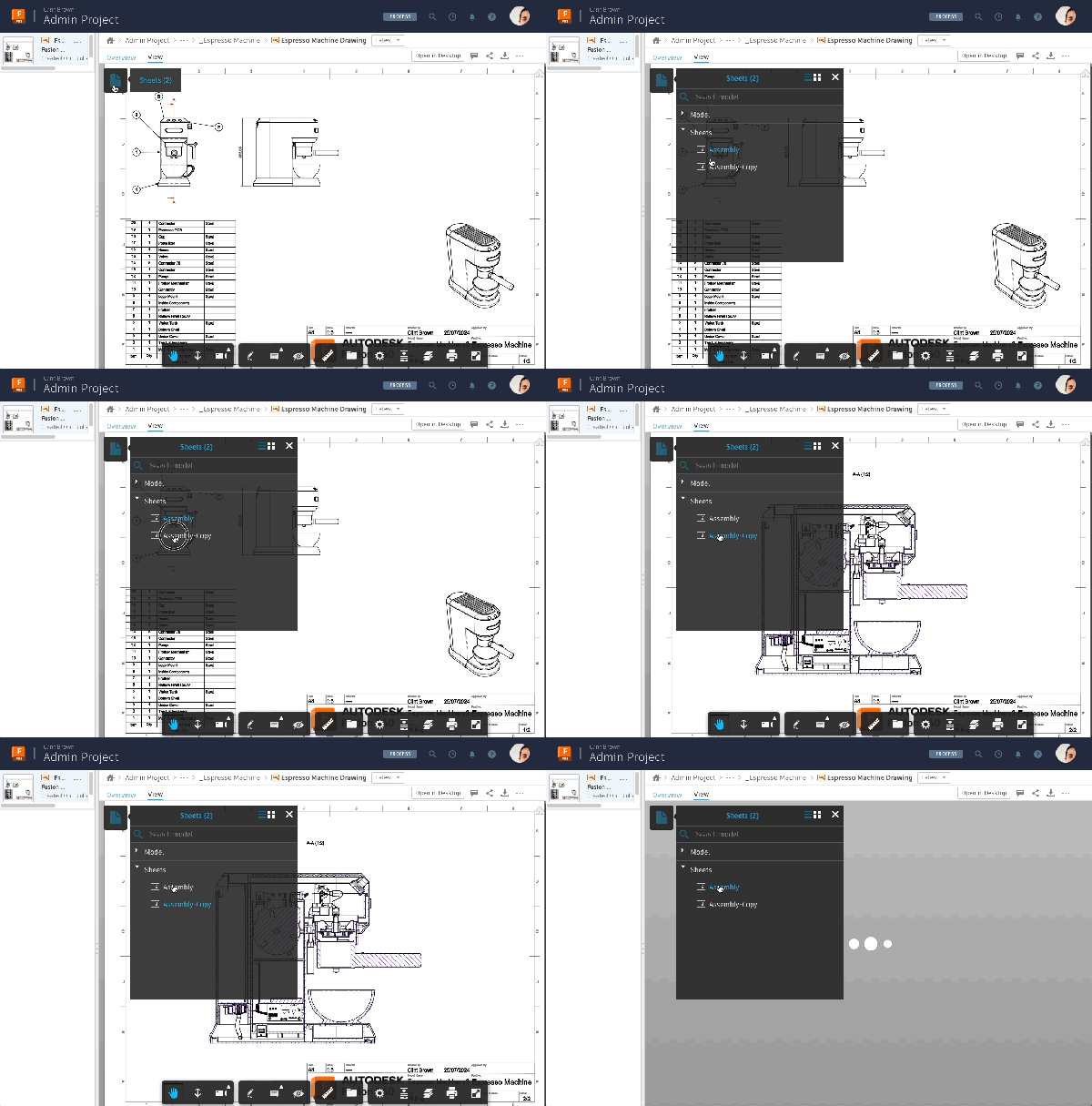
Ever want to create a drawing with mixed units? Here's the fastest way to do it. https://youtu.be/H1KL5nWeJfM Using “Duplicate Sheet”, to copy the original sheet, then editing the units on one of the dimensions of the duplicated sheet. Next, use “Match Dimension” to copy across the dimension override to the rest of the sheet. Take... Continue Reading →
ISO v ASME Hole Callouts
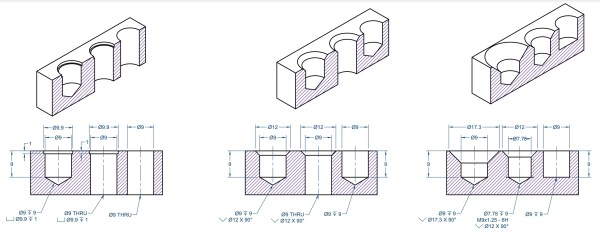
The ISO standard for hole notes ISO 15786 does not include the same symbols as ANSI/ASME, but instead uses U, V, W, Y, as per the table below (extract from ISO 15786:2008(E)) Below is a comparison of ISO Versus ANSI/ASME below:
4 Years of Drawings Evolution
I've shifted gears a little, and moved from being the product manager for drawings, to being the product manager for Design AI on Fusion. You may have seen the announcements at Autodesk University, we're going to ship AutoConstrain very soon. This is an AI tool to help you complete your sketches, by using AI to... Continue Reading →
Representation Overrides vs. Inspection Dimensions
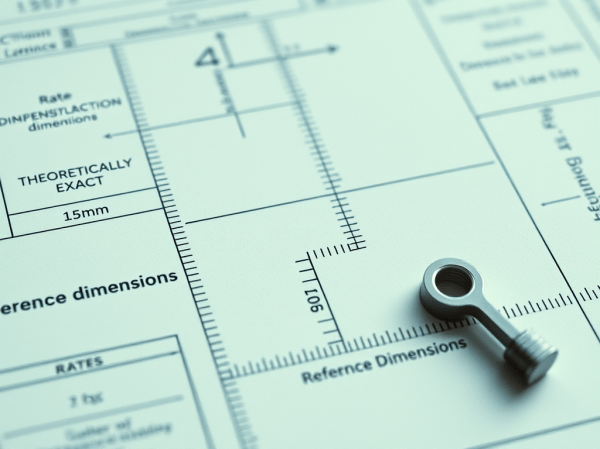
Representation Dimensions: Show Dimensions as: Not to Scale Theoretically Exact Reference Dimensions These "Representation" settings can be applied to Linear, Angular, Radius and Ordinate Dimensions. https://64.media.tumblr.com/86a86cfd68d28a6138011bec9ab601b9/8f60fc46ca6a6caf-b6/s2048x3072/def2c783113418861fd93715daf091d1e32d4976.jpg Inspection Dimensions: Show Inspection Dimensions with: Angular, Round or No frame Label (e.g. 1) Rate (e.g. 25%) These "Inspection" settings can be applied to Linear, Angular, Radius and Ordinate... Continue Reading →
Autodesk Fusion — The Ultimate Guide to Drawing Automation.
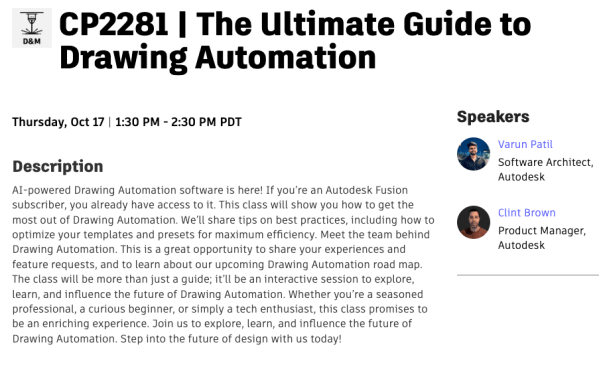
Chuffed to bits, to say that Varun and I will be presenting the Ultimate Guide to Drawing Automation at AU in San Diego later this year. This session will also be live-streamed (no pressure!). This is your chance to learn about drawing automation from the folks who built it. We'll show you how to set... Continue Reading →
Autodesk Fusion – Moving a Section, Detail or projected view to another sheet
If you've ever wanted to move a detail view, or a section view to another sheet in Autodesk Fusion, but not been sure how, this is the video you have been looking for. One of the secrets, is that you can move any view off of a sheet, and it will not be visible in... Continue Reading →
Setting Up Autodesk Fusion for Success
I've recently helped a colleague with a tech support issue for Autodesk Fusion. I thought the best thing to do, is to put my go-to solutions into a single place, in the hope that this may be useful to someone else. Setting up the environment that your software runs in is key, specifically if you... Continue Reading →
You must be logged in to post a comment.