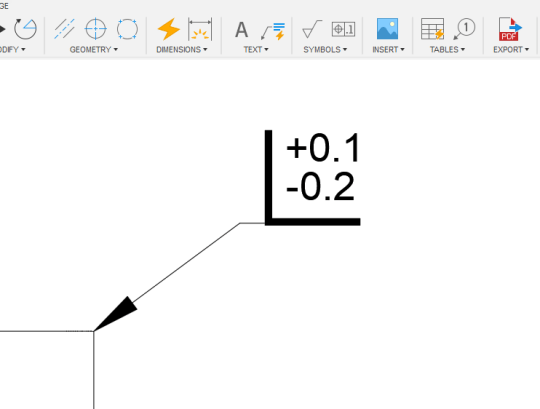
UPDATE: Edge symbols are now live in Fusion, as are custom symbols, so this tip is no longer useful! I was recently tagged on a forum post, asking how to add an Edge Symbol to a drawings in Fusion 360. As per ISO 13715 / DIN ISO 13715. Below is my answer, the accompanying video... Continue Reading →
Fusion 360 Drawings – Last Save Date
I recently replied to a forum post about a "last saved date" for Fusion 360 drawings. While there is no official attribute, there us a text variable that will work, this is what I shared: This is not officially supported, but you can give the "AcVar SaveDate" variable a try. I've listed a few variations... Continue Reading →
What Does ChatGPT Know About Drawings?
I jumped on the Chat GPT bandwagon and asked it to write me a blog post about some of the features added to Fusion 360 drawings in the last year... Everything from here on is AI generated: Hey there, fellow Fusion 360 users! I'm back with another blog post to share some of the latest... Continue Reading →
Automatic Center Marks & Center Lines
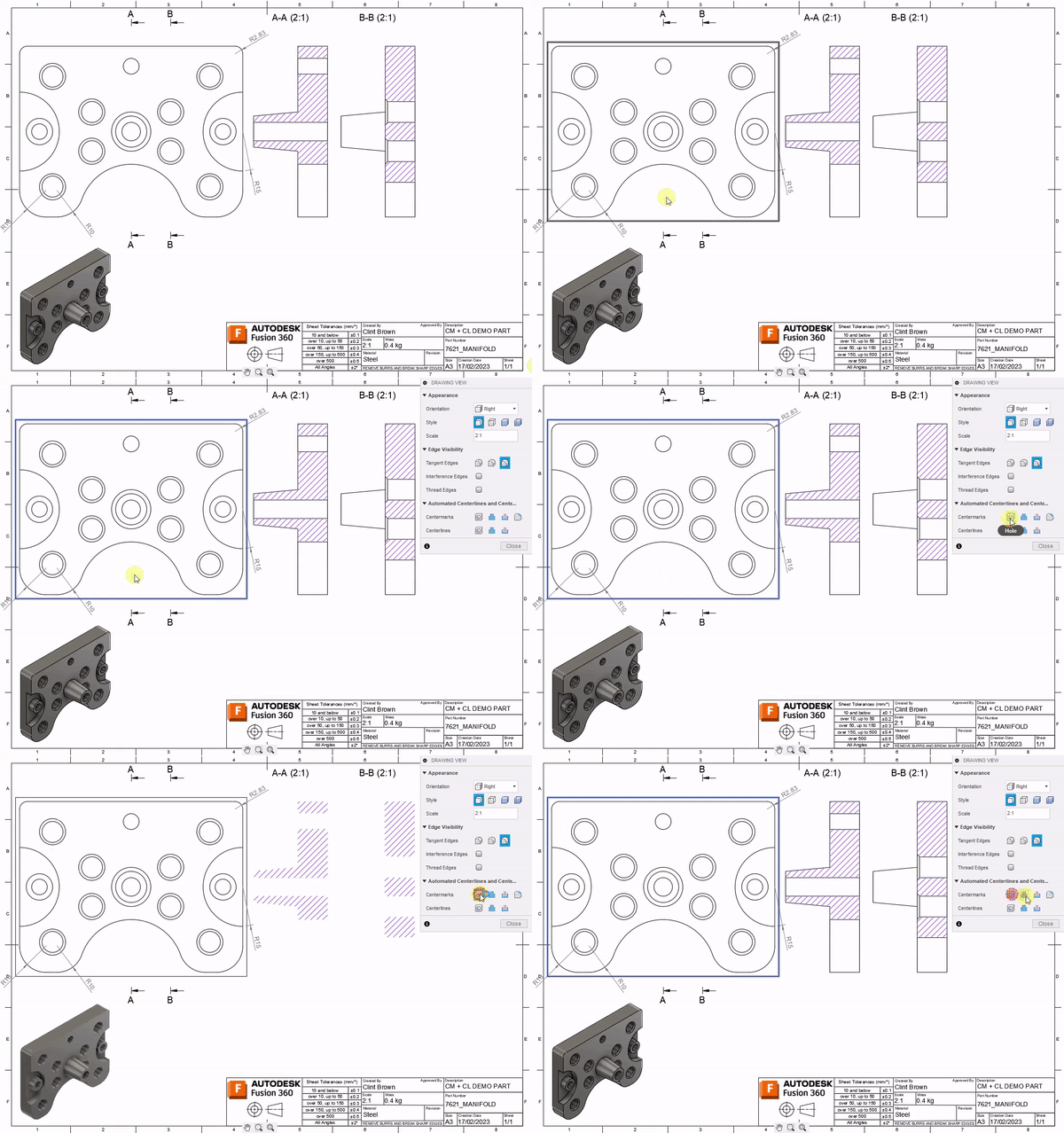
The April release of #Fusion360 is now live. We've added a Load of great new functionality. In drawings, we added Automatic Center Marks and Center Lines: https://www.autodesk.com/products/fusion-360/blog/april-2023-major-product-update-whats-new/#Drawings3 Check out all the April goodness here:https://www.autodesk.com/products/fusion-360/blog/april-2023-major-product-update-whats-new/
Sheet Metal Hole Tables from STEP
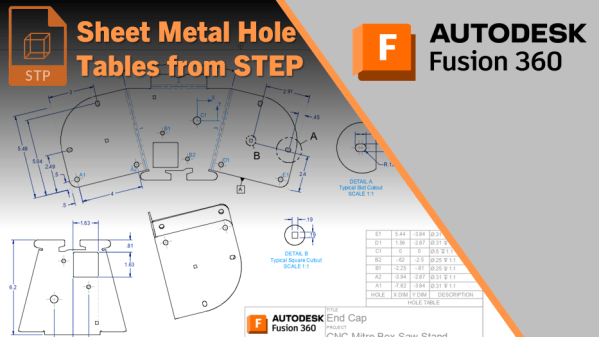
A question was recently asked on the forums about creating hole tables from a flat sheet metal component. The trick, though, is that the component is a STEP file, or comes from other software such as Inventor or SolidWorks. I've previously documented a workflow for non-sheet metal parts here, which is much simpler. With Sheet... Continue Reading →
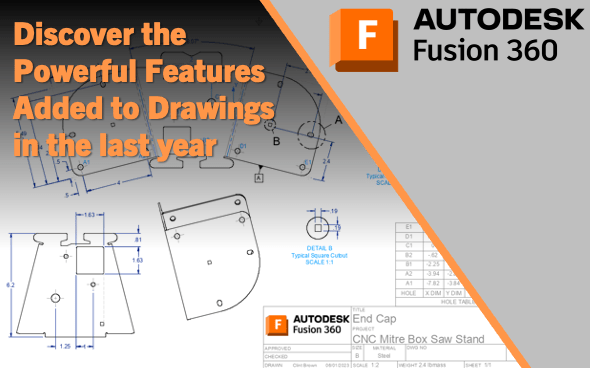
Discover the Powerful Features Added to Fusion Drawings in The Last Year
Click on the image
November updates – Duplicate Sheet & Advanced Print
We shipped some BIG updates, check out "Duplicate Sheet" & "Advanced Print" on the official Fusion blog here
Quick Tip: Formatting Text & Dimensions + Fractions
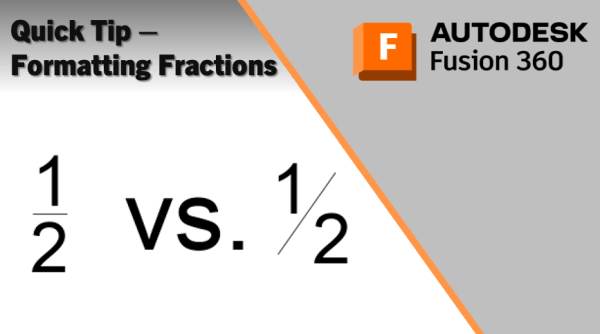
If you've ever wanted to change between stacked or horizontal fractions when typing text in Fusion, this tip is for you. When creating text on a drawing, out of the box fusion will create stacked or horizontal fractions. But using a hash instead of a forward slash will give a diagonal fraction, as shown in... Continue Reading →
Show Animation Trail-Lines on Drawings
I was recently asked how to show animation trail lines on a drawing. It's pretty straightforward, simply turn them on in the Animations workspace, and they'll show on the drawing. See the GIF below:
Troubleshooting Dual Graphics cards on Windows
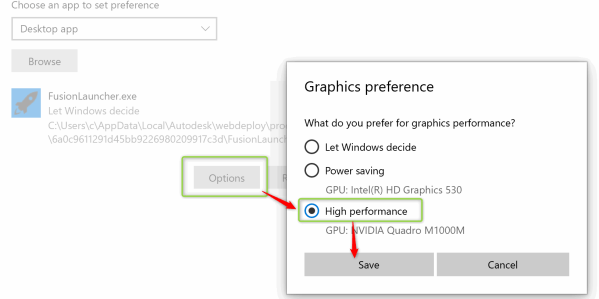
Windows 10 now controls settings for graphics cards, meaning that tools like the NVIDIA control panel no longer allow you to configure apps to run on your graphics card. To set up your graphics card for Fusion 360 on Windows 10, follow these steps. First off, launch Graphics settings by typing "Graphics" into your search... Continue Reading →
You must be logged in to post a comment.