Quick Sunday blog on forcing, or setting your Inventor document units, with iLogic. Last week, I spent some time with Autodesk Inventor users, who have had a few issues with imported files, or files supplied by others. This can be anything from the wrong units, to a preference for Grams over Kilograms on Metric files.... Continue Reading →
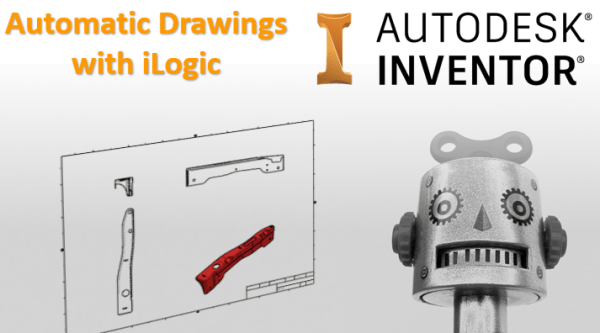
Automatic Drawings with iLogic
I've written some code to automatically create drawings from Autodesk Inventor part and assembly files. The idea that I used for this blog post was to have a drawings template file set up with views, and to then simply replace these views with a given model as needed. The GIF below shows how the code... Continue Reading →
iLogic – Delete all Mates/Joints & Ground
Have you ever wanted to delete all of the constraints in an assembly, and then ground all components? Well look no further, the iLogic code in this blog post does exactly that. You may be wondering why you would want to do this, well the answer is simple. Inventor calculates each relationship between parts (especially... Continue Reading →
Inventor: Search with iLogic
I had a browse through the Inventor API documentation, and came across a sample for using the new "Browser Search" functionality. I converted it to iLogic and made a few tweaks. When used in conjunction with a user parameter and an iLogic form, there is some nice functionality that you can use with Inventor. The... Continue Reading →
Updates to iLogic in Inventor 2019.1
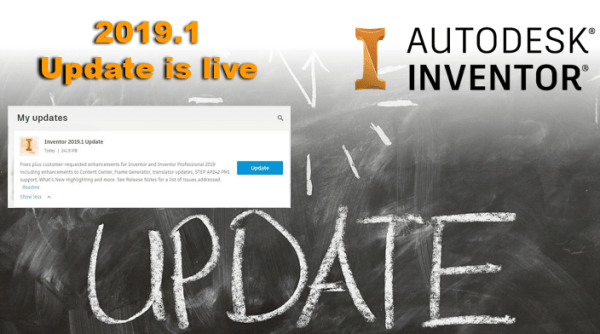
Support for iLogic Logging and Rule Tracing Inventor 2019.1 update is now live for subscription customers! You should be able to download it from your Autodesk Desktop app. The information in this article is from the official Autodesk Inventor 2019.1 help file. iLogic now provides a type of PRINT statement that can be used in rules.... Continue Reading →
Inventor 2019.1 release is out!
Inventor 2019.1 update is now live for subscription customers! You should be able to download it from your Autodesk Desktop app.The information in this article is from the official Autodesk Inventor 2019.1 help file. Frame Generator Insert The Insert command has two new frame selection enhancements. Previously, the frame Standard always defaulted to ANSI. The... Continue Reading →
Blog Archive
Below is a set of links to my 228 blog posts on Cadline Community. There are even more in the archives, the list below dates back to the 2012 product releases, so should go far enough back. Enjoy! Vault: Improve Collaboration with Shared Views Use Cadline Connect to Manage Your Vault PDFs Inventor - Quick... Continue Reading →
Autodesk 2019 – 2020 & 2021 Product keys
Product keys are required for installation of Autodesk products and are used to differentiate products that are both sold independently and as part of a product suite. For example, installing AutoCAD 2019 as a point product requires product key 001K1, but installing AutoCAD 2019 from the AutoCAD Design Suite Premium 2019 requires product key 768K1.... Continue Reading →
You must be logged in to post a comment.