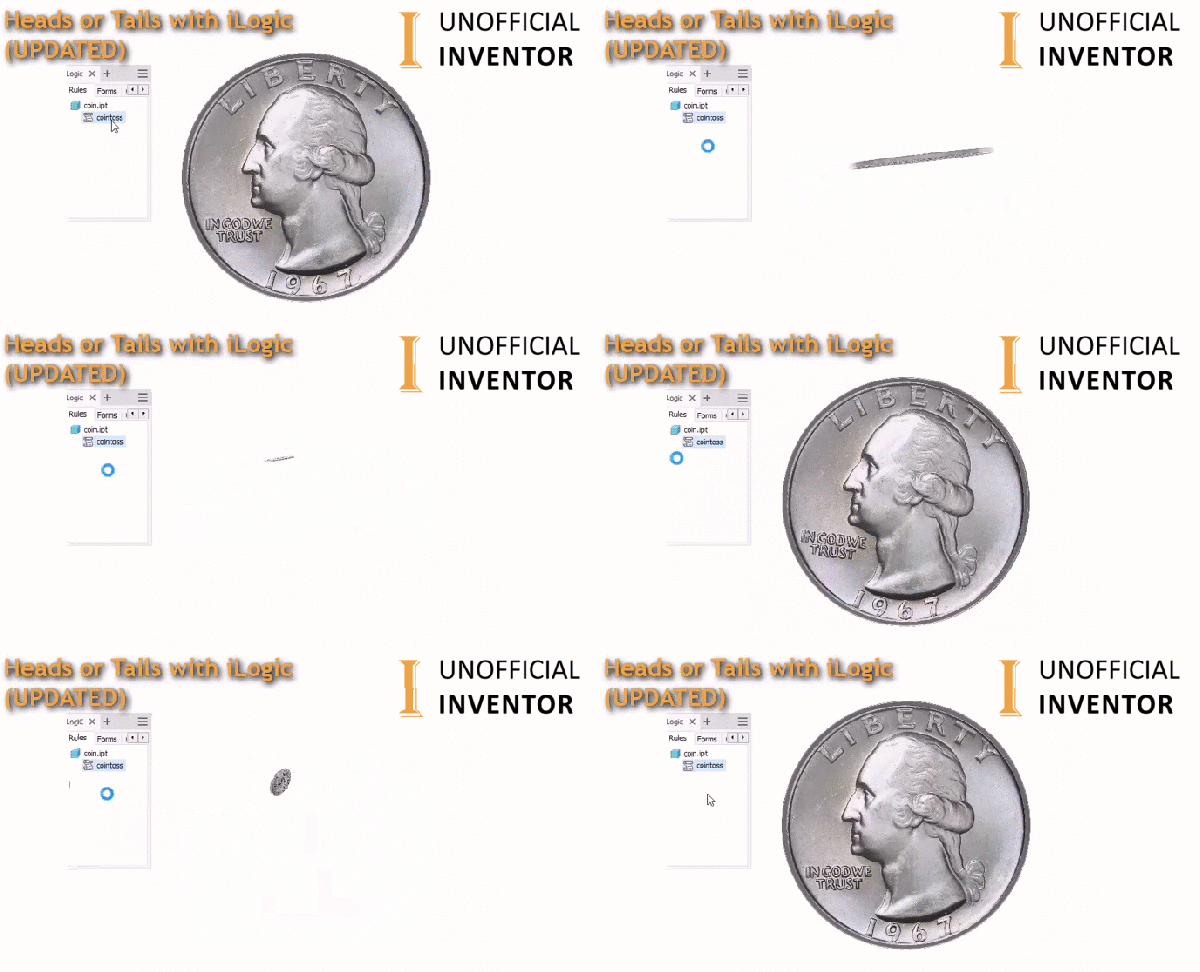
A while back I seemed to get obsessed with finding ways to use random number generators, and I created two interesting use cases, one was a coin flipper and the other was the magic 8 ball, I have these tagged on my site under "Toys", which makes them easier to find. The original Coin Toss... Continue Reading →
AU London 2019 – Thank You!
Another successful AU London done and dusted! The 3rd Annual Autodesk University was held at the Tobacco Dock in London this week. If you missed it, you really missed out, but you can see recordings of the live main stage presentations here: https://www.autodesk.com/autodesk-university/conference/live-stream the classes will probably go live in a few weeks. I just wanted... Continue Reading →
My First CAM Project in Fusion 360
I've been meaning to write this blog post up for weeks! As you may or may not know, this comping week, I will be presenting my Autodesk University London class. The session is called: School of Rock: Building an Electric Guitar with the Product Design & Manufacturing Collection (Code: AULON565) In preparation for the class, I... Continue Reading →
Let’s Rock at AU London 2019
It's just about that time of year again! I'll be presenting at the 3rd Autodesk University at the Tobacco Dock in London. The event is on the 18th and 19th of June. If you don't have a ticket yet, hurry, they won't be available after the middle of this week. This year I decided not... Continue Reading →
Magic 8 Ball in Inventor With iLogic
I built a magic 8 ball using iLogic, utilising the random number generator to create a random answer. You are probably wondering why... Well the answer is, why not! I got the idea while stuck in traffic, and it was really quick and easy to knock together, so I thought I would share it here.... Continue Reading →
Set Random Face Colours With iLogic
This blog post is a direct result of a discussion on Twitter! the request was to automatically assign a random colour to a face in an Inventor part. I wrote a little bit of code, loosely based my previous blog post, looking at generating random numbers to create colours. This specific code simply assigns a random... Continue Reading →
Heads or Tails in Inventor with iLogic
This is admittedly a bit of a random idea! This blog post shows how to flip a coin using iLogic in Inventor. UPDATE: There is a new version that uses a 3D Coin in an Inventor .IPT; available here. The idea came from my previous blog post, looking at generating random numbers to create colours.... Continue Reading →
iLogic – Set Every Part to A Different Colour
I ran across a really interesting thread on the Autodesk Inventor ideas station. The feature request is to have a visual style in Inventor that sets every component in an assembly to a unique colour. A comment by Tanner Dant included some VBA code, which creates a new view representation called "Unique Colors" and... Continue Reading →
Convert Point Cloud Data to Mesh
Converting a laser scan to a mesh can be tricky, but there is a great workflow with Recap, Meshlab and Autodeks Inventor.
My First CAM Project in Inventor
As part of my AU London class this year, I am building an electric guitar using the Autodesk Product Design and Manufacturing Collection. For the Class, I have already built the guitar, sculpting the body with hand tools. The initial design starts with a PDF, which is imported into AutoCAD, this geometry is then used... Continue Reading →
You must be logged in to post a comment.