Guest Post by Jelte de Jong Maybe you know the situation, you have 2 versions of a part. You changed something but can’t find what it was. In those situations I spend a lot of time looking for the difference. Just to find the hole that was moved 1mm. Should I have this problem more often,... Continue Reading →
iLogic Settings: Migrating to Inventor 2021
So you have installed your shiny new version of Autodesk Inventor 2021, and you realised that your iLogic "stuff" has not been migrated over. The settings migration tool is really useful for most settings, but your external rules, external forms and custom code snippets do not come across. Fear not, it's really easy to do,... Continue Reading →
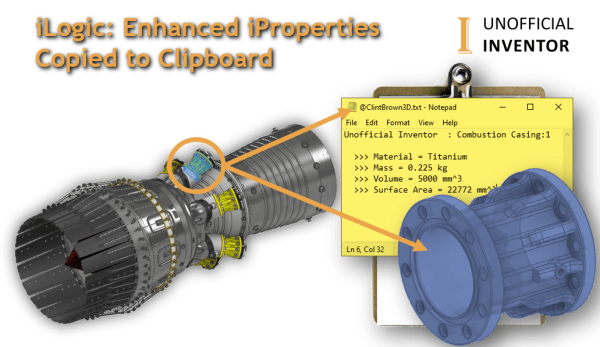
iLogic: Enhanced iProperties Copied to Clipboard
This iLogic utility isolates a pre-selected component and activates the Orbit command, once the user exits the orbit command, a set of iProperties are shown, these iProperties are then copied to the clipboard. The code then zooms back out and sets the model to a "home" view. This blog post's iLogic code was the basis... Continue Reading →
One Rule to Search Them All – Guest Post
Guest Post by Jelte de Jong Over the years, I have created several assemblies containing many parts with various iLogic rules, generally they work perfectly. But sometimes for seemingly no reason, an edge case will not work as expected, and is usually discovered by a colleague. The challenge is that I then need to find... Continue Reading →
iLogic – Running Commands Using the API
You may want to run Inventor commands directly in you iLogic code, without having to find and reference them in the API. This is made possible through the "Command Manager" in the API. The Command Manager lets you run any command that is visible in the Inventor interface (and a few hidden commands as well).... Continue Reading →
iLogic: Export Sheet Metal BoM
Autodesk Inventor has an Excellent Bill of Materials (BoM) interface which allows user to create and Export BoM's from the assembly environment. However, if you have an Assembly model that has a mix of normal and sheet metal components, there is no way to distinguish between the 2 part types in the BoM environment. I've... Continue Reading →
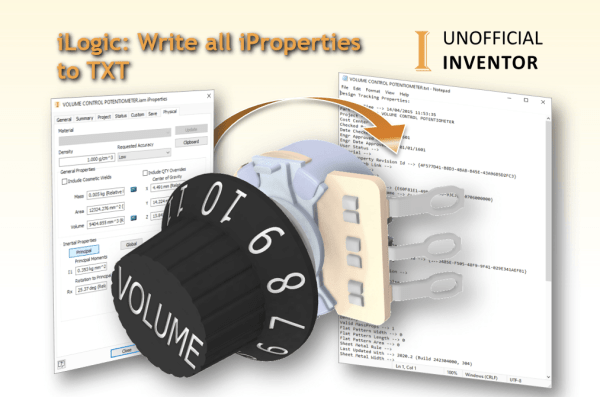
iLogic: Write all iProperties to TXT
Have you ever asked "How do I export all of my iProperties to a text file"? If you have, you've come to the right place. I've written an iLogic utility that will export ALL of the iProperties in an Inventor file to a txt file. Inventor stores 65 iProperties in every file, some of which... Continue Reading →
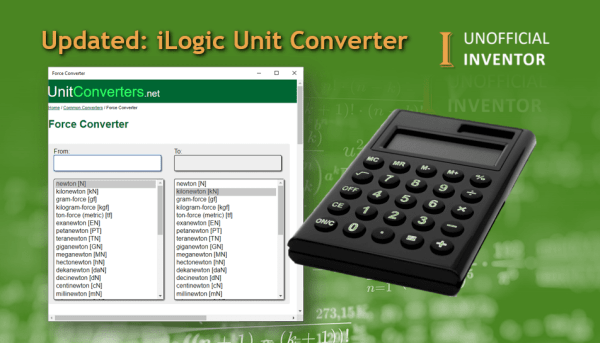
Updated: iLogic Unit Converter
Some months back, I created the "iLogic Unit Converter" which used an old Autodesk website that is stored on the Internet Archive. It was a nice proof of concept, but was actually not very useful, due to speed issues and the limited number of conversions available. With that in mind, I updated the code to... Continue Reading →
iLogic: BoM Emailer
I was looking through some of my site logs, and people have been searching for a way to email their BoM's from Inventor. As I already have the iLogic code for sending emails, and for exporting BoM's this was very easy to put together. I added a small section that allows the user to choose... Continue Reading →
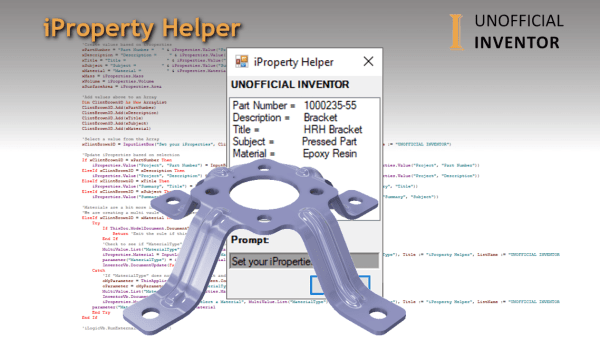
Inventor iProperty Helper
Over the years I have written several iLogic utilities for various customers, primarily to force users to fill in iProperties and ensure that model materials are correctly set. The "iProperty Helper", is different, it's a simple dialogue that displays the current iProperties of the model, clicking on a specific iProperty in the list (eg. Part... Continue Reading →
You must be logged in to post a comment.