I built a magic 8 ball using iLogic, utilising the random number generator to create a random answer. You are probably wondering why... Well the answer is, why not! I got the idea while stuck in traffic, and it was really quick and easy to knock together, so I thought I would share it here.... Continue Reading →
Set Random Face Colours With iLogic
This blog post is a direct result of a discussion on Twitter! the request was to automatically assign a random colour to a face in an Inventor part. I wrote a little bit of code, loosely based my previous blog post, looking at generating random numbers to create colours. This specific code simply assigns a random... Continue Reading →
Heads or Tails in Inventor with iLogic
This is admittedly a bit of a random idea! This blog post shows how to flip a coin using iLogic in Inventor. UPDATE: There is a new version that uses a 3D Coin in an Inventor .IPT; available here. The idea came from my previous blog post, looking at generating random numbers to create colours.... Continue Reading →
iLogic – Set Every Part to A Different Colour
I ran across a really interesting thread on the Autodesk Inventor ideas station. The feature request is to have a visual style in Inventor that sets every component in an assembly to a unique colour. A comment by Tanner Dant included some VBA code, which creates a new view representation called "Unique Colors" and... Continue Reading →
Automate Drawing Notes with iLogic
Have you ever wanted to automatically create a drawing note on your Inventor drawing based on a pre-defined text file? Look no further, I have written some iLogic code that will place a drawing note on your drawing in a pre-defined position. The note will contain the contents of a text file that you you... Continue Reading →
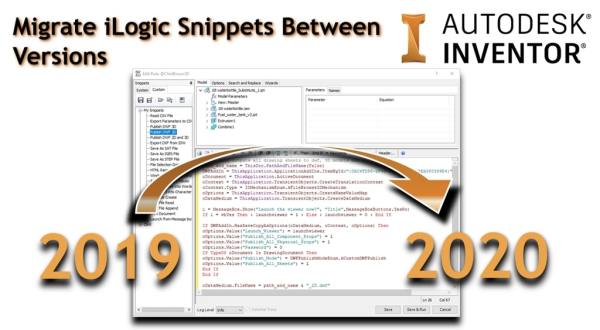
Migrate iLogic Snippets Between Versions
The "Migrate Settings" tool in Inventor 2020 does a really good job of pulling through most of the settings that you need from Inventor 2019 (or earlier), but it does not bring over any custom iLogic Snippets that you have created. The good news, is that this is really easy to do manually. From any... Continue Reading →
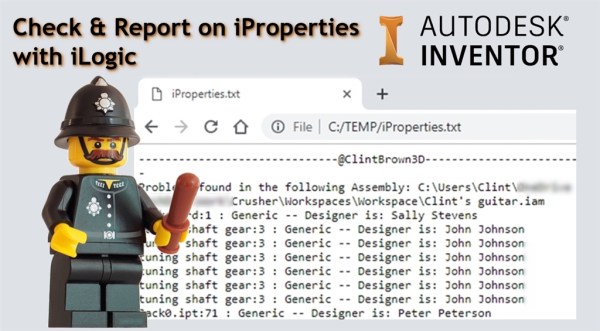
Check & Report on iProperties with iLogic
I've written an iLogic routine to check through an assembly and write report on all parts that have not had their materials correctly assigned. The iLogic code creates a text file called "iProperties.txt" in "C:/Temp". The report contains the name of any files that have "Generic" listed as the material, as well as the designer.... Continue Reading →
iLogic: Automate Common Virtual Parts
If you use "Virtual Parts" in your assemblies, you probably find yourself creating the same parts over and over. This quick blog post shares some iLogic code to create "Virtual Parts" from an Input List Box. The contents of this Input List Box are created from an Array which you can edit to suit your... Continue Reading →
Off Topic – Email “Out of Office” Generator with iLogic
I often need to update my out of office, based on what I am up to, and generally it is something that gets left to the last minute. The messages are often a variation on a theme, depending on what I am doing, and where I am. With this in mind, I thought I would... Continue Reading →
iLogic Undo Wrapper
If you have created iLogic code that affects multiple properties or elements in Inventor, you may have noticed that although you run a single rule, you may have to click undo several times to get back to where you started. This is because each step is recorded in memory as a transaction. The iLogic... Continue Reading →
You must be logged in to post a comment.