By Dutt Thakar I have written a handy iLogic utility to check if any dimensions on a drawing are overridden. It scans all of the dimensions on the sheet and checks whether they are overridden or not. If any dimensions are overridden, it will highlight them in red and then show the user that how... Continue Reading →
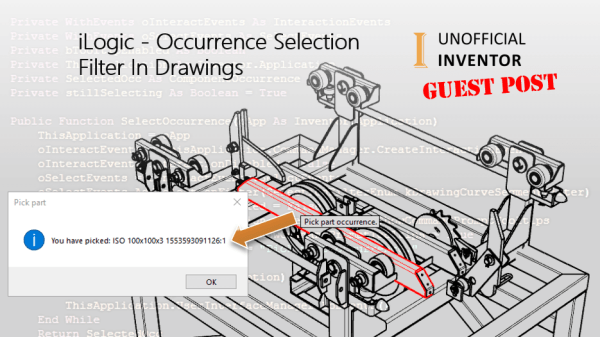
iLogic – Occurrence Selection Filter In Drawings
Guest Post by Jhoel Forshav When developing iLogic rules, it’s quite common that you’ll need to prompt the user to pick something from the model window. For example, it could be a face, a component occurrence, a model edge etc. For most of the different types of selections your code might require, there’s a corresponding... Continue Reading →
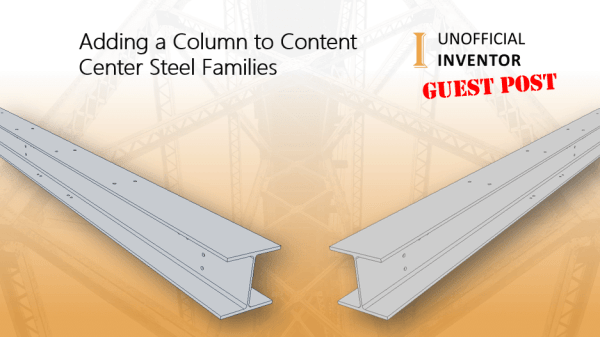
Adding a Column to Content Center Steel Families
By Michael Jones Overview We will be adding transverse hole spacing to the top and bottom flange of the content center wide flange family. We will be extracting the transverse hole spacing data from the 15th edition of the AISC Excel workbook. In structural steel detailing, gage is shorthand for the transverse hole spacing. Using... Continue Reading →
Not Getting Fusion Lifecycle Notification Emails?
I’ve recently helped a customer who was not getting any notification emails from Fusion Lifecycle. The fix is really simple. The email address that the FLC notifications comes from is; noreply@autodesk.com It turns out that this company blocked all email from “noreply” addresses, getting this specific email unblocked by IT allowed the emails to come... Continue Reading →
iLogic: Setting Extra Layers In DXF Exports
Guest Post by Jelte de Jong Have you ever wanted assign specific profiles in your flat pattern to a custom layer before exporting them to DXF? Click me for HD version I have been working on updating an Inventor add-on which we use at work. The tool exports sheet metal flat patterns to our CAM software.... Continue Reading →
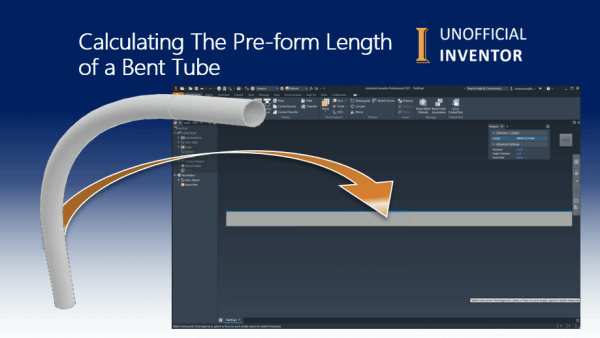
Calculating The Pre-form Length of a Bent Tube
I recently saw a problem on the Inventor Forum, where a user had a bent tube that they had modelled up. They needed to calculate the pre-form length. In this instance they were not using Tube & Pipe, my solution was to use the Sheet Metal environment to extract the flat shape, the video below... Continue Reading →
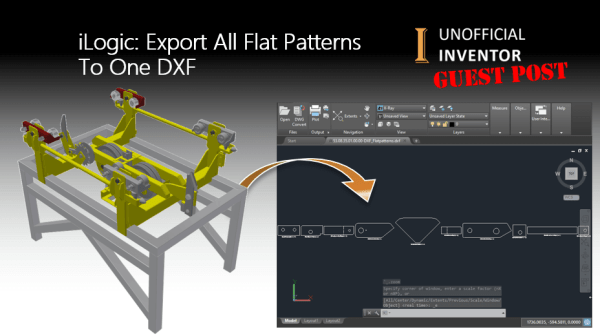
iLogic: Export All Flat Patterns To One DXF
Guest Post by Jhoel Forshav Since this is my first guest blog post on the Unofficial Inventor blog, I’d like to thank Clint Brown for inviting me to do this. Those of you who visit the Inventor Customization Forum from time to time may have seen my name before, as I’m a very active in... Continue Reading →
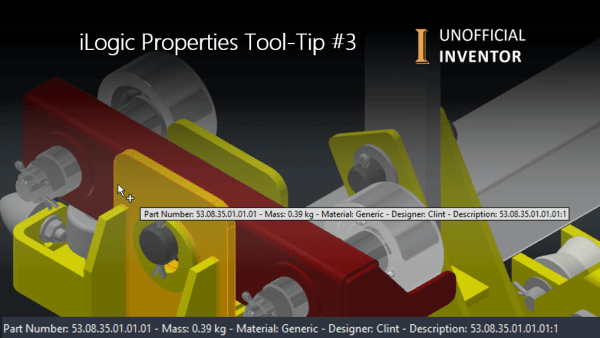
iLogic Properties Tool-Tip #3
This week's post is a variation on a theme, hence the name. I've previously written about "Tool-Tips" with iLogic in Inventor (see posts below). The common theme is that the tool-tip will show iProperties for a part in the assembly (using a section filter). This version shows these properties at the tool-tip, as well as... Continue Reading →
iLogic: Unexpected Results
Guest Post by Jelte de Jong If you have read any of my blogs post before, you'll know that I like to challenge myself to solve other Inventor user's problems. I usually find these problems on the Inventor Customization Forum. A while back, I came across an interesting problem. This user wanted to change the iProperties... Continue Reading →
iLogic: Rotating Section Views – Guest Post
By Dutt Thakar I've written 2 iLogic utilities that I hope you will find useful. The first one rotates a section line at a specified angle. To get it to work, you simply need to edit your section sketch, then add in an angled dimension. In my example this dimension is controlled by parameter "d0".... Continue Reading →
You must be logged in to post a comment.