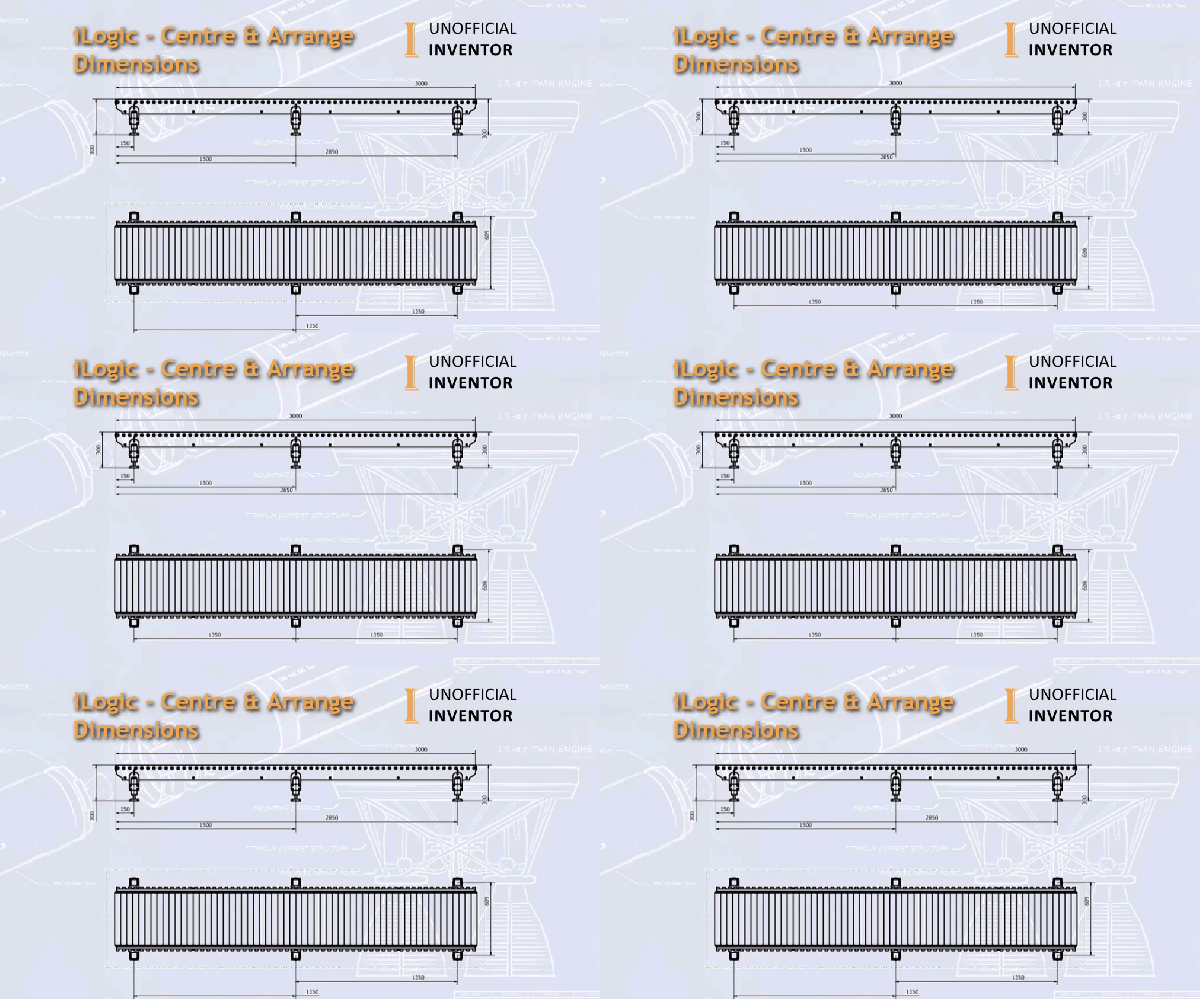
I've been doing a bit of work on an iLogic configurator and I thought it would be useful to share some code that I have been using for quite some time. Often when creating configured products, the dimensions on the sheet move, and need some tidying up. This iLogic utility centres all of the dimensions... Continue Reading →
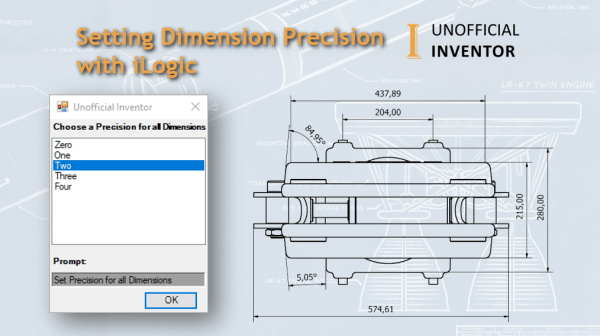
Setting Dimension Precision with iLogic
I was recently asked if it is possible to set the precision of the dimensions in a drawing, using iLogic. I did a quick search through the Inventor API and found that there was a sample that provided this functionality. With that in mind, I tidied up the example, and added an array with an... Continue Reading →
iLogic: Using Try – Catch to Open Drawings
I realise that I don't often explain how specific iLogic code works, so I thought I'd offer a bit more of an explanation in this post. I've written a simple iLogic rule that opens the drawing of a model in Inventor. This iLogic utility uses a nested "Try, Catch, End Try" statement. If you are... Continue Reading →
Vault: Display Mass – Client or Web
A client recently asked me if I could help them with a request from an end user. They wanted to see the mass of their part and assembly files in Vault. A secondary requirement was to see this same information in the Vault web client. I figured a simple iLogic rule would suffice. However, a... Continue Reading →
Unofficial & Retro Inventor AutoCAD & Vault Icons
I have many versions of Inventor, AutoCAD and Vault (Clients) installed on my PC. Sometimes I fire up the wrong software and it wastes time A few months back, I saw some custom icons for Autodesk product and this got me thinking... What if I had a specific icon for each release of Inventor, Vault... Continue Reading →
Automating Detail Views With iLogic
I converted an Inventor API sample for creating detail views to iLogic. Initially it took me 2 minutes, and I had the code working well, but the sample code is for a detail view with a rectangular boundary, as shown below. I don't use the rectangular version, so I spent a good 30 minutes figuring... Continue Reading →
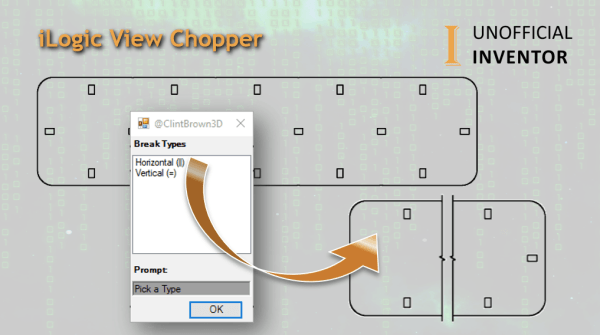
iLogic View Chopper
I was looking through the Inventor API samples and I came across some code for applying "Break Views" in the Inventor drawing environment. The API sample works quite well, so I thought I would adapt it to work with iLogic and add some additional functionality to make it more useful. My code adds in view... Continue Reading →
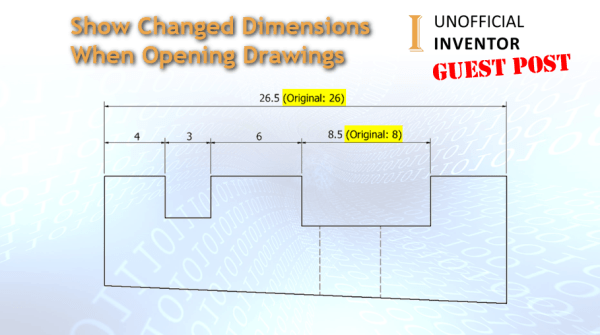
Show Changed Dimensions When Opening Drawings
Guest Post by Jelte de Jong The other day I had a look at the “Inventor Ideas” forum. I came a cross the following topic “Show Changed Dimensions when Opening Drawings”. (link) Last week someone requested this function in inventor but as it turns out that exactly the same function was also requested in 2017. (link)... Continue Reading →
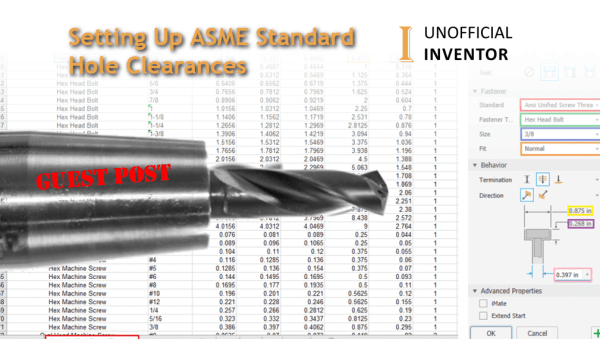
Setting Up ASME Standard Hole Clearances
Guest post by Tanner Dant I recently came across a new challenge while working in Inventor. By default, Inventor does not include ASME standard clearances in the hole command, and I needed to use them for my project. A little internet sleuthing showed me a way to add data to the hole command dialog, and... Continue Reading →
iLogic: Show Flat Pattern Orientation
Guest Post by Jelte de Jong At the company that I work for, we make products that are almost entirely composed of sheet metal parts. We cut and bend our products ourselves, we export our flat patterns out, to be used in our CAM software. When preparing flat patterns for export, I sometimes get confused, as... Continue Reading →
You must be logged in to post a comment.