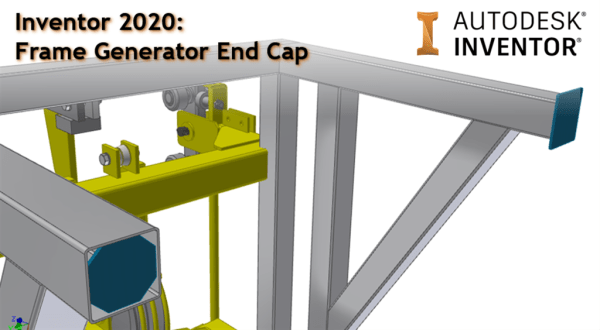
A great new enhancement to Inventor 2020 is the ability to add "End Caps" to your frames. The "Insert End Caps" command is part of the sleek new panel UI. There are options for the end plates to have either sharp, filleted or chamfered corners, and these caps can be flush, inset, or offset, making... Continue Reading →
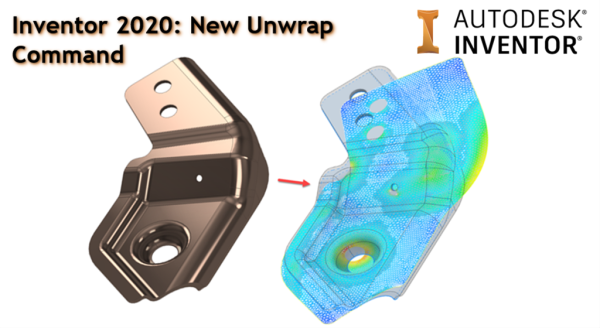
Inventor 2020: New Unwrap Command
Inventor 2020's new Unwrap command allow you to flatten nearly any shape into a flat surface that can be saved or exported in different formats. This is a great stride forward, and will allow sheet metal users to unwrap trickier geometry where material deformation is taking place. It may also help people design things like... Continue Reading →
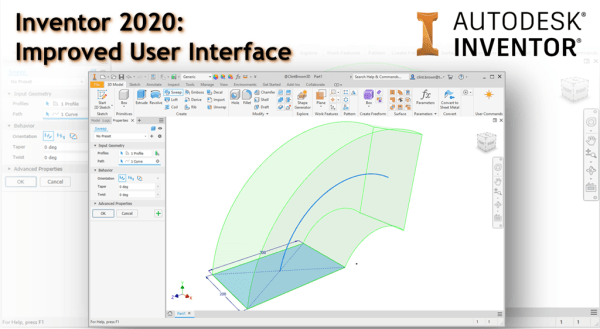
Inventor 2020: Improved User Interface
With the release of Autodesk Inventor 2020, there is a fresh new user interface. Along with a brighter "skin", all of the icons have been re-engineered, making them sharper on 4K displays. But the highlight has to be that more features are moving to the browser interface, or "property panel UI" In Inventor 2020, Extrude,... Continue Reading →
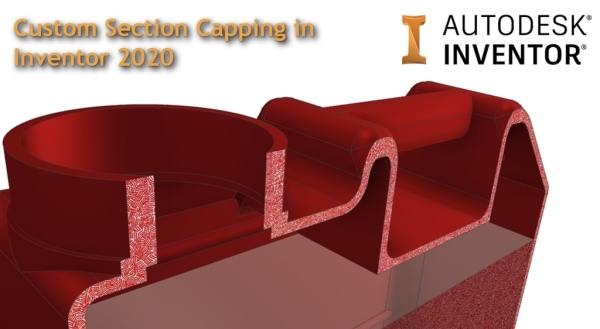
Custom Section Capping in Inventor 2020
A nice new feature in Autodesk Inventor 2020 is the ability to customise Section Capping. When creating half, quarter and 3 quarter sections in parts and assemblies, you are now able to change the default grey (concrete looking) section to a bitmap image in your application options. Note that although the feature is called "Bitmap... Continue Reading →
Using Shrink-wraps to Calculate Container Volumes
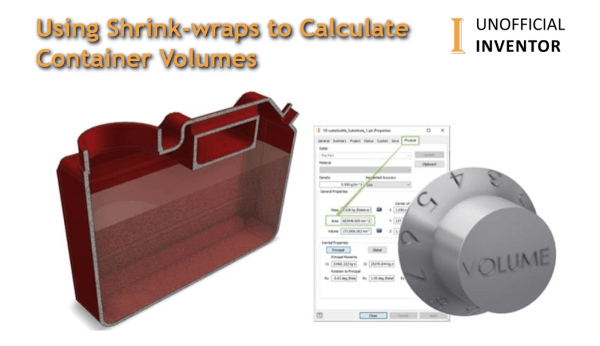
In a previous life, I used to design rotationally moulded fuel tanks for Automotive OEM's. A big part of the job was squeezing as much extra capacity into the tanks. Usually, I would calculate the volume before shelling the model, and then again after shelling the model. The difference between these 2 numbers is the... Continue Reading →
iLogic: Automate Common Virtual Parts
If you use "Virtual Parts" in your assemblies, you probably find yourself creating the same parts over and over. This quick blog post shares some iLogic code to create "Virtual Parts" from an Input List Box. The contents of this Input List Box are created from an Array which you can edit to suit your... Continue Reading →
Off Topic – Email “Out of Office” Generator with iLogic
I often need to update my out of office, based on what I am up to, and generally it is something that gets left to the last minute. The messages are often a variation on a theme, depending on what I am doing, and where I am. With this in mind, I thought I would... Continue Reading →
iLogic: Clear Part Appearance Overrides
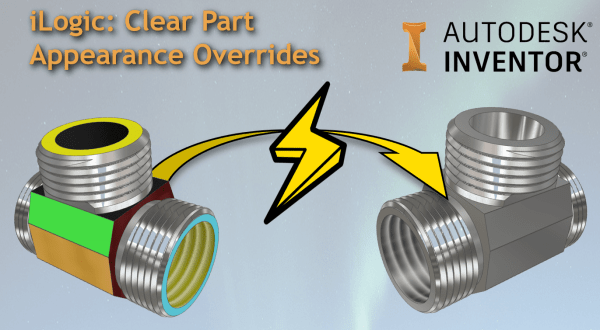
Have you ever wanted to clear all of the face appearance overrides in a part model? Below is some iLogic code that resets all of the faces an Inventor part model. Here is an animation showing the code at work: Below is the iLogic code: 'Original Code by @ClintBrown3D posted at https://clintbrown.co.uk/ilogic-reset-faces On Error... Continue Reading →
iLogic: Hacking the Progress Bar
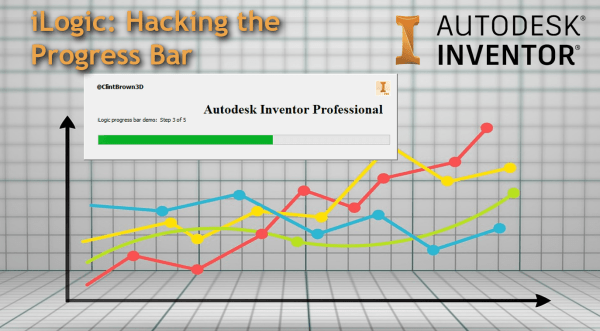
A quick blog post on hacking the progress bar in iLogic
Inventor to Virtual Reality Using 3ds Max Interactive
Do you want to view your Inventor Models in VR? If you have access to the Product Design and Manufacturing collection from Autodesk, you already have everything you need. I was asked this week if there is a workflow between Inventor and 3ds Max Interactive. The good news, is that there is, and that there... Continue Reading →
You must be logged in to post a comment.