If you use "Virtual Parts" in your assemblies, you probably find yourself creating the same parts over and over. This quick blog post shares some iLogic code to create "Virtual Parts" from an Input List Box. The contents of this Input List Box are created from an Array which you can edit to suit your... Continue Reading →
Off Topic – Email “Out of Office” Generator with iLogic
I often need to update my out of office, based on what I am up to, and generally it is something that gets left to the last minute. The messages are often a variation on a theme, depending on what I am doing, and where I am. With this in mind, I thought I would... Continue Reading →
How to fix “Share View Failed” in AutoCAD 2019
This blog post details how to fix the "unable to finish publish the view" in AutoCAD 2019
iLogic: Clear Part Appearance Overrides
Have you ever wanted to clear all of the face appearance overrides in a part model? Below is some iLogic code that resets all of the faces an Inventor part model. Here is an animation showing the code at work: Below is the iLogic code: 'Original Code by @ClintBrown3D posted at https://clintbrown.co.uk/ilogic-reset-faces On Error... Continue Reading →
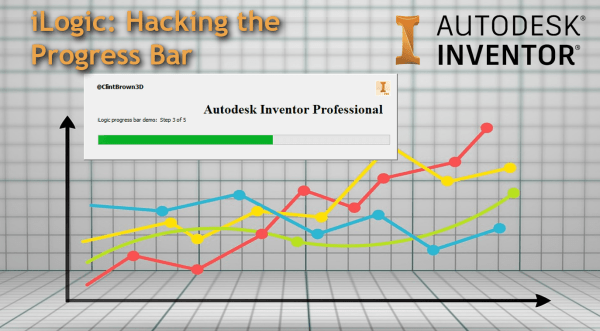
iLogic: Hacking the Progress Bar
A quick blog post on hacking the progress bar in iLogic
Inventor to Virtual Reality Using 3ds Max Interactive
Do you want to view your Inventor Models in VR? If you have access to the Product Design and Manufacturing collection from Autodesk, you already have everything you need. I was asked this week if there is a workflow between Inventor and 3ds Max Interactive. The good news, is that there is, and that there... Continue Reading →
AutoCAD Quick Tip: Convert PDF to DWG
AutoCAD has the ability to convert any Vector based PDF files into DWG (or DXF). Vector based PDF's are usually PDF's that have been published by a drawing package and contains lines circles and arc, as well as layer information. Simply go to the "Insert" tab, then click on PDF, from there the wizard interface... Continue Reading →
You must be logged in to post a comment.