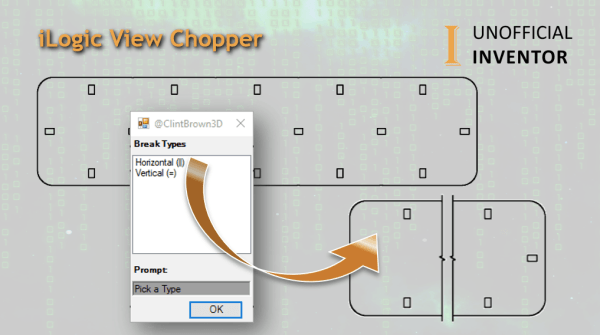
I was looking through the Inventor API samples and I came across some code for applying "Break Views" in the Inventor drawing environment. The API sample works quite well, so I thought I would adapt it to work with iLogic and add some additional functionality to make it more useful. My code adds in view... Continue Reading →
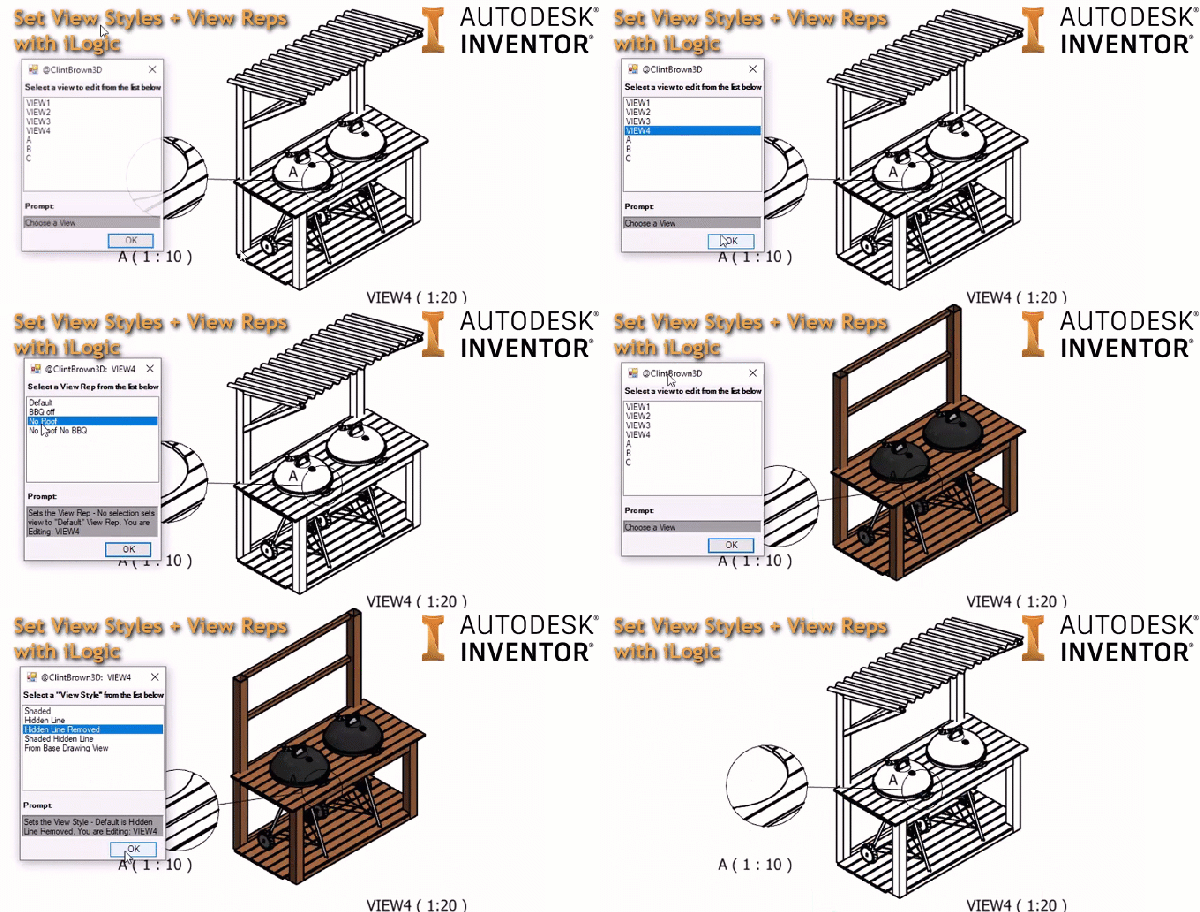
Control Drawing View Reps & Style with iLogic
I've written some iLogic code to control the "View Style" and "View Representation" of drawing views. The code gathers all of the views in the drawing and presents them in a list to the user. It then presents a pre-defined set of "View Styles", once it has done this, it then gathers all of the... Continue Reading →
Autodesk Inventor – 3 Reasons Why DWG Is Better Than IDW
Have you ever wondered what the difference between IDW & DWG file formats in Inventor are? Do you have a preference for IDW over DWG? I'm a big fan of the DWG format, and I highlight 3 reasons that I think DWG is better in this post, but I also show the drawbacks.
Everything You Need To Know About Inventor’s New Spell Checker
The 2019.2 update for Inventor FINALLY includes a spell checker for the drawing environment. This is a feature that users have been requesting for some time, and it is a really nice enhancement to the drawing environment. The tool is available in the "Format Text" dialogue boxes, which come up when adding text to drawing... Continue Reading →
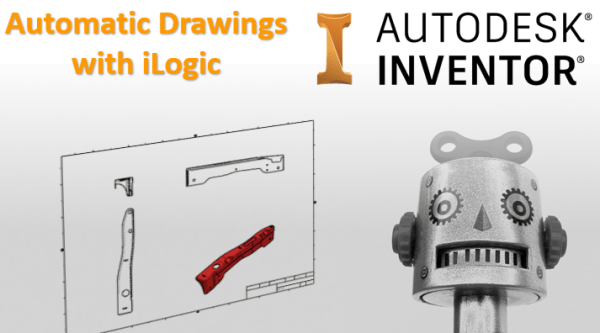
Automatic Drawings with iLogic
I've written some code to automatically create drawings from Autodesk Inventor part and assembly files. The idea that I used for this blog post was to have a drawings template file set up with views, and to then simply replace these views with a given model as needed. The GIF below shows how the code... Continue Reading →
You must be logged in to post a comment.