Have you ever wanted to automatically create a drawing note on your Inventor drawing based on a pre-defined text file? Look no further, I have written some iLogic code that will place a drawing note on your drawing in a pre-defined position. The note will contain the contents of a text file that you you... Continue Reading →
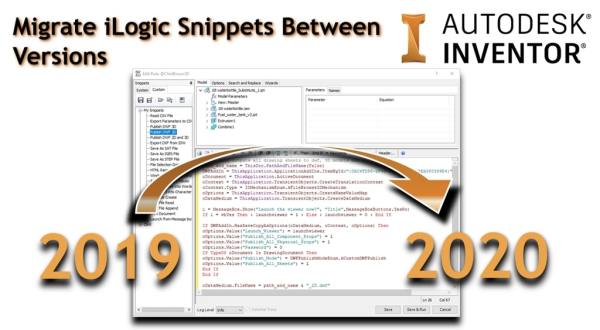
Migrate iLogic Snippets Between Versions
The "Migrate Settings" tool in Inventor 2020 does a really good job of pulling through most of the settings that you need from Inventor 2019 (or earlier), but it does not bring over any custom iLogic Snippets that you have created. The good news, is that this is really easy to do manually. From any... Continue Reading →
Migrate Custom Settings From Older Versions
If you have just installed a shiny new version of Autodesk Inventor, you may want to import all of the settings from a previous version. The process is fairly simple, fire up the new version of Inventor, and then on the "Tools" Tab, click on "Migrate Settings" Select the items that you wish to bring... Continue Reading →
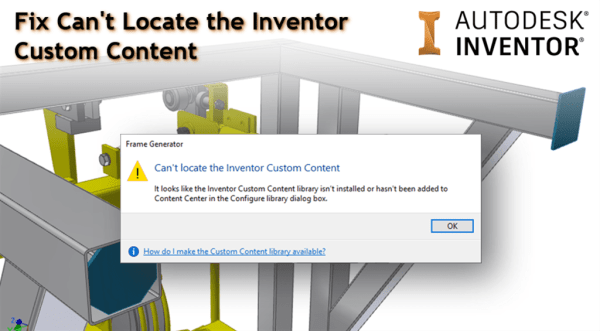
Inventor 2020: Fix “Can’t Locate the Inventor Custom Content”
When trying out the Inventor 2020 "Insert End Caps" command for the first time, you may run into the following error message: Frame Generator "Can't Locate the Inventor Custom Content" The fix is really simple. Inventor 2020's content centre is installed with a custom library for the end caps. This needs to be added to... Continue Reading →
Inventor 2020: Direct Translators & Supported Files
Translator Import Export Alias V10 or later CATIA V4 All Revisions CATIA V5 R6 - V5-6R2018 R10 - V5-6R2018 Creo Parametric 1.0; 2.0; 3.0; 4.0; 5.0 DWF/DWFx 6.0 – 7.5 7.5 DWG All Revisions R2000; R2004; R2007; R2010; R2013; R2018 IDF 2.0; 3.0 IFC IFC 2x3 IGES All Revisions 5.3 JT Up to 10.2 Up... Continue Reading →
Autodesk Inventor 2020 What’s New Videos!
Autodesk Inventor 2020 launched officially this morning, which means that you should be able to access it from your Autodesk Account, or Autodesk Desktop App in the coming days. Below are the official Autodesk videos from YouTube. I have already done a test drive on some of the features, which you can see by visiting... Continue Reading →
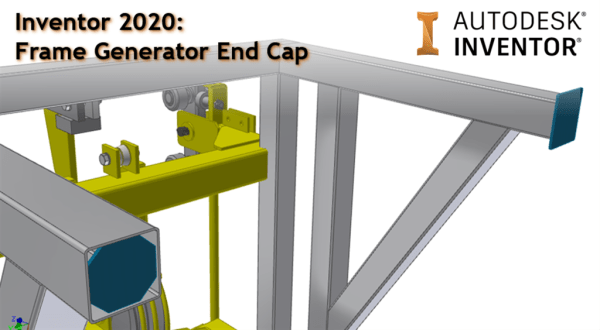
Inventor 2020: Frame Generator End Cap
A great new enhancement to Inventor 2020 is the ability to add "End Caps" to your frames. The "Insert End Caps" command is part of the sleek new panel UI. There are options for the end plates to have either sharp, filleted or chamfered corners, and these caps can be flush, inset, or offset, making... Continue Reading →
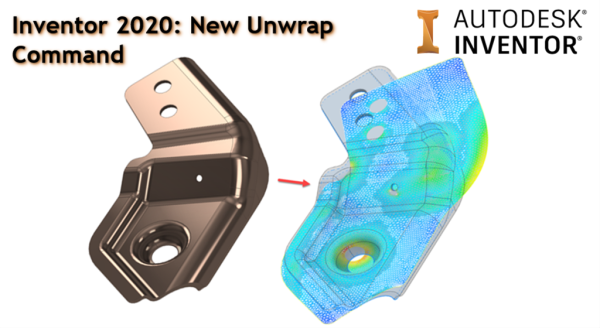
Inventor 2020: New Unwrap Command
Inventor 2020's new Unwrap command allow you to flatten nearly any shape into a flat surface that can be saved or exported in different formats. This is a great stride forward, and will allow sheet metal users to unwrap trickier geometry where material deformation is taking place. It may also help people design things like... Continue Reading →
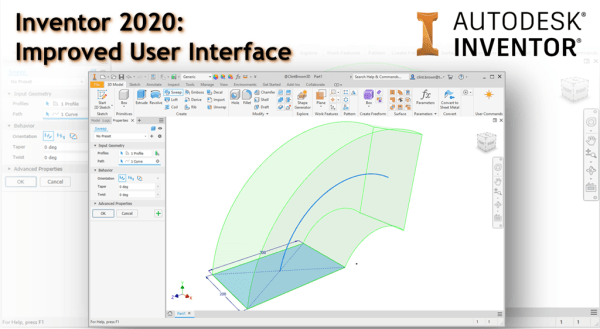
Inventor 2020: Improved User Interface
With the release of Autodesk Inventor 2020, there is a fresh new user interface. Along with a brighter "skin", all of the icons have been re-engineered, making them sharper on 4K displays. But the highlight has to be that more features are moving to the browser interface, or "property panel UI" In Inventor 2020, Extrude,... Continue Reading →
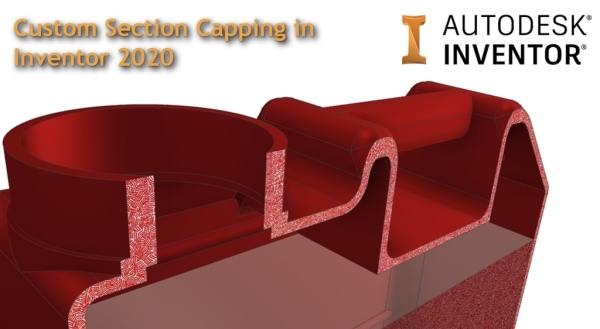
Custom Section Capping in Inventor 2020
A nice new feature in Autodesk Inventor 2020 is the ability to customise Section Capping. When creating half, quarter and 3 quarter sections in parts and assemblies, you are now able to change the default grey (concrete looking) section to a bitmap image in your application options. Note that although the feature is called "Bitmap... Continue Reading →
You must be logged in to post a comment.