Inventor 2021 now comes with a dark theme. Along with the dark theme, the Inventor API samples were updated with a new code sample for switching themes. I converted the initial VBA code sample to iLogic, and it works really well, the code builds a list of available themes (see my thoughts below about this),... Continue Reading →
Time Sheet Helper for Autodesk Inventor
One of the most dreaded tasks I had, when working in a drawing office was my weekly time sheet. I hated it, and the thing I found most difficult was remembering what I had worked on, and when. Because of this, I have written an iLogic utility to help with time sheets. But before I... Continue Reading →
Inventor 2021 – Revit Interoperability
Inventor 2021 has had a major overhaul of the way it handles Revit files. The AnyCAD updates to Inventor 2021, mean that Revit files can be referenced into Inventor assemblies, and any changes that happen to the Revit file, are updated in Inventor through the AnyCAD engine. Working with Architectural data is now easier than... Continue Reading →
Create a Point at the Centre of Gravity with iLogic
I was looking through some of my old iLogic code recently, and I ran across a utility that I wrote, which places a work point at the centre of gravity (COG), of an assembly model. I believe that the code was broadly based on an API sample for creating a work point based on 3... Continue Reading →
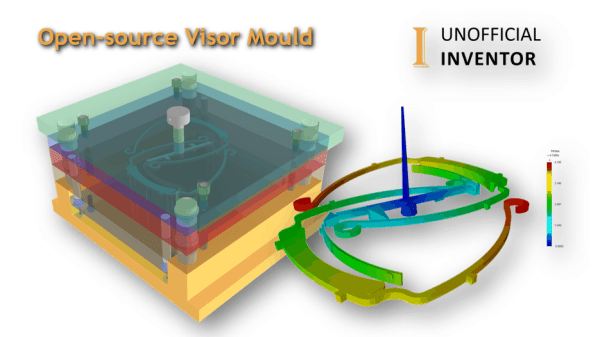
Open-source Visor Mould
Steve Cox of Amfori and I have collaborated on an open-source Visor Injection mould. The files are all available at the bottom of this post. Please feel free to download the files, share them around and share the results with the community, please get in touch if you make any changes, or get this to... Continue Reading →
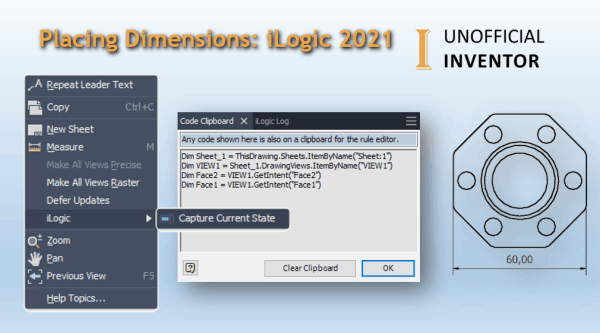
Placing Dimensions: iLogic 2021
Using "Capture Current State" to Automate Dimensions with iLogic. iLogic in 2021 introduces the ability to add dimensions to drawings and to capture the state of selected geometry on a drawing view. In this example I'm going to show you how to create a linear dimension. In the image below I have named some faces... Continue Reading →
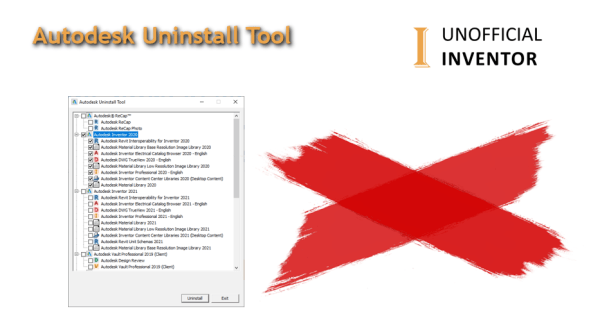
Autodesk Uninstall Tool
For several years now Autodesk have included an uninstall tool with their software. It is the quickest and best way to remove Autodesk software from your Windows system. Fusion 360 is a bit different though, so If you are looking to remove Fusion 360 Please follow these instructions UPDATE: For 2022 and newer software, this... Continue Reading →
Successfully Installing Your Autodesk Software
I've been asked several times recently to help people with installation issues of their Autodesk software, so I thought it would be best to put a blog post together, to make my life (and yours) easier. If you follow these instructions EXACTLY, your instillation should run smoothly (as long as your PC is healthy!) If... Continue Reading →
Compare Part Geometry with iLogic – Guest Post
Guest Post by Jelte de Jong Maybe you know the situation, you have 2 versions of a part. You changed something but can’t find what it was. In those situations I spend a lot of time looking for the difference. Just to find the hole that was moved 1mm. Should I have this problem more often,... Continue Reading →
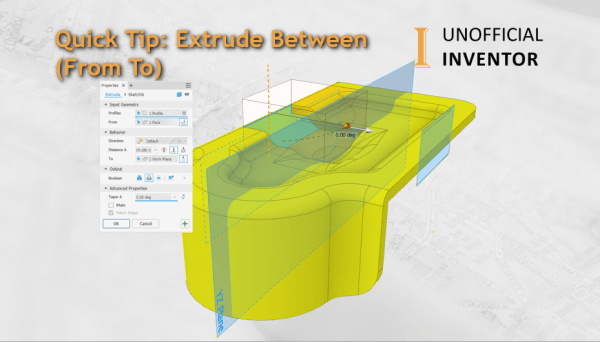
Inventor Quick Tip: Extrude Between (From To)
With the release of Inventor 2020, the Extrude command was moved to the new "Panel Interface", which I love, BUT I got stuck the other day looking for the "Between" option in the extrude command. At the time, I was doing some BETA testing for Inventor 2021, I momentarily thought that this option had been... Continue Reading →
You must be logged in to post a comment.