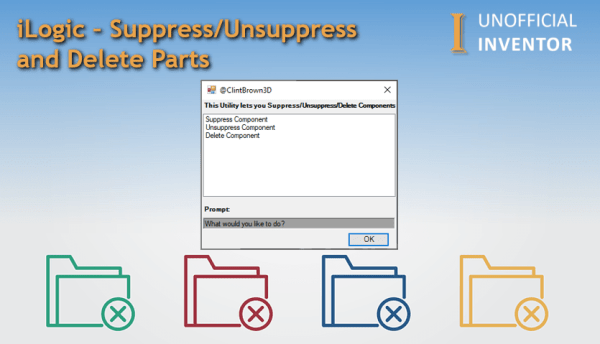
I wrote a blog post a few weeks back, talking about Suppressing/Unsuppressing & deleting iLogic rules, and I got asked on Reddit if this could be applied to Assemblies and Components too. The short answer was yes, the tricky part was including some code to handle custom Levels of detail, which I've done in the... Continue Reading →
What Exactly is iLogic?
What is iLogic? iLogic is an interface that allows Inventor users (non coders) to create routines that automate common tasks, such as changing parameters, updating part numbers, or checking that the correct material has been assigned to the model. Here are 3 reasons to use iLogic: Rules-based design with no programming expertise required Simple way... Continue Reading →
Autodesk University London 2020 #AULondon
AU London 2020 has been postponed, I received this email from Autodesk, check out the FAQ Below. The new dates are 1-2 December 2020. Find out more here: https://www.autodesk.com/autodesk-university/faq
Updated Inventor Starwars Intro
few months back I published the "Creating a Star Wars Intro Scroll in Autodesk Inventor" blog post. This is the updated version, I'm calling it IntroScroller2.0 : In the original post I did not share the files, which a few people have since asked me for, so I thought I would post them, but I also... Continue Reading →
iLogic: Automate Your Print Jobs
Have you ever wanted to use iLogic to print drawings, or create specific printer setups? Look no further, I have converted the Inventor print API sample to iLogic and expanded it to expose additional functions. Using this code you could set up rules for specific print job types, or just for specific printers. The code... Continue Reading →
iLogic – Suppress/Unsuppress and Delete Rules
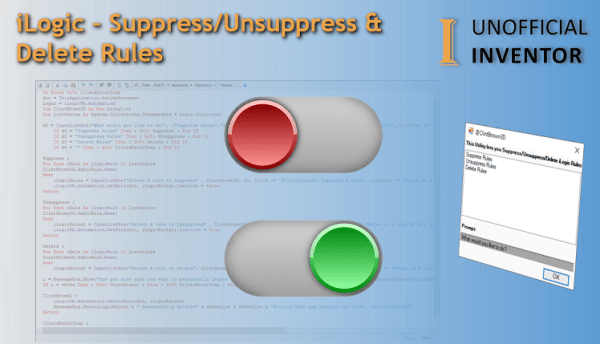
You may need an easy way to delete, suppress or unsuppress iLogic rules in an Inventor file. Generally you may want to delete internal rules in files, as running rules externally is often better (maybe I'll explain my thoughts in another blog post). Doing this is quite simple, see the line of code below. iLogicVb.Automation.DeleteRule(DocumentName,... Continue Reading →
#AU2019
And that's a wrap. Another AU under the belt. I had such a good time catching up with customers, friends and colleagues from around the world. This year was my 10th, which in itself is mind blowing. I didn't present a class this year, which meant I had a lot more time to enjoy AU.... Continue Reading →
iLogic – Run Rules From a List
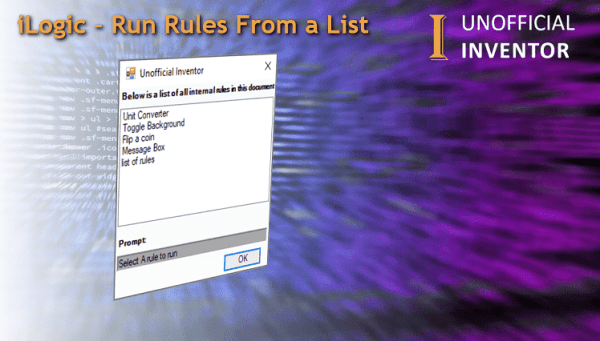
I've written an iLogic rule that gathers the names of all of the internal rules in a file, and then shows them on an input list box. The user can run any rule on the list by clicking on the rule in the list. This could be quite useful for users, as it could pop... Continue Reading →
iLogic – Open File Location
This is more of a quick tip than a blog post, but it's certainly worth sharing, as it may save you some time. Have you ever wanted to open the location of the file you are working on? I was about to publish this blog post, when I got an email from my regular guest... Continue Reading →
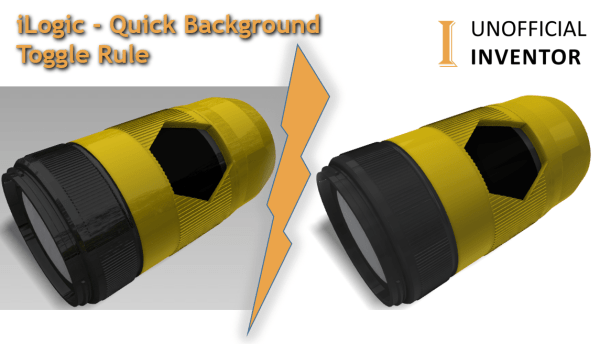
iLogic – Quick Background Toggle Rule
Guest Post by M Veldkamp Here’s a solution to a problem that isn’t really a problem. You want to take screenshots of your model for a presentation, but your inventor background is a blue gradient. You can of course go through the hassle of changing your settings manually but why bother if you can do... Continue Reading →
You must be logged in to post a comment.