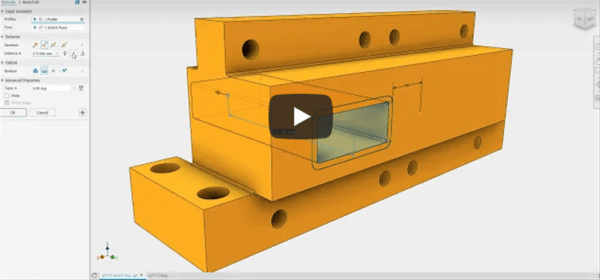
Inventor 2020.1 release is now live, have a look at the details here. One of my new favourite features is the update to "Virtual Components", or virtual parts. These can now be added to your Assemblies directly from the BoM environment. I'm a big fan of them, as they save a lot of time, and... Continue Reading →
Enabling 3D Content in PDF’s
3D CAD Packages like Autodesk Inventor can easily export out 3D PDF's for sharing and collaboration. Generally the person receiving the 3D PDF does not have a CAD system, making this a good way of sharing 3D information. The problem, is that by default Adobe Reader DC blocks 3D content in PDF's. The good news... Continue Reading →
Inventor 2020.1 Update
The Inventor 2020.1 Update is now live, subscribers can access it via the Autodesk Desktop App, as shown below, or via the Autodesk Account. Check out the new features video below: https://www.youtube.com/watch?v=DWUTlk1ES6k For a complete list of enhancements in this update, have a look at the Autodesk Inventor 2010.1 Help file here.
Auto Drawing FAQ – Additional Explanation
I've had a few people who are new to iLogic contact me about my blog post on Automatic Drawing creation with iLogic, and I thought that I should put together this bit of extra help, so that I don't have to reply to 100's of emails! Please note that I put this blog site together... Continue Reading →
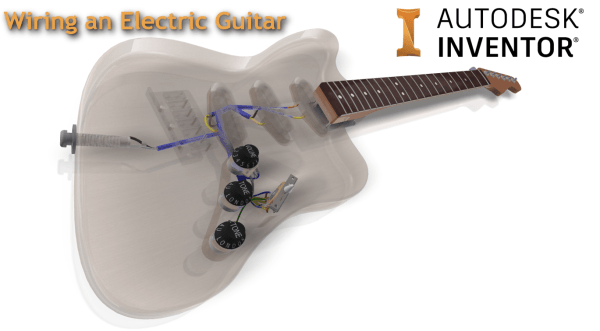
Wiring an Electric Guitar in Autodesk Inventor
As part of the AU London class that I recently ran, I have added some voice narrations to the videos that I recorded around wiring up the guitar. I loosely based my wiring on the information shown on Frailin pickups website: https://www.fralinpickups.com/fralin-wiring-diagrams/. Note that I am not an electrical or electronics expert, the workflow I... Continue Reading →
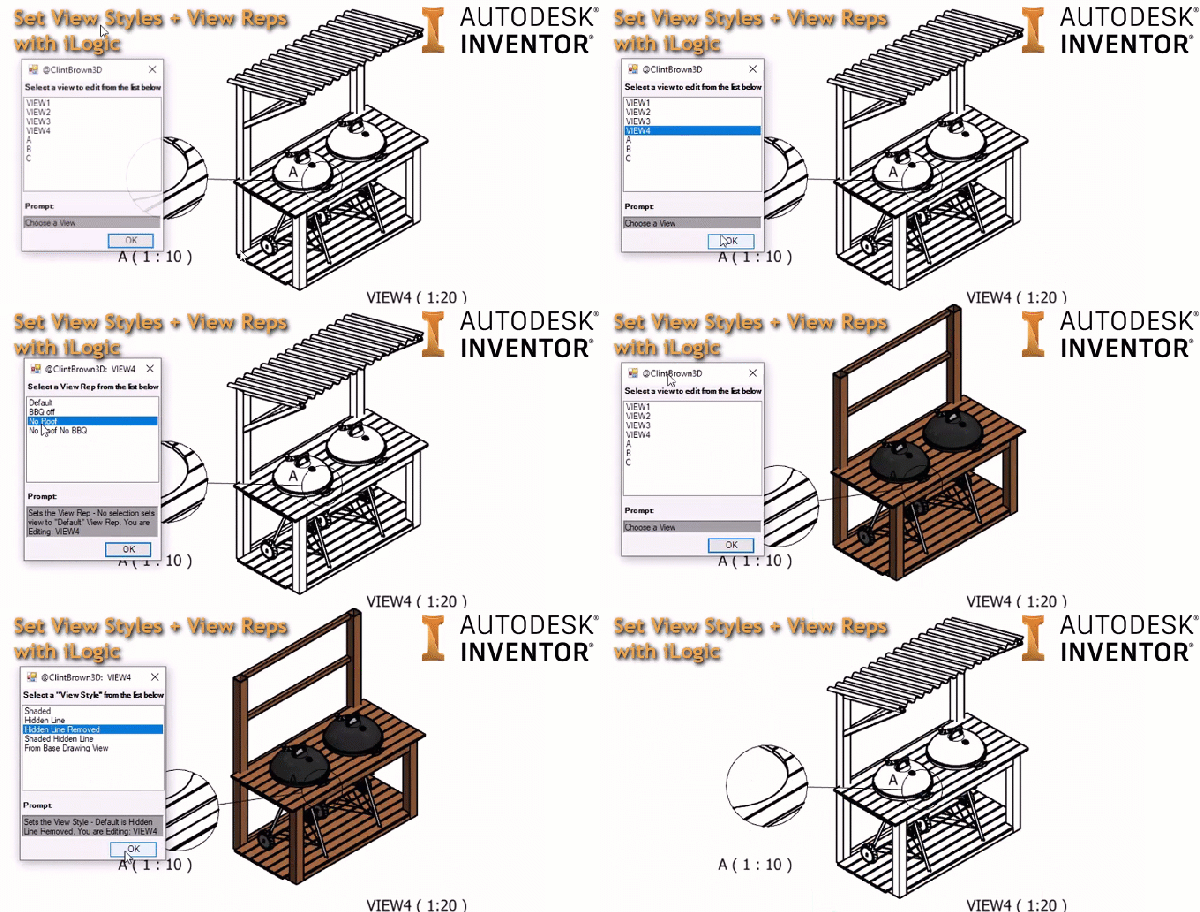
Control Drawing View Reps & Style with iLogic
I've written some iLogic code to control the "View Style" and "View Representation" of drawing views. The code gathers all of the views in the drawing and presents them in a list to the user. It then presents a pre-defined set of "View Styles", once it has done this, it then gathers all of the... Continue Reading →
Heads or Tails with iLogic (UPDATED)
A while back I seemed to get obsessed with finding ways to use random number generators, and I created two interesting use cases, one was a coin flipper and the other was the magic 8 ball, I have these tagged on my site under "Toys", which makes them easier to find. The original Coin Toss... Continue Reading →
AU London 2019 – Thank You!
Another successful AU London done and dusted! The 3rd Annual Autodesk University was held at the Tobacco Dock in London this week. If you missed it, you really missed out, but you can see recordings of the live main stage presentations here: https://www.autodesk.com/autodesk-university/conference/live-stream the classes will probably go live in a few weeks. I just wanted... Continue Reading →
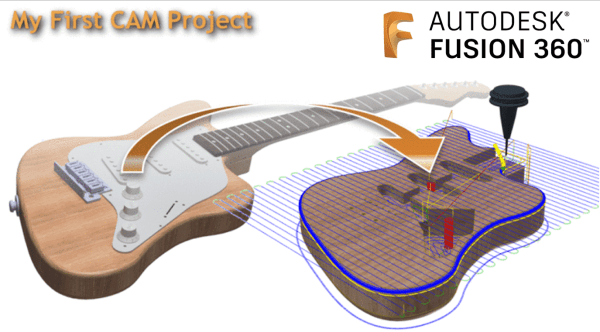
My First CAM Project in Fusion 360
I've been meaning to write this blog post up for weeks! As you may or may not know, this comping week, I will be presenting my Autodesk University London class. The session is called: School of Rock: Building an Electric Guitar with the Product Design & Manufacturing Collection (Code: AULON565) In preparation for the class, I... Continue Reading →
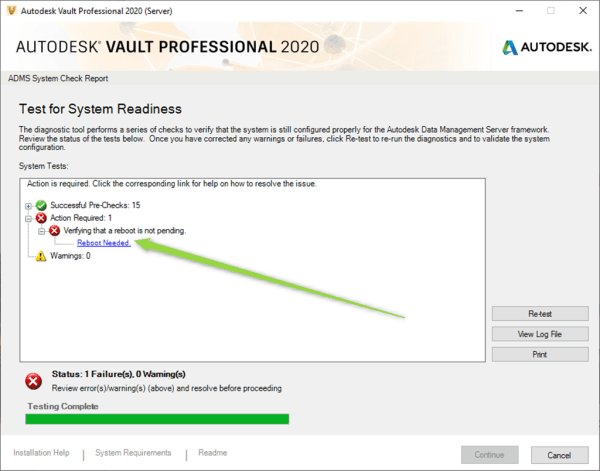
Autodesk Vault Server install – ADMS Pre-checks “Reboot Needed”
In some installations of the Vault server, the "Reboot Needed" error will show on the installer pre-checks. If you have rebooted the server, and the pre-checker still shows this, the steps below will bypass the checker and proceed with the installation of Vault Server. NOTE: This method should be used as a last resort. You... Continue Reading →
You must be logged in to post a comment.