Inventor Quick Tip: Sketch Region Properties

Within the "Sketch" environment in Autodesk Inventor, there is a really handy "Region Properties" tool which calculates properties of selected sketch regions. The calculations performed are; Area, Perimeter, Centroid, Inertia Tensor, Polar Moment of Inertia, Area Moments of Inertia and Radii of Gyration. To access "Region Properties", you must have a sketch active (i.e. you need to be editing... Continue Reading →

What the heck is a Non-Tip Error in Vault?

The "Sync properties not allowed on non-tip versions" error message in Autodesk Vault has been known to cause a bit of a panic with Vault Administrators, as it sounds very serious and re-submitting the failed job does not resolve it. So what does "Sync properties not allowed on non-tip versions" mean? Basically, the job processor... Continue Reading →

Electro-Mechanical Workflows can be easy!

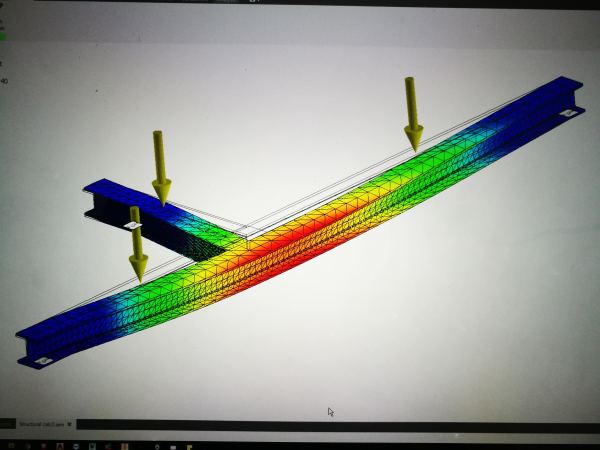
In traditional engineering design processes, electrical and mechanical design workflows have often been separate from each other. This has mainly been down to the tool sets used to create these designs. The Autodesk Product Design & Manufacturing Collection changes all of this. It comes packed with tools that make collaboration between electrical and mechanical teams... Continue Reading →

Autodesk Vault Error Codes

The Vault Job processor may from time to time throw an error, and the list below may come in handy. This list is usually published in the SDK folder, which most users will not have on their Vault servers, so this may prove to be a handy resource to bookmark. Code Name Comments 0 UnspecifiedSystemException... Continue Reading →

Blog Archive

Below is a set of links to my 228 blog posts on Cadline Community. There are even more in the archives, the list below dates back to the 2012 product releases, so should go far enough back. Enjoy! Vault: Improve Collaboration with Shared Views Use Cadline Connect to Manage Your Vault PDFs Inventor - Quick... Continue Reading →

AutoCAD Basics: Change the Background Colour

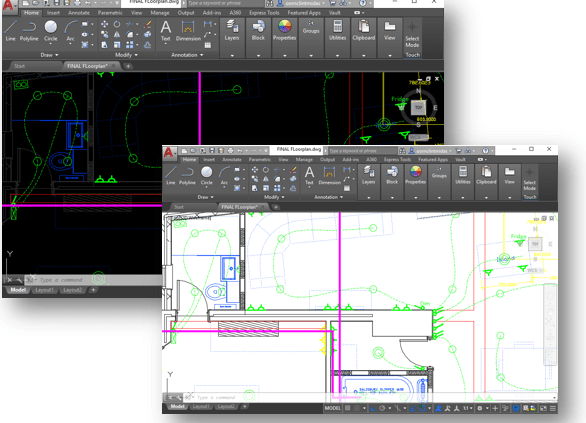
You may want to change the background colour in AutoCAD, this is really easy to do, simply follow the steps outlined below. From your model tab in AutoCAD, simply right click anywhere in the window and select "Options". In the "Options Dialogue", on the "Display" tab, click "Colors", then choose your desired colour from the... Continue Reading →

AU London 2018 Preview

If you're headed to Autodesk University London this year, and are an Inventor or Vault user, you may be interested in the 2 sessions that I am running. The first once is called "Extending Autodesk Vault". The aim of the class, is to show how to add functionality to Vault, using a tool called "Cadline... Continue Reading →

New Look Site

Migration: Welcome to the re-vamped site, it has been neglected over the last few years. For those interested in what I've done, I have migrated over from an old Google Sites web page to a WordPress hosted site. The process was actually painless once I located my DNS settings, which my domain provider had squirrelled... Continue Reading →

Create a website or blog at WordPress.com

Up ↑