If you use "Virtual Parts" in your assemblies, you probably find yourself creating the same parts over and over. This quick blog post shares some iLogic code to create "Virtual Parts" from an Input List Box. The contents of this Input List Box are created from an Array which you can edit to suit your... Continue Reading →
Off Topic – Email “Out of Office” Generator with iLogic
I often need to update my out of office, based on what I am up to, and generally it is something that gets left to the last minute. The messages are often a variation on a theme, depending on what I am doing, and where I am. With this in mind, I thought I would... Continue Reading →
iLogic: Clear Part Appearance Overrides
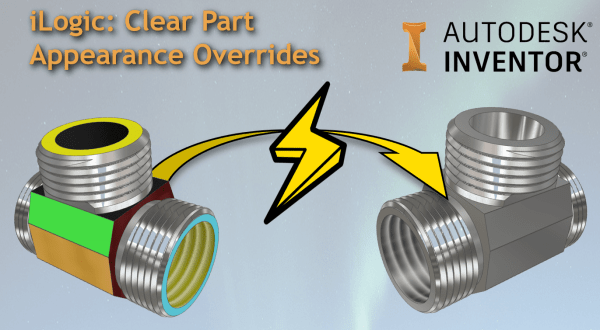
Have you ever wanted to clear all of the face appearance overrides in a part model? Below is some iLogic code that resets all of the faces an Inventor part model. Here is an animation showing the code at work: Below is the iLogic code: 'Original Code by @ClintBrown3D posted at https://clintbrown.co.uk/ilogic-reset-faces On Error... Continue Reading →
iLogic: Hacking the Progress Bar
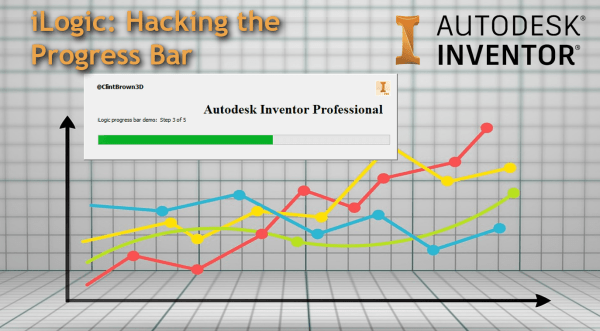
A quick blog post on hacking the progress bar in iLogic
Inventor to Virtual Reality Using 3ds Max Interactive
Do you want to view your Inventor Models in VR? If you have access to the Product Design and Manufacturing collection from Autodesk, you already have everything you need. I was asked this week if there is a workflow between Inventor and 3ds Max Interactive. The good news, is that there is, and that there... Continue Reading →
Keep Bolted Connections Updated with iLogic
Bolted Connections created in Inventor can become out of date when changes to a part in an assembly happen (for example a material thickness change). I've adapted a bit of iLogic code shared on a forum by Rossano Praderi. My version of the code iterates through the assembly, identifies bolted connections, and sets them to... Continue Reading →
Detecting Interference with iLogic
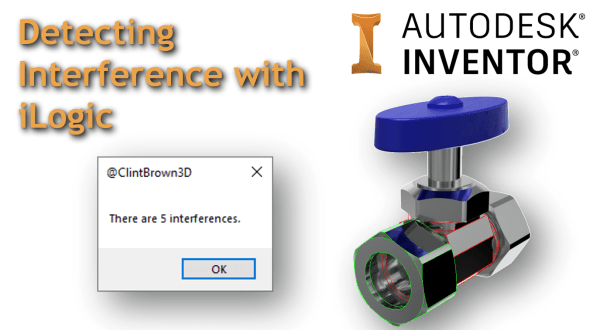
Inventor has a decent set of tools available for checking component interference, but what about running an interference check on the entire model with one click? I have adapted one of the Inventor API samples to work with iLogic, the code iterates through an assembly and highlights the interfering parts. The animated GIF below shows... Continue Reading →
RAL + Pantone + Munsell Colour Generator for Inventor
I have written a tool that generates colours for Inventor based on the RAL, Pantone and Munsell standards. The idea, is that instead of having a full library of all of the colours (over 4000) from these standards, a user can generate the colour needed on demand, and then choose to add this to their... Continue Reading →
Exporting Tube and Pipe Runs in Bending Machine Format
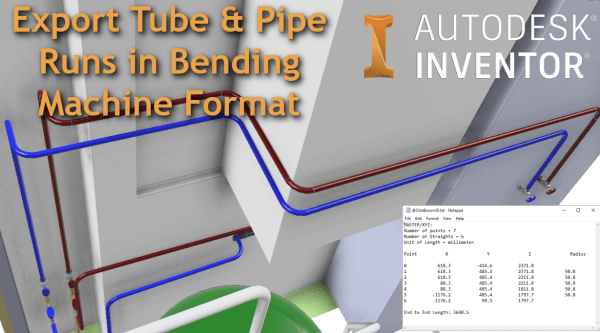
From the Inventor Tube and Pipe Environment, you can export your pipe runs to Bending Machine Formats. The available export types are XYZ, YBC, and LRA. To export Tube & Pipe runs in a bending machine-compatible file format, follow the steps below: Activate "Tube and Pipe Runs" Activate the specific pipe run ("Run02" is active in the image below) Right Click... Continue Reading →
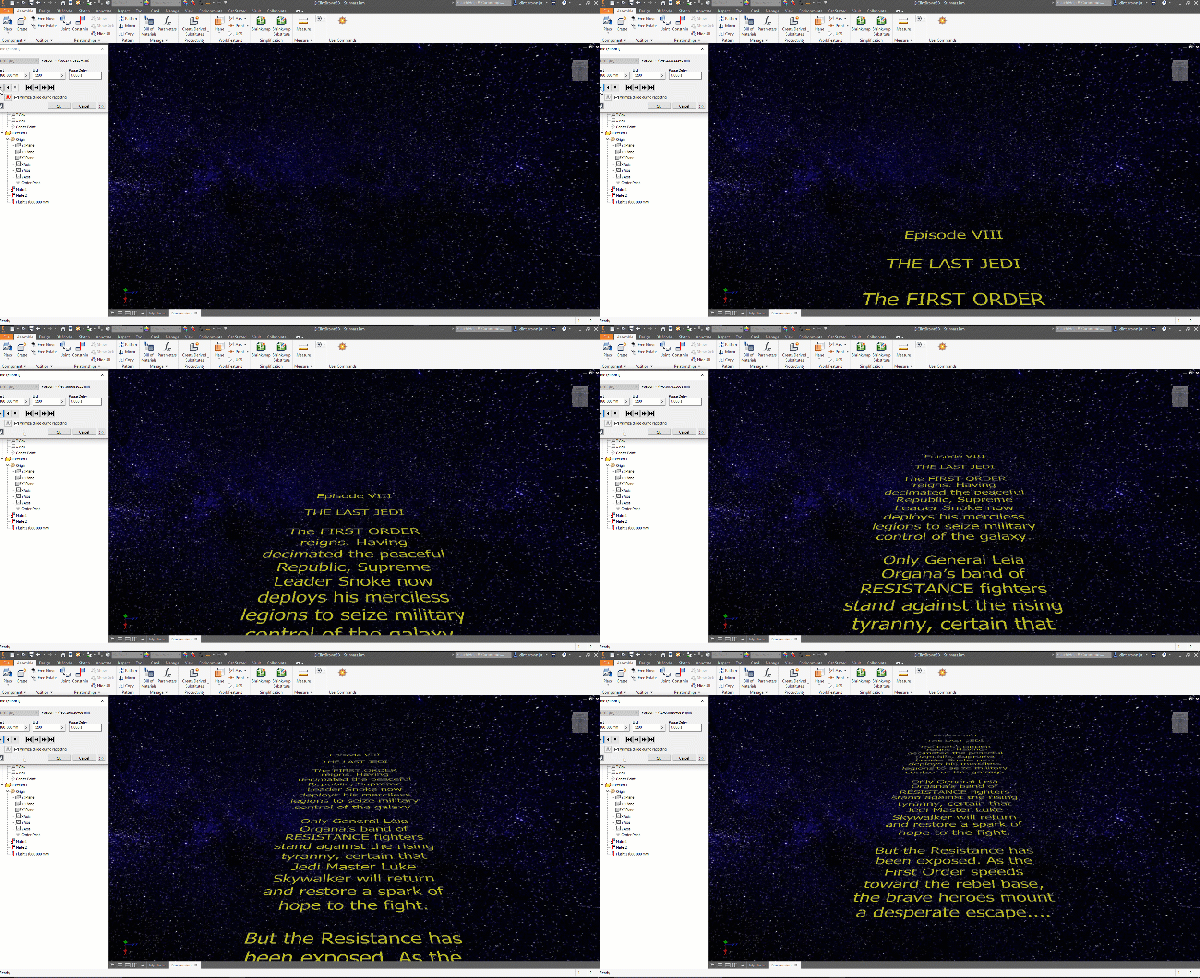
Creating a Star Wars Intro Scroll in Autodesk Inventor
After watching a video on the creation of the famous Star wars intro crawl, I figured that I could easily re-create this in Autodesk Inventor. The results can be seen below: In the original video, a transparent film with the yellow text printed on it, is pulled over a flat plane, while being filmed, this... Continue Reading →
You must be logged in to post a comment.