In a recent video, I addressed the need to pre-populate custom attributes on a drawing title block. Demonstrating with the example of a "Drawn By" attribute, I showed how to set up a custom attribute with a pre-populated override to accommodate multiple users. Watch the video for a practical demonstration: https://youtu.be/svd8H0fanLI
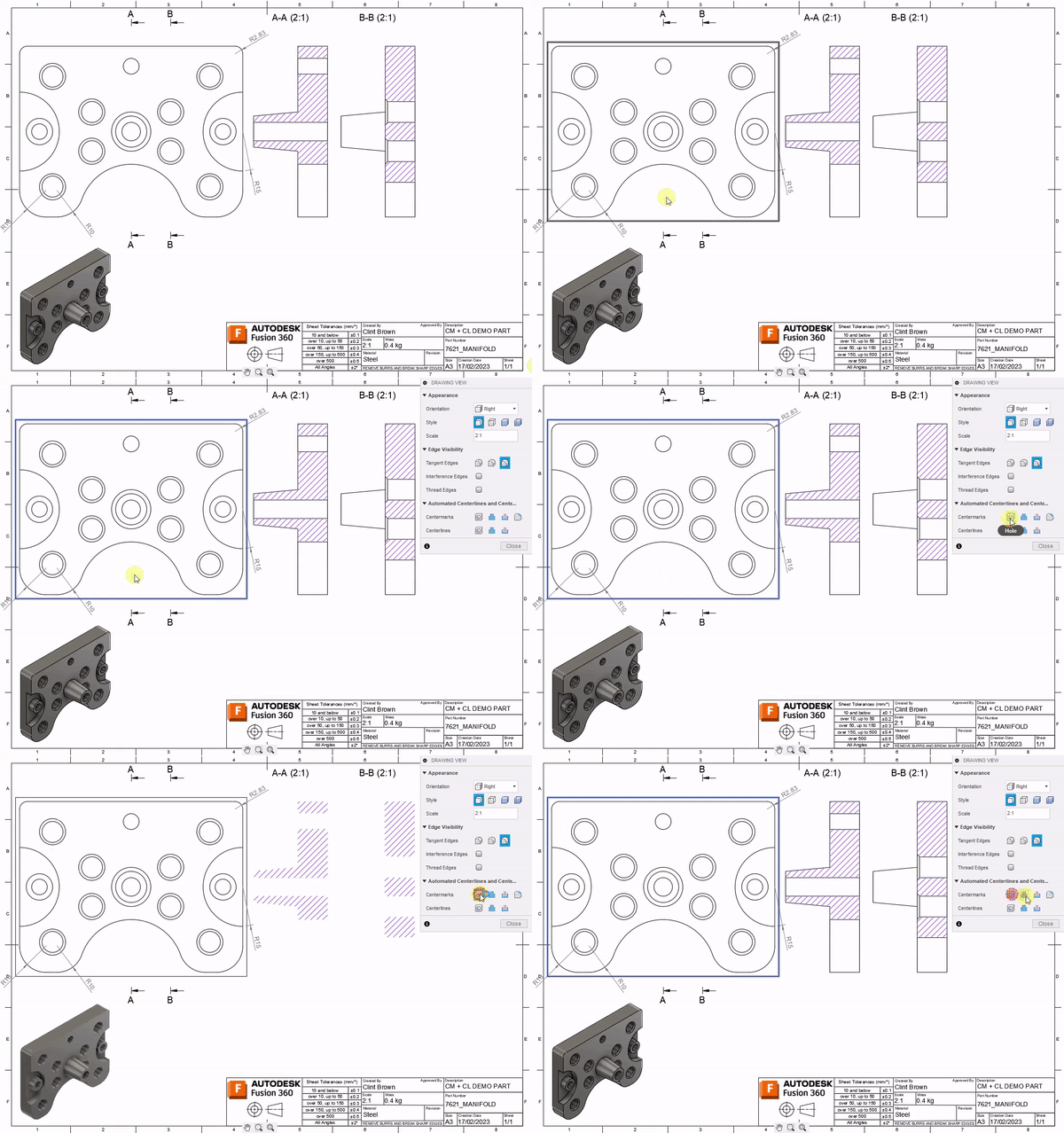
Automatic Center Marks & Center Lines
The April release of #Fusion360 is now live. We've added a Load of great new functionality. In drawings, we added Automatic Center Marks and Center Lines: https://www.autodesk.com/products/fusion-360/blog/april-2023-major-product-update-whats-new/#Drawings3 Check out all the April goodness here:https://www.autodesk.com/products/fusion-360/blog/april-2023-major-product-update-whats-new/
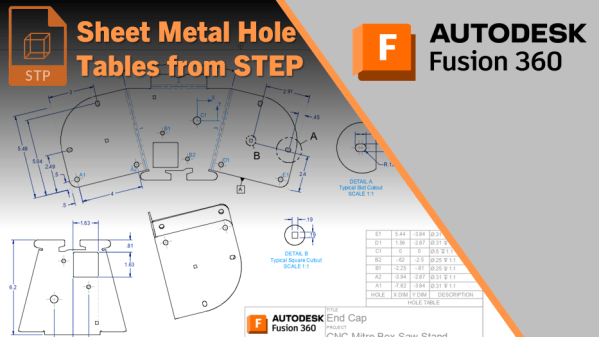
Sheet Metal Hole Tables from STEP
A question was recently asked on the forums about creating hole tables from a flat sheet metal component. The trick, though, is that the component is a STEP file, or comes from other software such as Inventor or SolidWorks. I've previously documented a workflow for non-sheet metal parts here, which is much simpler. With Sheet... Continue Reading →
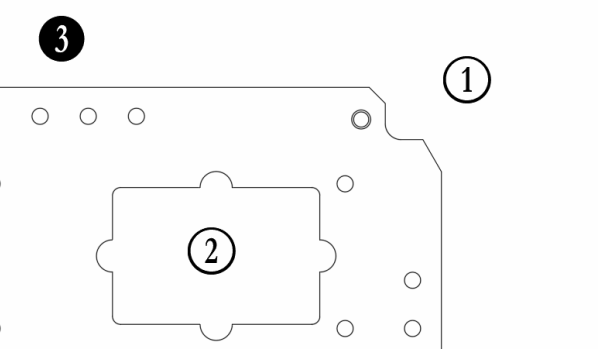
Numberpile for the Win!
Ever wanted to place a balloon without a leader onto a drawing in Fusion 360? I've recently shared a workaround, and thought I should document it. The trick is to download and install the Numberpile font. It comes in 2 variants, Numberpile & Numberpile Reversed. The "Reversed" version is more traditional (see bubbles 1 &... Continue Reading →
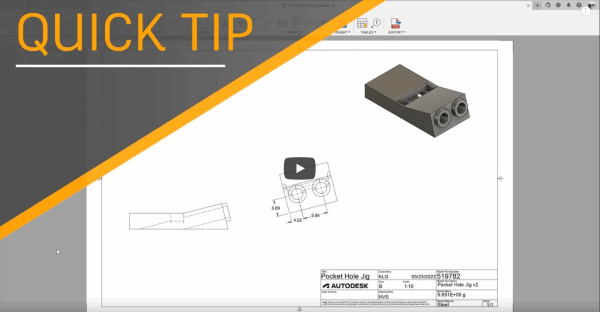
Auxiliary Views in Fusion 360
In the May 2022 release of Fusion 360, we added Auxiliary views. My colleague Kyle put together a great quick tip video: https://youtu.be/97Ku7VuekIg It's worth noting that when selecting an edge, you can pull a view off of it, either perpendicular (left, as per video above), or aligned to the edge (right). In the images... Continue Reading →
Hole Charts from STEP Files
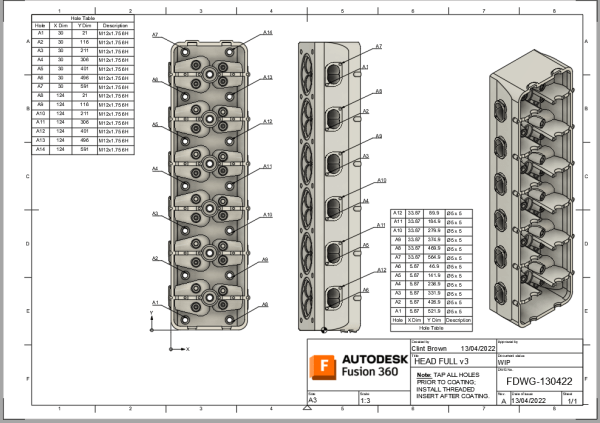
I was asked how to get hole information from a STEP file into a Hole Chart in Fusion 360. As you know, STEP files are a neutral file format that do not contain any features. Fusion 360 has a really neat tool called “Find Features”, which allows you to recognize the features in an imported... Continue Reading →
Hole Charts in Fusion 360 Drawings
In the last update to Fusion, we added hole charts, they're pretty awesome. For all the details, and a handy video, check out the blog post I wrote for the official Fusion 360 blog by clicking on the image below. Click me for more details and a video
Edit Balloon Sizes & Text Heights
In the August update to Fusion 360 we added control over Text Height Groups. This enhancement give users control over the text based annotations on drawings, including Balloons! The default setting for Text Height Groups is "Medium", changing this to "Small", or "Large" with scale all text elements down or up proportionally. Dimension arrows, text... Continue Reading →
Fusion 360 Quick Tip: Editing Parts Lists
If you have ever wanted to hide specific rows in your parts list, then this is the quick tip for you! The video below shows how you can hide rows and re-number items. https://youtu.be/thjXodr5OlY UPDATE: Here's a quick follow-up video, just in case you're looking for more flexibility around all-level parts lists, in this video... Continue Reading →
Switching Title Blocks
In the drawings environment it is possible to import a title block from another template file (note I said template, not drawing). So you're looking to update your title block, or to swap your title block for a newer one, the good news is that there is a really simple way to do this. You... Continue Reading →
You must be logged in to post a comment.