iLogic: Show Flat Pattern Orientation

Guest Post by Jelte de Jong At the company that I work for, we make products that are almost entirely composed of sheet metal parts. We cut and bend our products ourselves, we export our flat patterns out, to be used in our CAM software. When preparing flat patterns for export, I sometimes get confused, as... Continue Reading →

iLogic Theme Switcher

Inventor 2021 now comes with a dark theme. Along with the dark theme, the Inventor API samples were updated with a new code sample for switching themes. I converted the initial VBA code sample to iLogic, and it works really well, the code builds a list of available themes (see my thoughts below about this),... Continue Reading →

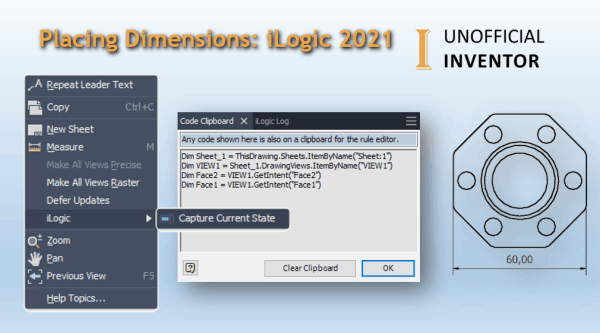
Placing Dimensions: iLogic 2021

Using "Capture Current State" to Automate Dimensions with iLogic. iLogic in 2021 introduces the ability to add dimensions to drawings and to capture the state of selected geometry on a drawing view. In this example I'm going to show you how to create a linear dimension. In the image below I have named some faces... Continue Reading →

Taming Large Assemblies in 3.5 Mins

There is a ton of really bad advice out there about managing large assemblies. As Inventor users, we need to keep up to date with the latest advice from Autodesk, some of the things that were advisable with earlier release are now obsolete. Save yourself hours of pain, here is some great advice from Autodesk,... Continue Reading →

iLogic Settings: Migrating to Inventor 2021

So you have installed your shiny new version of Autodesk Inventor 2021, and you realised that your iLogic "stuff" has not been migrated over. The settings migration tool is really useful for most settings, but your external rules, external forms and custom code snippets do not come across. Fear not, it's really easy to do,... Continue Reading →

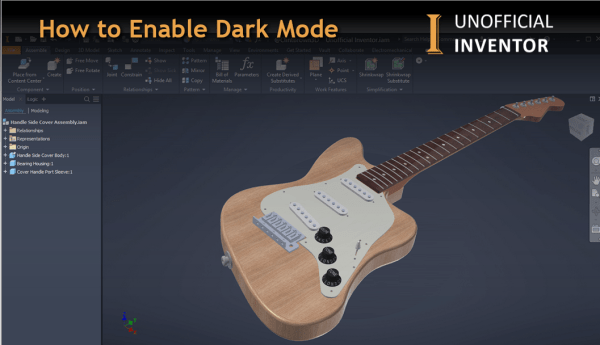
How to Enable Dark Mode – Inventor 2021

With the release of Inventor 2021, "Dark Mode" is now available, and if you've been wondering how to enable it, gere's how! Got to ToolsThen Application OptionsOn the Colors Tab, find the "UI Theme" drop downChoose "Dark"Click Apply Click me for a Higher Resolution Image After a few seconds, Inventor will now show the new... Continue Reading →

Create a website or blog at WordPress.com

Up ↑