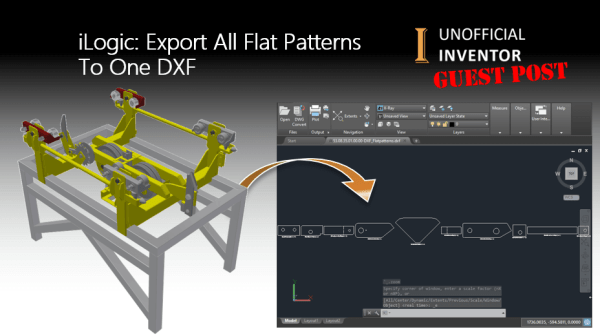
Guest Post by Jhoel Forshav Since this is my first guest blog post on the Unofficial Inventor blog, I’d like to thank Clint Brown for inviting me to do this. Those of you who visit the Inventor Customization Forum from time to time may have seen my name before, as I’m a very active in... Continue Reading →
iLogic: Unexpected Results
Guest Post by Jelte de Jong If you have read any of my blogs post before, you'll know that I like to challenge myself to solve other Inventor user's problems. I usually find these problems on the Inventor Customization Forum. A while back, I came across an interesting problem. This user wanted to change the iProperties... Continue Reading →
iLogic: Rotating Section Views – Guest Post
By Dutt Thakar I've written 2 iLogic utilities that I hope you will find useful. The first one rotates a section line at a specified angle. To get it to work, you simply need to edit your section sketch, then add in an angled dimension. In my example this dimension is controlled by parameter "d0".... Continue Reading →
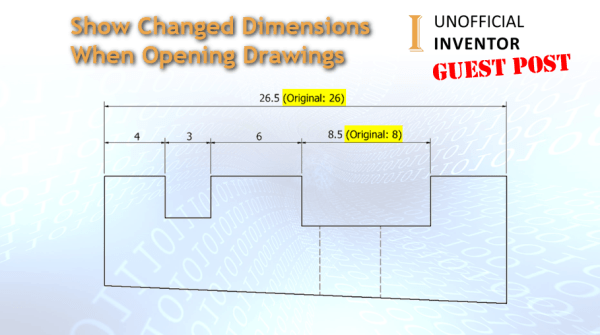
Show Changed Dimensions When Opening Drawings
Guest Post by Jelte de Jong The other day I had a look at the “Inventor Ideas” forum. I came a cross the following topic “Show Changed Dimensions when Opening Drawings”. (link) Last week someone requested this function in inventor but as it turns out that exactly the same function was also requested in 2017. (link)... Continue Reading →
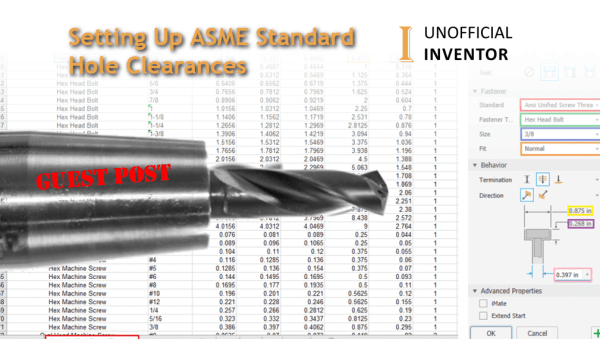
Setting Up ASME Standard Hole Clearances
Guest post by Tanner Dant I recently came across a new challenge while working in Inventor. By default, Inventor does not include ASME standard clearances in the hole command, and I needed to use them for my project. A little internet sleuthing showed me a way to add data to the hole command dialog, and... Continue Reading →
iLogic: Show Flat Pattern Orientation
Guest Post by Jelte de Jong At the company that I work for, we make products that are almost entirely composed of sheet metal parts. We cut and bend our products ourselves, we export our flat patterns out, to be used in our CAM software. When preparing flat patterns for export, I sometimes get confused, as... Continue Reading →
Compare Part Geometry with iLogic – Guest Post
Guest Post by Jelte de Jong Maybe you know the situation, you have 2 versions of a part. You changed something but can’t find what it was. In those situations I spend a lot of time looking for the difference. Just to find the hole that was moved 1mm. Should I have this problem more often,... Continue Reading →
One Rule to Search Them All – Guest Post
Guest Post by Jelte de Jong Over the years, I have created several assemblies containing many parts with various iLogic rules, generally they work perfectly. But sometimes for seemingly no reason, an edge case will not work as expected, and is usually discovered by a colleague. The challenge is that I then need to find... Continue Reading →
8 Ways to Edit iProperties – Guest post
Guest Post by Sarah Manning In this blog post, I'm going to show you 8 ways to access and edit iProperties in Autodesk inventor, I've focused this primarily on parts and assemblies, but the concept is very similar across other file types too. Also check out the section at the end for tips on editing your... Continue Reading →
Inventor – Expanded Menu Quick Tip
Guest Post by Sarah Manning Thanks for checking out my first Inventor guest blog, this is a "Quick Tip", I hope you find it useful. Inventor users might find it difficult to locate specific commands which seem hidden away under drop downs, or expanded menus. For instance the "Move Bodies" and "Bend" commands, are tucked... Continue Reading →
You must be logged in to post a comment.