iLogic: Export Sheet Metal BoM

Autodesk Inventor has an Excellent Bill of Materials (BoM) interface which allows user to create and Export BoM's from the assembly environment. However, if you have an Assembly model that has a mix of normal and sheet metal components, there is no way to distinguish between the 2 part types in the BoM environment. I've... Continue Reading →

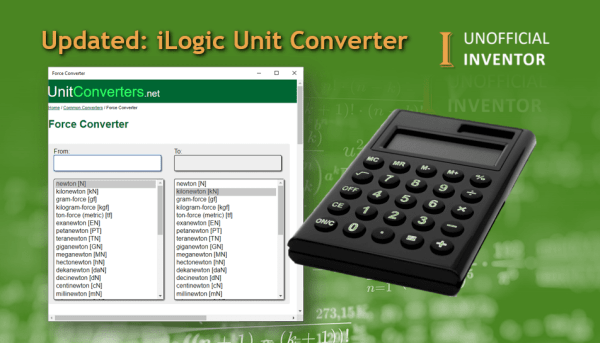
Updated: iLogic Unit Converter

Some months back, I created the "iLogic Unit Converter" which used an old Autodesk website that is stored on the Internet Archive. It was a nice proof of concept, but was actually not very useful, due to speed issues and the limited number of conversions available. With that in mind, I updated the code to... Continue Reading →

iLogic: BoM Emailer

I was looking through some of my site logs, and people have been searching for a way to email their BoM's from Inventor. As I already have the iLogic code for sending emails, and for exporting BoM's this was very easy to put together. I added a small section that allows the user to choose... Continue Reading →

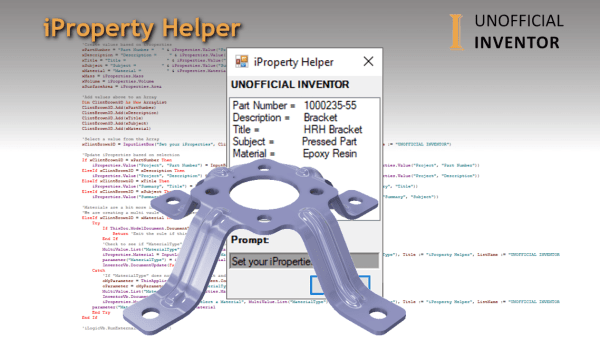
Inventor iProperty Helper

Over the years I have written several iLogic utilities for various customers, primarily to force users to fill in iProperties and ensure that model materials are correctly set. The "iProperty Helper", is different, it's a simple dialogue that displays the current iProperties of the model, clicking on a specific iProperty in the list (eg. Part... Continue Reading →

Using XML to Drive iLogic Configurations

This blog post is something that I have been wanting to share for some time, it is definitely a topic that should be given some serious consideration when creating iLogic configurations. What exactly am I on about? When creating Assembly and Drawing files in Inventor, there is the potential to create several thousand files every... Continue Reading →

Inventor – Expanded Menu Quick Tip

Guest Post by Sarah Manning Thanks for checking out my first Inventor guest blog, this is a "Quick Tip", I hope you find it useful. Inventor users might find it difficult to locate specific commands which seem hidden away under drop downs, or expanded menus. For instance the "Move Bodies" and "Bend" commands, are tucked... Continue Reading →

Create a website or blog at WordPress.com

Up ↑