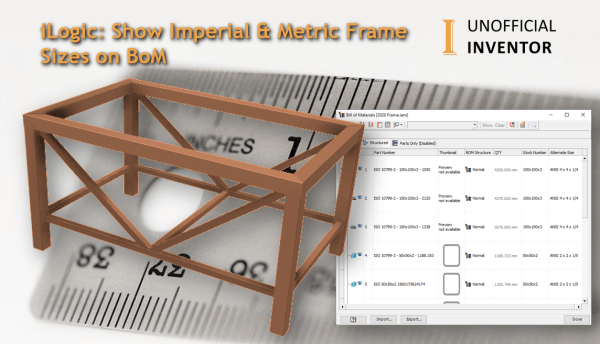
I saw a thread on Reddit, where someone asked how to "show both Imperial and Metric steel sizes in a Parts List" I initially replied with a single line of iLogic, but this got me thinking. I've written an iLogic utility that lets users specify an alternative value for each of the members in their... Continue Reading →
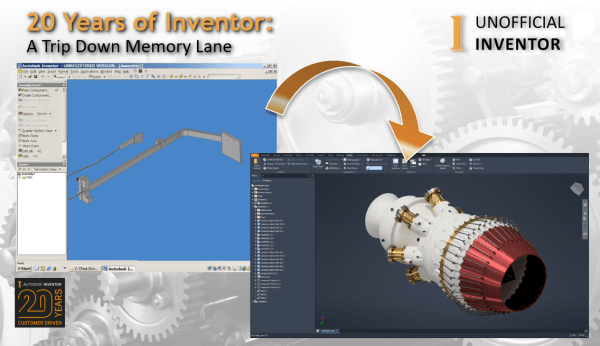
20 Years of Inventor: A Trip Down Memory Lane
Inventor turned 20 in September 2019 and at Autodesk University 2019 several key updates, as well as the new Dark Mode were announced. In light of this, I thought it would be fun to dig up some old Inventor videos and screenshots. Here are some old interface images, below is Inventor R8: This is Inventor... Continue Reading →
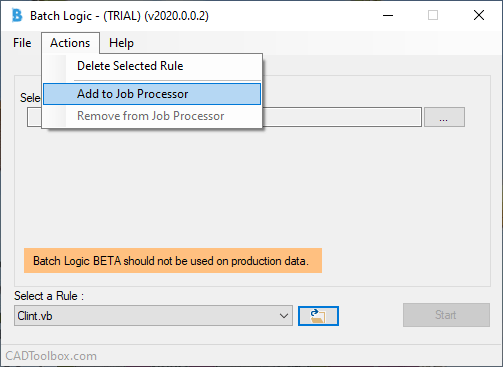
Batch Logic for Inventor & Vault
Thomas Rambach of CADToolbox.com recently asked if I would BETA test his latest creation "Batch Logic". Before I get into Batch Logic, it's worth pointing out that Thomas is the creator of Swift Prints and Design Notes for Inventor. Batch Logic is two fantastic utilities rolled into one, the first for Inventor and another for... Continue Reading →
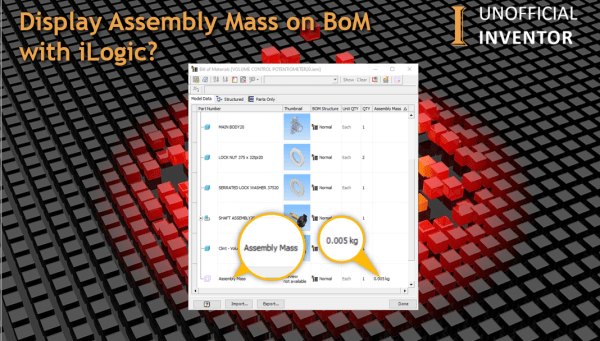
Display Assembly Mass on BoM with iLogic?
Autodesk Inventor's BoM environment is a really useful tool for understanding the composition of Assembly files, but the one thing it does not offer, is the total Mass of the assembly. To remedy this, I have written some iLogic code to create a virtual component, the Mass of the Assembly is written to a custom... Continue Reading →
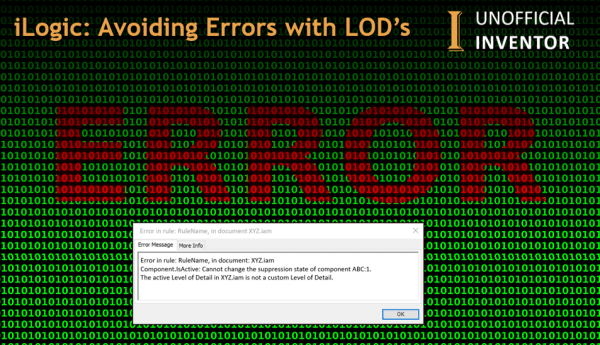
iLogic: Avoiding Errors with LOD’s
If you have ever wanted to suppress a component using iLogic, you may have come up against the error message below. Error in rule: RuleName, in document: XYZ.iam Component.IsActive: Cannot change the suppression state of component ABC:1. The active Level of Detail in XYZ.iam is not a custom Level of Detail. The reason for this,... Continue Reading →
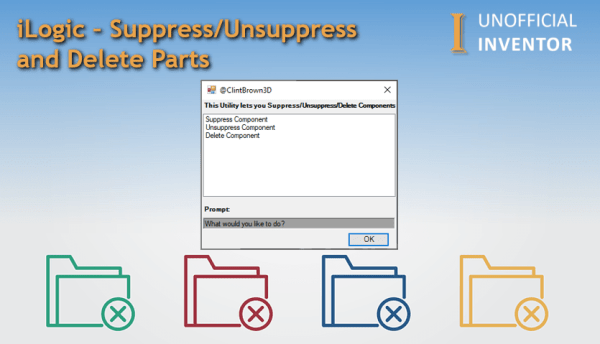
iLogic – Suppress/Unsuppress and Delete Parts
I wrote a blog post a few weeks back, talking about Suppressing/Unsuppressing & deleting iLogic rules, and I got asked on Reddit if this could be applied to Assemblies and Components too. The short answer was yes, the tricky part was including some code to handle custom Levels of detail, which I've done in the... Continue Reading →
What Exactly is iLogic?
What is iLogic? iLogic is an interface that allows Inventor users (non coders) to create routines that automate common tasks, such as changing parameters, updating part numbers, or checking that the correct material has been assigned to the model. Here are 3 reasons to use iLogic: Rules-based design with no programming expertise required Simple way... Continue Reading →
Updated Inventor Starwars Intro
few months back I published the "Creating a Star Wars Intro Scroll in Autodesk Inventor" blog post. This is the updated version, I'm calling it IntroScroller2.0 : In the original post I did not share the files, which a few people have since asked me for, so I thought I would post them, but I also... Continue Reading →
iLogic: Automate Your Print Jobs
Have you ever wanted to use iLogic to print drawings, or create specific printer setups? Look no further, I have converted the Inventor print API sample to iLogic and expanded it to expose additional functions. Using this code you could set up rules for specific print job types, or just for specific printers. The code... Continue Reading →
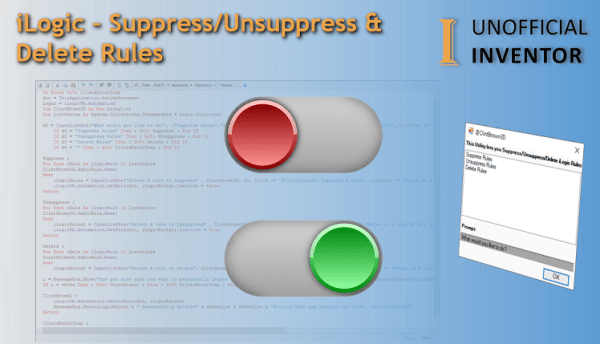
iLogic – Suppress/Unsuppress and Delete Rules
You may need an easy way to delete, suppress or unsuppress iLogic rules in an Inventor file. Generally you may want to delete internal rules in files, as running rules externally is often better (maybe I'll explain my thoughts in another blog post). Doing this is quite simple, see the line of code below. iLogicVb.Automation.DeleteRule(DocumentName,... Continue Reading →
You must be logged in to post a comment.