Let’s Rock at AU London 2019

It's just about that time of year again! I'll be presenting at the 3rd Autodesk University at the Tobacco Dock in London. The event is on the 18th and 19th of June. If you don't have a ticket yet, hurry, they won't be available after the middle of this week. This year I decided not... Continue Reading →

Moving from 2D AutoCAD to 3D

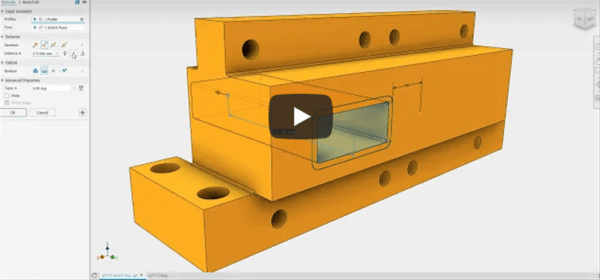
Are you thinking of making the leap to 3D Design from 2D AutoCAD? There are several options available from many CAD vendors, but only ONE that works with native DWG technology. If you want to re-use your AutoCAD data and safeguard years of work, check out Autodesk Inventor. Initially developed by the creators of AutoCAD... Continue Reading →

3 Reasons To Stop using IGES Files

Anyone who has worked with me, will know that I am not a fan of the IGES file format. Having worked in the Automotive OEM supply chain in the early 2000's, I have had my fair share of issues with IGES files. Mostly related to geometry that contained missing faces, gaps or faces oriented incorrectly... Continue Reading →

AutoCAD Quick Tip: Convert PDF to DWG

AutoCAD has the ability to convert any Vector based PDF files into DWG (or DXF). Vector based PDF's are usually PDF's that have been published by a drawing package and contains lines circles and arc, as well as layer information. Simply go to the "Insert" tab, then click on PDF, from there the wizard interface... Continue Reading →

Understanding Units in AutoCAD

Setting your Units of Measure in AutoCAD is relatively straightforward. To check the current .dwg file's units, simply type UNITS into your command line, then choose the units of measure that you wish to use. When creating a new drawing in AutoCAD, it is important to start with the correct template. For a Metric (millimetre)... Continue Reading →

AutoCAD: Quick Tip – Isolate Layers

  In AutoCAD you can hide all but the selected layer. From "Layer Properties" Right Click on the layer you wish to show,  and select "Isolate selected layers". This will turn off all layers except the layer(s) that you have selected. To turn all of the layers back on, use a "shift select" to select... Continue Reading →

Create a website or blog at WordPress.com

Up ↑