Here are the 6 most popular iLogic routines on this site. Click on the header images below to view the individual articles:
6 Best iLogic Routines

Fusion 360 Blog
Here are the 6 most popular iLogic routines on this site. Click on the header images below to view the individual articles:

Have you ever wanted to clear all of the face appearance overrides in a part model? Below is some iLogic code that resets all of the faces an Inventor part model. Here is an animation showing the code at work: Below is the iLogic code: 'Original Code by @ClintBrown3D posted at https://clintbrown.co.uk/ilogic-reset-faces On Error... Continue Reading →
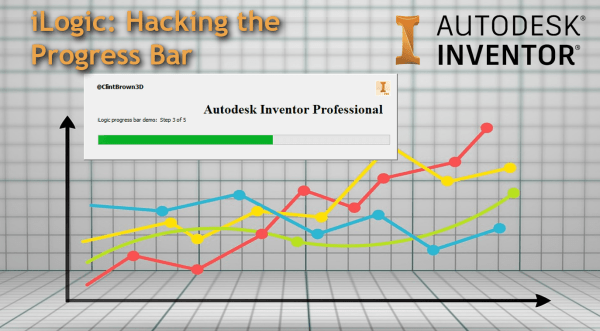
A quick blog post on hacking the progress bar in iLogic

Bolted Connections created in Inventor can become out of date when changes to a part in an assembly happen (for example a material thickness change). I've adapted a bit of iLogic code shared on a forum by Rossano Praderi. My version of the code iterates through the assembly, identifies bolted connections, and sets them to... Continue Reading →
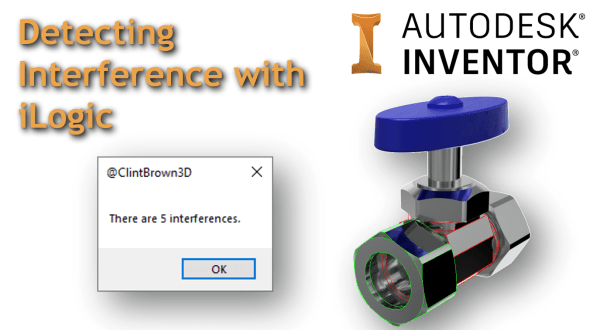
Inventor has a decent set of tools available for checking component interference, but what about running an interference check on the entire model with one click? I have adapted one of the Inventor API samples to work with iLogic, the code iterates through an assembly and highlights the interfering parts. The animated GIF below shows... Continue Reading →
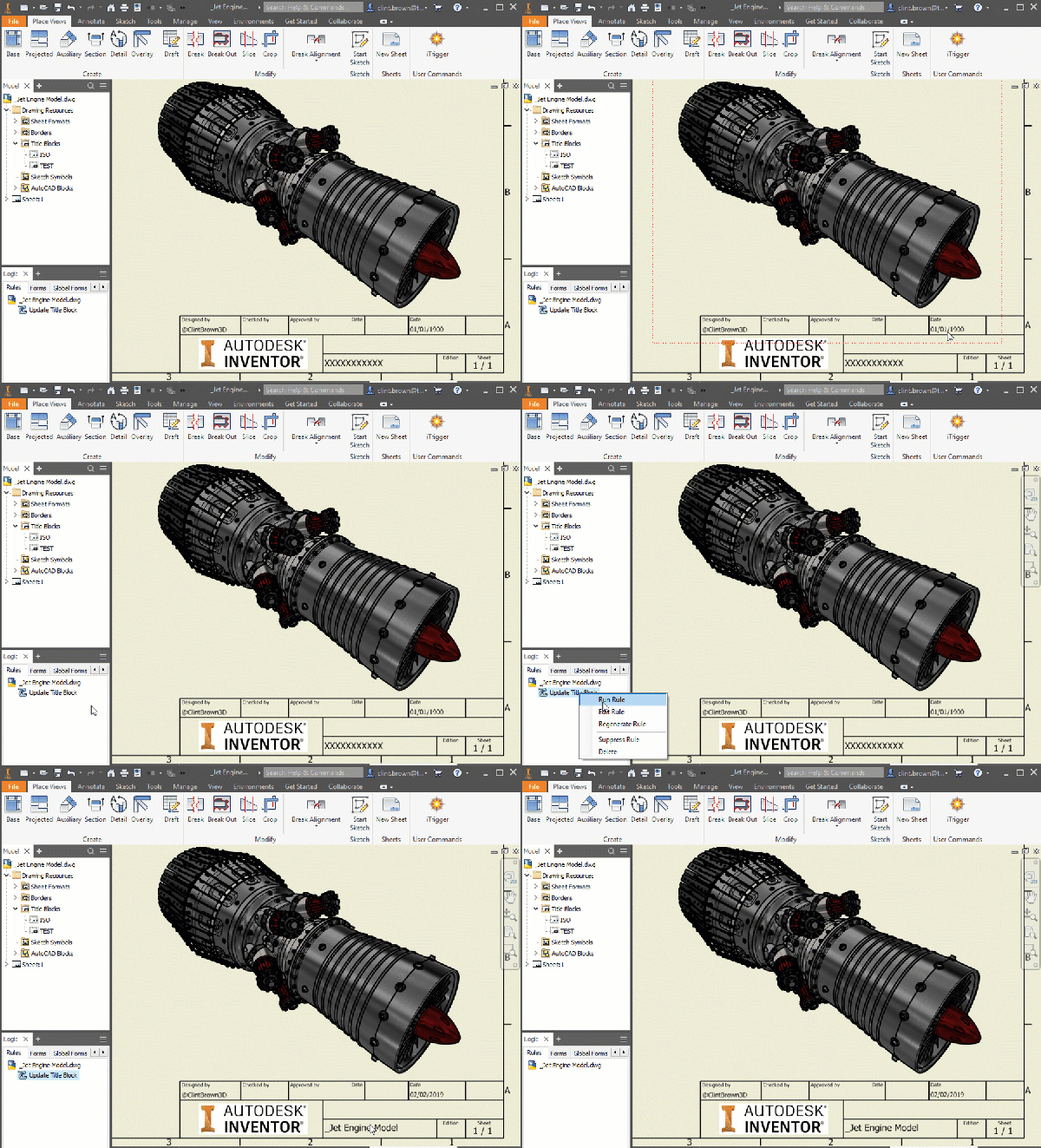
I've written a bit of iLogic code for a rather niche problem in Autodesk Inventor, but it is something that you may come up against at some stage, or something I may need to refer back to in the future! When Inventor drawings are copied, particularly during a "File > Save As > Save Copy... Continue Reading →

I have written a tool that generates colours for Inventor based on the RAL, Pantone and Munsell standards. The idea, is that instead of having a full library of all of the colours (over 4000) from these standards, a user can generate the colour needed on demand, and then choose to add this to their... Continue Reading →
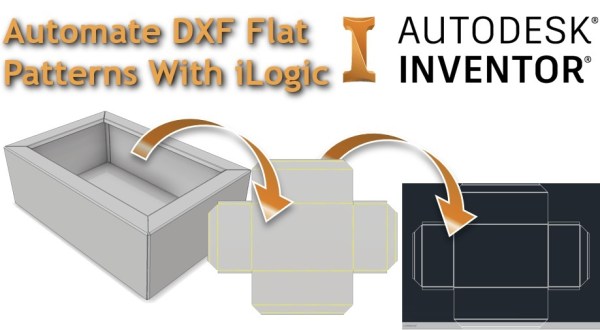
I've written a bit of iLogic code that will export out a DXF file from a sheet metal model. The code checks whether a flat pattern exists in the part, if one is present, it goes to the flat pattern, exports the DXF to the predetermined file location and then returns the part back to... Continue Reading →

Autodesk Inventor iLogic rule to export faces to DXF
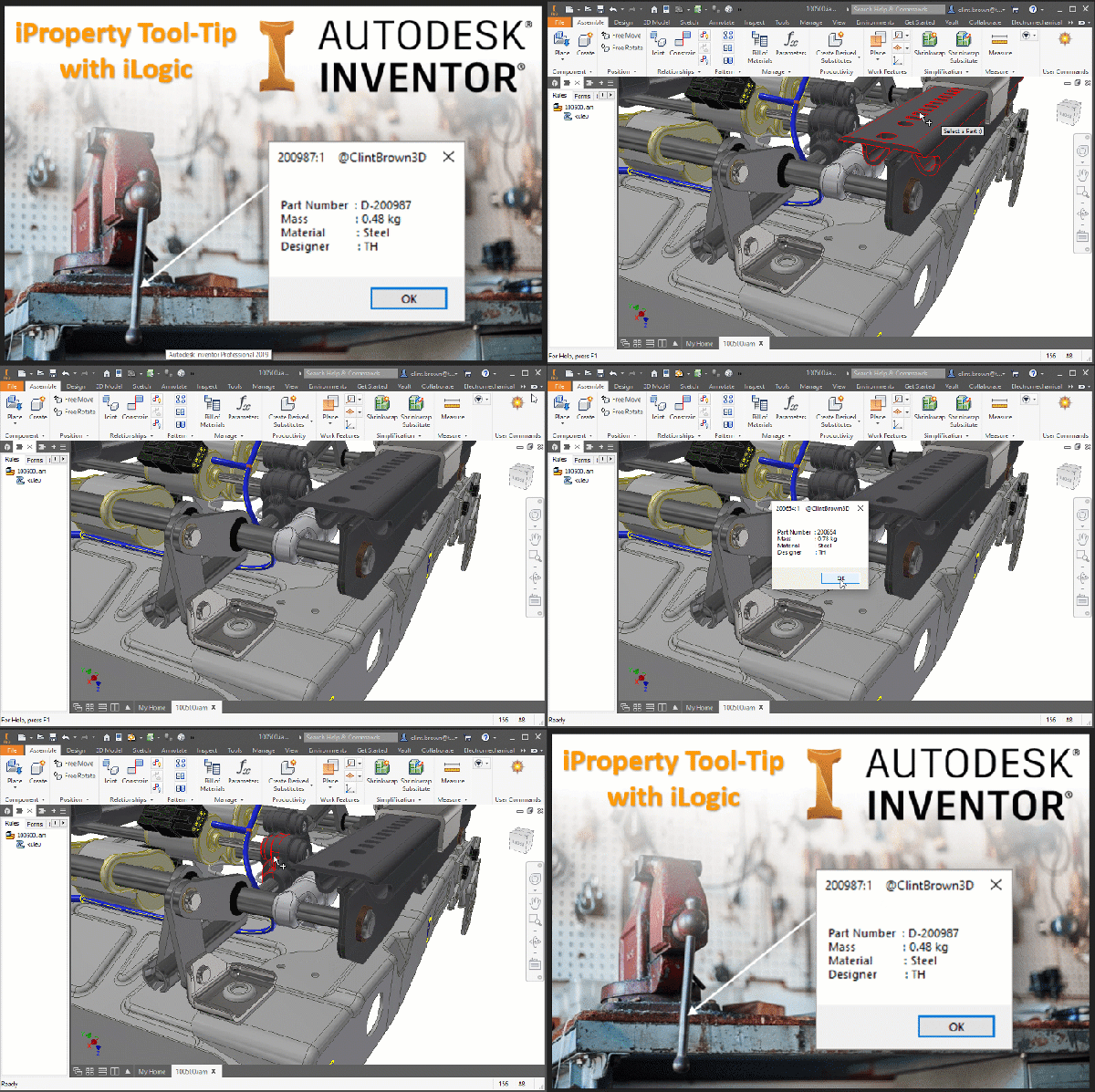
I found some code on a forum showing how to handle mouse events in iLogic. Using the mouse selection code, I decided to write a bit of iLogic to show iProperties, for parts selected in an Assembly file. In the code, I have set the selection filter to "Part", the default is "Component", this means that... Continue Reading →
 Clint Brown
You must be logged in to post a comment.