I was fortunate enough to visit Autodesk University in Las Vegas this year, and I had a really good time networking with industry peers, meeting my new colleagues from our European teams, and catching up with a few key Autodesk folks. My favourite classes and meetings at AU, are always the ones that I can't... Continue Reading →
Conditional Feature Suppression in Autodesk Inventor
Quick Sunday Morning blog post! The title is not very snappy, but conditional suppression in Inventor is really powerful. Any feature in an Inventor Part file can be suppressed, based on the value of a parameter. To set the suppression, simply right-click on the feature that you wish to control, then choose "Properties". In the... Continue Reading →
iProperty Tool-Tip with iLogic
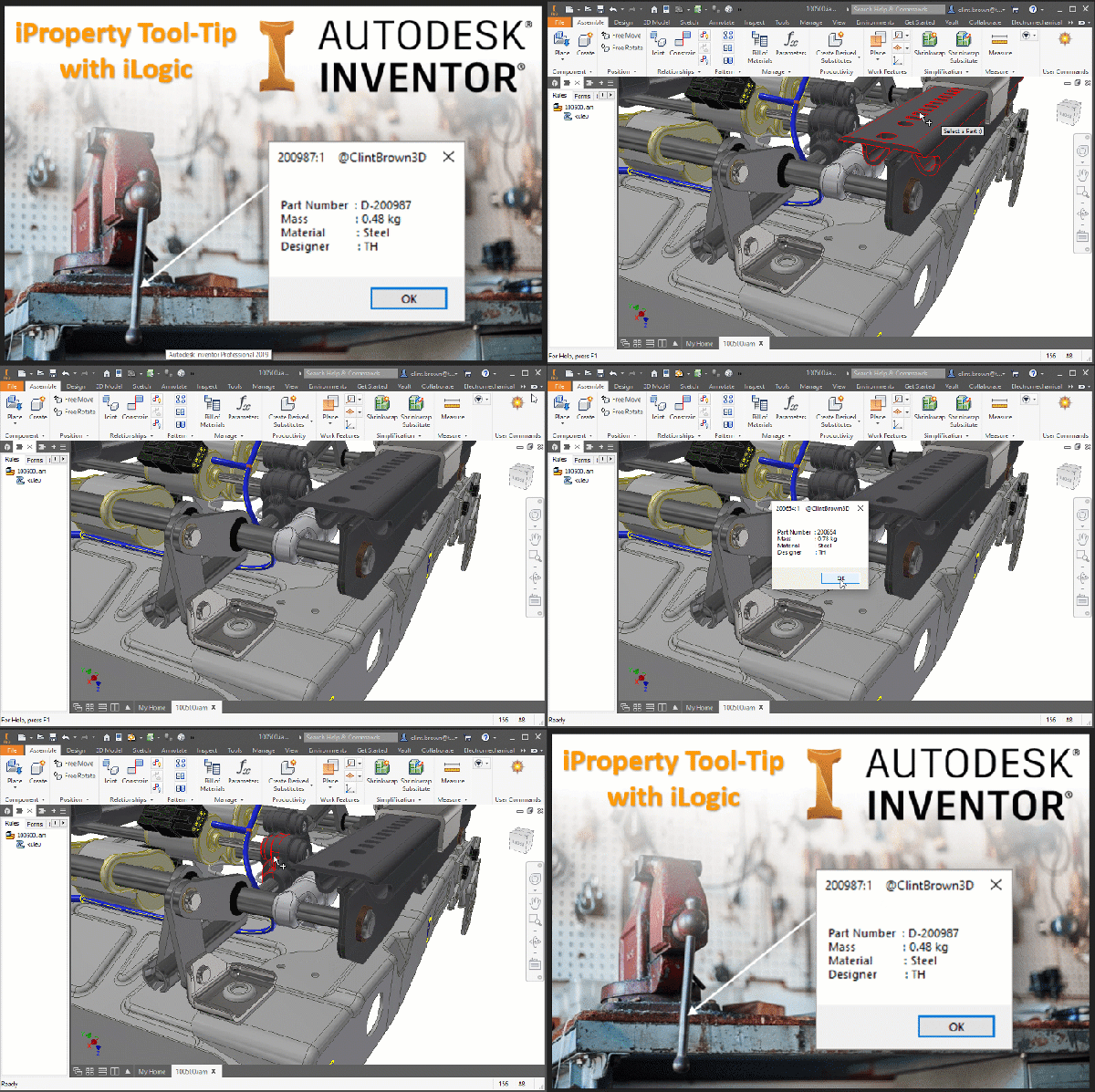
I found some code on a forum showing how to handle mouse events in iLogic. Using the mouse selection code, I decided to write a bit of iLogic to show iProperties, for parts selected in an Assembly file. In the code, I have set the selection filter to "Part", the default is "Component", this means that... Continue Reading →
Inventor: Quick DXF Export From Faces & Sketches
Any flat face in Inventor can be exported directly to DXF (or DWG), with a right-click. This makes the creation of parts like gaskets very simple, or if you need to quickly create a DXF for laser or water jet cutting. Your sketches used to create features can also be exported as DXFs. In... Continue Reading →
Force Unit Type with iLogic
Quick Sunday blog on forcing, or setting your Inventor document units, with iLogic. Last week, I spent some time with Autodesk Inventor users, who have had a few issues with imported files, or files supplied by others. This can be anything from the wrong units, to a preference for Grams over Kilograms on Metric files.... Continue Reading →
Automatic Drawings with iLogic
I've written some code to automatically create drawings from Autodesk Inventor part and assembly files. The idea that I used for this blog post was to have a drawings template file set up with views, and to then simply replace these views with a given model as needed. The GIF below shows how the code... Continue Reading →
iLogic – Delete all Mates/Joints & Ground
Have you ever wanted to delete all of the constraints in an assembly, and then ground all components? Well look no further, the iLogic code in this blog post does exactly that. You may be wondering why you would want to do this, well the answer is simple. Inventor calculates each relationship between parts (especially... Continue Reading →
Inventor: Search with iLogic
I had a browse through the Inventor API documentation, and came across a sample for using the new "Browser Search" functionality. I converted it to iLogic and made a few tweaks. When used in conjunction with a user parameter and an iLogic form, there is some nice functionality that you can use with Inventor. The... Continue Reading →
Units Matter: Here’s how to set them
In 1996 the inaugural Tri-Nations rugby tournament was played between Australia, New Zealand and South Africa. New Zealand won the trophy that year, but the story behind the massive trophy is rather interesting. According to a 2013 article on stuff.co.nz, the trophy now lives at the Palmerston North Rugby Museum. Taking up the most space... Continue Reading →
Understanding Units in Inventor
In Autodesk Inventor there are 2 main places to look at units, the first is within the file itself, the second is in the settings used for template files. The thing to remember about Inventor, is that units are file specific, there is no global units setting (which is a good thing) Part 1 - Part... Continue Reading →
You must be logged in to post a comment.