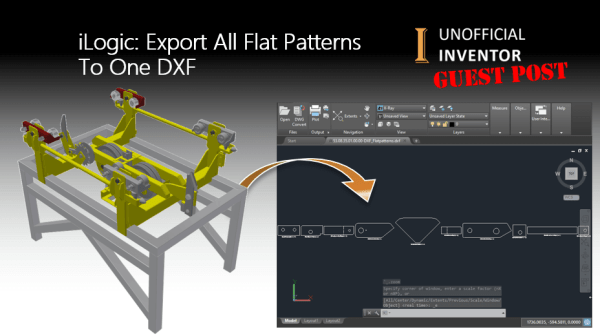
Guest Post by Jhoel Forshav Since this is my first guest blog post on the Unofficial Inventor blog, I’d like to thank Clint Brown for inviting me to do this. Those of you who visit the Inventor Customization Forum from time to time may have seen my name before, as I’m a very active in... Continue Reading →
AutoCAD Quick Tip: Convert PDF to DWG
AutoCAD has the ability to convert any Vector based PDF files into DWG (or DXF). Vector based PDF's are usually PDF's that have been published by a drawing package and contains lines circles and arc, as well as layer information. Simply go to the "Insert" tab, then click on PDF, from there the wizard interface... Continue Reading →
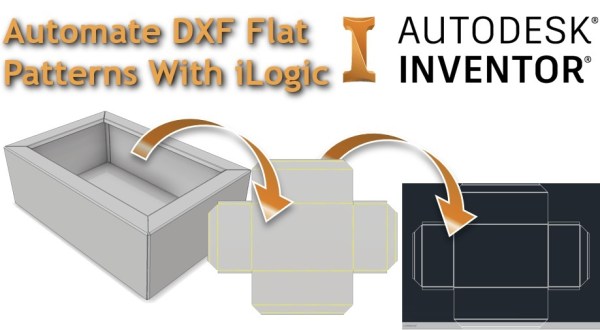
Automate DXF Flat Patterns with iLogic
I've written a bit of iLogic code that will export out a DXF file from a sheet metal model. The code checks whether a flat pattern exists in the part, if one is present, it goes to the flat pattern, exports the DXF to the predetermined file location and then returns the part back to... Continue Reading →
Simple iLogic DXF Exporter
Autodesk Inventor iLogic rule to export faces to DXF
Inventor: Quick DXF Export From Faces & Sketches
Any flat face in Inventor can be exported directly to DXF (or DWG), with a right-click. This makes the creation of parts like gaskets very simple, or if you need to quickly create a DXF for laser or water jet cutting. Your sketches used to create features can also be exported as DXFs. In... Continue Reading →
You must be logged in to post a comment.