Units Matter: Here’s how to set them

In 1996 the inaugural Tri-Nations rugby tournament was played between Australia, New Zealand and South Africa. New Zealand won the trophy that year, but the story behind the massive trophy is rather interesting. According to a 2013 article on stuff.co.nz, the trophy now lives at the Palmerston North Rugby Museum. Taking up the most space... Continue Reading →

Understanding Units in Inventor

In Autodesk Inventor there are 2 main places to look at units, the first is within the file itself, the second is in the settings used for template files. The thing to remember about Inventor, is that units are file specific, there is no global units setting (which is a good thing) Part 1 - Part... Continue Reading →

Understanding Units in AutoCAD

Setting your Units of Measure in AutoCAD is relatively straightforward. To check the current .dwg file's units, simply type UNITS into your command line, then choose the units of measure that you wish to use. When creating a new drawing in AutoCAD, it is important to start with the correct template. For a Metric (millimetre)... Continue Reading →

Generative Design comes to PDMC

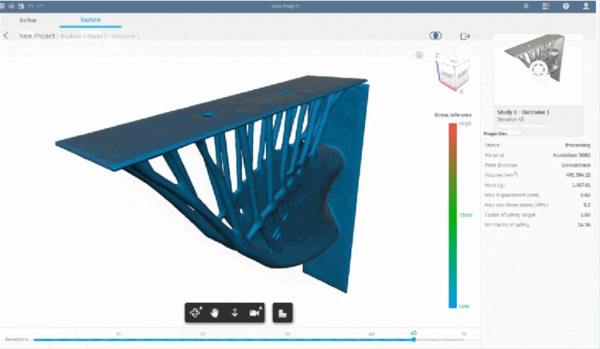
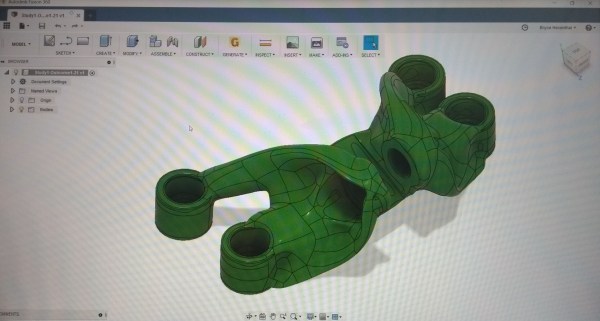
Product Design and Manufacturing Collection subscribers now have access to the Generative Design tools in Fusion 360 Ultimate. Generative Design uses Cloud Credits for processing, these credits would need to be purchased in addition to your PDMC subscription. Check out the tweet below from Fusion 360, follow the link through to all of the details.... Continue Reading →

Easy Collaboration with Shared Views

One of my favourite new features in Autodesk Inventor 2019 has to be "Shared Views". The ability to share a 3D model with almost anyone on practically any device, makes this really powerful. "Shared Views" add the ability to gather design feedback from teams outside of your organisation, and because it's cloud native, there's no... Continue Reading →

Vault 2019 – Get Your Add-ins in Order

You may have the Autodesk Vault Client installed on your CAD workstation, but find that the product specific add-ins are not installed. This is pretty simple to resolve, the steps laid out below show how I recently added the Vault add-ins for MS Outlook and AutoCAD Electrical to my system. Step one, go to "Apps... Continue Reading →

Inventor – Sharing Hole Pre-sets

Autodesk Inventor 2019 introduced a new hole tool interface, and allowed users to create hole pre-sets. Pre-sets save users time when specifying new holes. By default Hole pre-sets are stored locally, this location could be set to a network location, allowing multiple users to access the same pre-sets. Simply save your current hole pre-sets to... Continue Reading →

Create a website or blog at WordPress.com

Up ↑