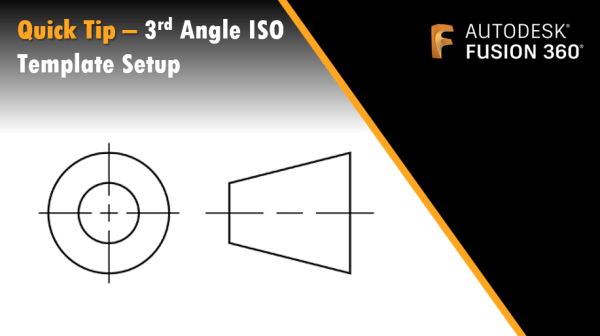
If you've ever wanted to change between stacked or horizontal fractions when typing text in Fusion, this tip is for you. When creating text on a drawing, out of the box fusion will create stacked or horizontal fractions. But using a hash instead of a forward slash will give a diagonal fraction, as shown in... Continue Reading →
Show Animation Trail-Lines on Drawings
I was recently asked how to show animation trail lines on a drawing. It's pretty straightforward, simply turn them on in the Animations workspace, and they'll show on the drawing. See the GIF below:
Troubleshooting Dual Graphics cards on Windows
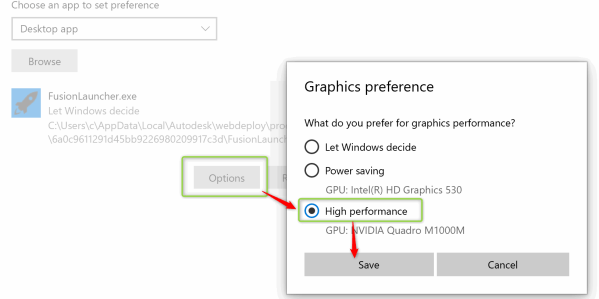
Windows 10 now controls settings for graphics cards, meaning that tools like the NVIDIA control panel no longer allow you to configure apps to run on your graphics card. To set up your graphics card for Fusion 360 on Windows 10, follow these steps. First off, launch Graphics settings by typing "Graphics" into your search... Continue Reading →
July Quality of Life Update
Autodesk Fusion 360 | What's New in Design & Engineering - July 2022 The July update is pretty epic, alongside some amazing new features, there are a load of performance and quality of life improvements. On the drawings side, the team worked on several improvements. First Attributes in title blocks now support fonts. Next we... Continue Reading →
Quick Tip – Positive Stacked Tolerances
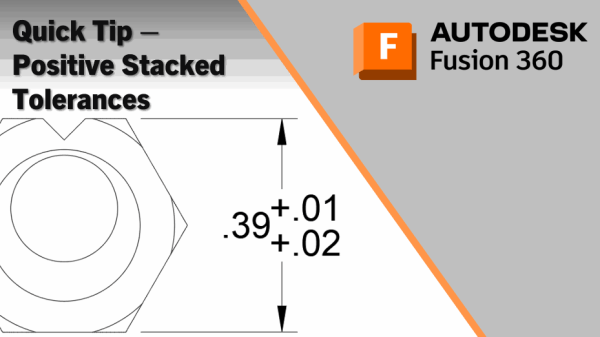
I've been asked if it's possible to create a positive / positive deviation tolerance dimension in Fusion 360. The answer is yes, and it's easy to do. Simply make the "Lower Tolerance" value negative. See the GIF below: So there you have it, you can now easily create positive values on deviation or stacked tolerances!... Continue Reading →
Numberpile for the Win!
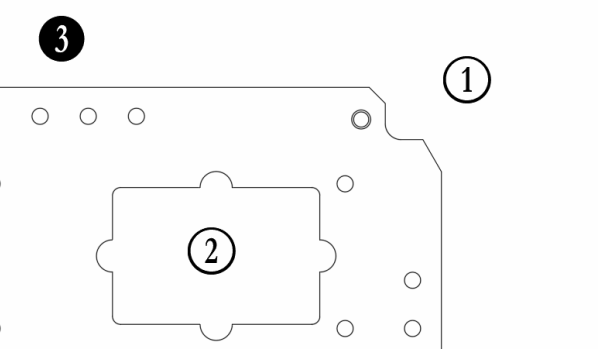
Ever wanted to place a balloon without a leader onto a drawing in Fusion 360? I've recently shared a workaround, and thought I should document it. The trick is to download and install the Numberpile font. It comes in 2 variants, Numberpile & Numberpile Reversed. The "Reversed" version is more traditional (see bubbles 1 &... Continue Reading →
Auxiliary Views in Fusion 360
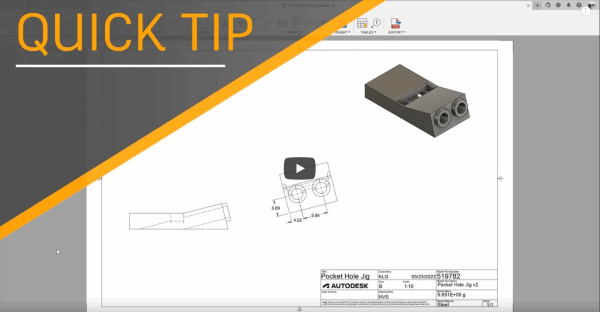
In the May 2022 release of Fusion 360, we added Auxiliary views. My colleague Kyle put together a great quick tip video: https://youtu.be/97Ku7VuekIg It's worth noting that when selecting an edge, you can pull a view off of it, either perpendicular (left, as per video above), or aligned to the edge (right). In the images... Continue Reading →
Hole Charts from STEP Files
I was asked how to get hole information from a STEP file into a Hole Chart in Fusion 360. As you know, STEP files are a neutral file format that do not contain any features. Fusion 360 has a really neat tool called “Find Features”, which allows you to recognize the features in an imported... Continue Reading →
Hole Charts in Fusion 360 Drawings
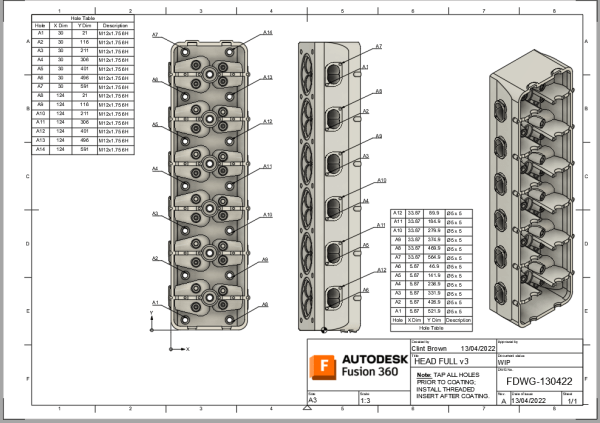
In the last update to Fusion, we added hole charts, they're pretty awesome. For all the details, and a handy video, check out the blog post I wrote for the official Fusion 360 blog by clicking on the image below. Click me for more details and a video
Rev Tables, Markers & Clouds
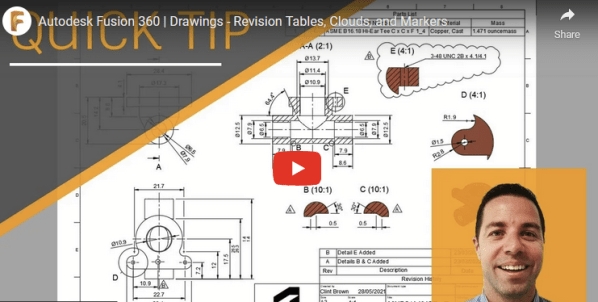
I wrote a blog post for the official Fusion blog. The March release of Fusion now has revision markers/tags, clouds and tables. Click on the image below for the blog post and YT video. If you are trying to map your current title block Revision Attribute to match the new Revision table, make sure you... Continue Reading →
You must be logged in to post a comment.