Bolted Connections created in Inventor can become out of date when changes to a part in an assembly happen (for example a material thickness change). I've adapted a bit of iLogic code shared on a forum by Rossano Praderi. My version of the code iterates through the assembly, identifies bolted connections, and sets them to... Continue Reading →
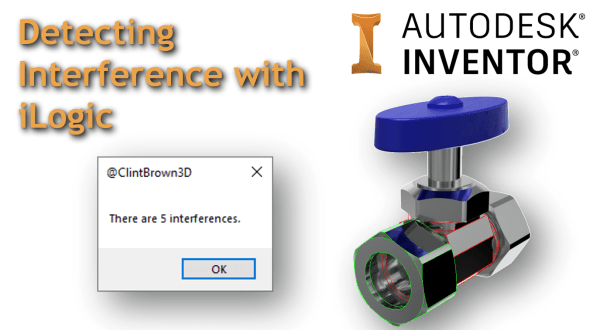
Detecting Interference with iLogic
Inventor has a decent set of tools available for checking component interference, but what about running an interference check on the entire model with one click? I have adapted one of the Inventor API samples to work with iLogic, the code iterates through an assembly and highlights the interfering parts. The animated GIF below shows... Continue Reading →
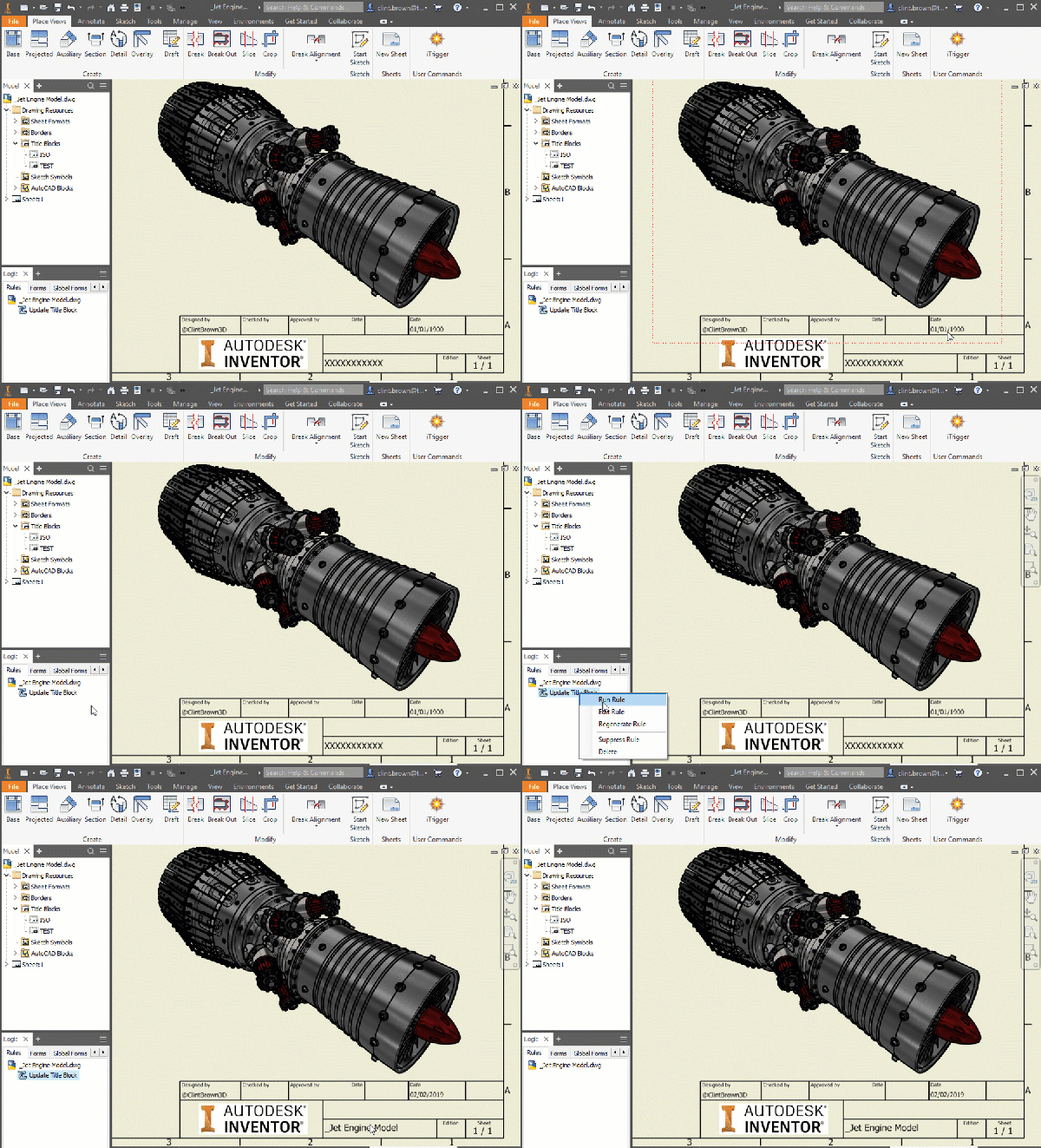
Inventor Title Block Updates with iLogic
I've written a bit of iLogic code for a rather niche problem in Autodesk Inventor, but it is something that you may come up against at some stage, or something I may need to refer back to in the future! When Inventor drawings are copied, particularly during a "File > Save As > Save Copy... Continue Reading →
Autodesk Inventor – 3 Reasons Why DWG Is Better Than IDW
Have you ever wondered what the difference between IDW & DWG file formats in Inventor are? Do you have a preference for IDW over DWG? I'm a big fan of the DWG format, and I highlight 3 reasons that I think DWG is better in this post, but I also show the drawbacks.
RAL + Pantone + Munsell Colour Generator for Inventor
I have written a tool that generates colours for Inventor based on the RAL, Pantone and Munsell standards. The idea, is that instead of having a full library of all of the colours (over 4000) from these standards, a user can generate the colour needed on demand, and then choose to add this to their... Continue Reading →
Exporting Tube and Pipe Runs in Bending Machine Format
From the Inventor Tube and Pipe Environment, you can export your pipe runs to Bending Machine Formats. The available export types are XYZ, YBC, and LRA. To export Tube & Pipe runs in a bending machine-compatible file format, follow the steps below: Activate "Tube and Pipe Runs" Activate the specific pipe run ("Run02" is active in the image below) Right Click... Continue Reading →
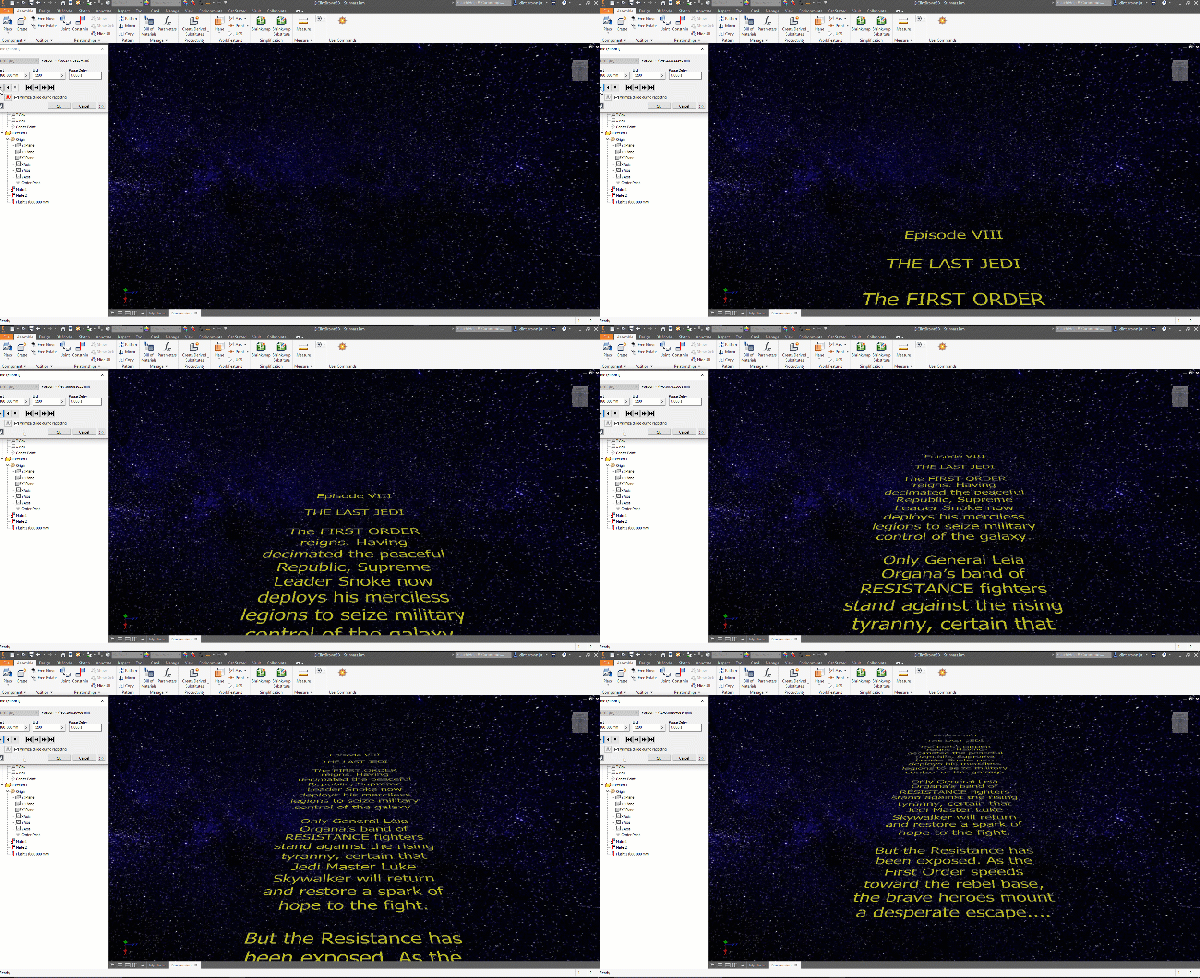
Creating a Star Wars Intro Scroll in Autodesk Inventor
After watching a video on the creation of the famous Star wars intro crawl, I figured that I could easily re-create this in Autodesk Inventor. The results can be seen below: In the original video, a transparent film with the yellow text printed on it, is pulled over a flat plane, while being filmed, this... Continue Reading →
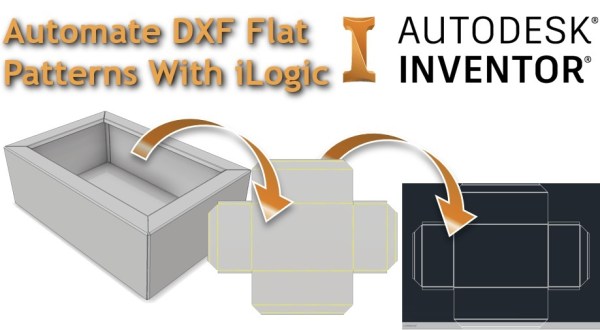
Automate DXF Flat Patterns with iLogic
I've written a bit of iLogic code that will export out a DXF file from a sheet metal model. The code checks whether a flat pattern exists in the part, if one is present, it goes to the flat pattern, exports the DXF to the predetermined file location and then returns the part back to... Continue Reading →
Simple iLogic DXF Exporter
Autodesk Inventor iLogic rule to export faces to DXF
Everything You Need To Know About Inventor’s New Spell Checker
The 2019.2 update for Inventor FINALLY includes a spell checker for the drawing environment. This is a feature that users have been requesting for some time, and it is a really nice enhancement to the drawing environment. The tool is available in the "Format Text" dialogue boxes, which come up when adding text to drawing... Continue Reading →
You must be logged in to post a comment.