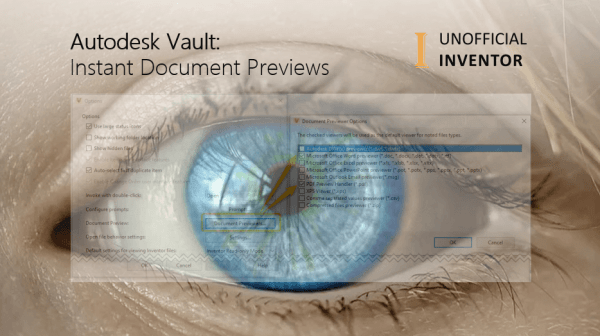
On a recent training course, a delegate pointed out a nifty setting in Vault, which allows for documents to be previewed without having to click on them twice, I thought I’d share it here 🙂 Let me explain… Several releases ago, if you clicked on any file in Vault, if the preview tab was active,... Continue Reading →
Using Barcodes with Vault Mobile App
The new Autodesk Vault mobile app has a built in Barcode Scanner with is really handy. You may be wondering what exactly you can use it for. I've found that the app works with QR codes and Barcodes. Barcodes are really easy to implement into your workflows, as certain types of barcodes are fonts. In... Continue Reading →
AutoCAD 2021: Fixing A Blank Vault Tab
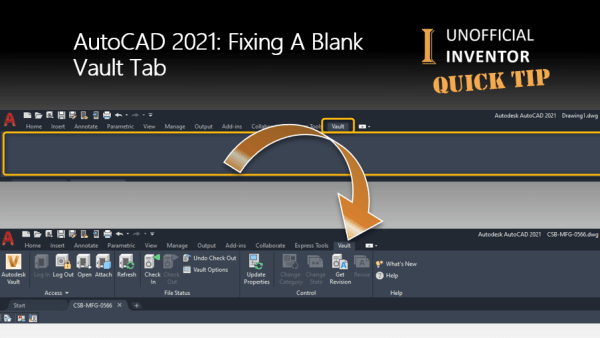
I recently Installed AutoCAD 2021, and when clicked on the Vault tab, I noticed that the tab was blank. The fix is pretty simple, even if seemingly scary. This problem occurs when the Vault client is installed before AutoCAD. Make sure that AutoCAD is not running. From the Windows "Add Remove" programs, find "Vault Client... Continue Reading →
Vault Mobile App: Setup & More
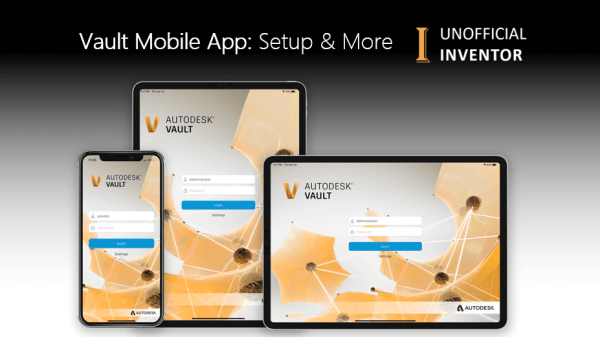
Autodesk have just launched the exciting new Vault Mobile App. I've tested it, it's awesome, but you need to be aware of a few things. The first hurdle is connecting to the server, you need to specify the server's IP address as shown below. In my testing I found that if I specified the server... Continue Reading →
Vault: Display Mass – Client or Web
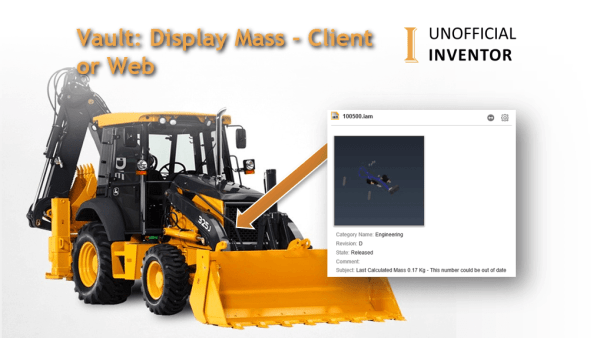
A client recently asked me if I could help them with a request from an end user. They wanted to see the mass of their part and assembly files in Vault. A secondary requirement was to see this same information in the Vault web client. I figured a simple iLogic rule would suffice. However, a... Continue Reading →
Unofficial & Retro Inventor AutoCAD & Vault Icons
I have many versions of Inventor, AutoCAD and Vault (Clients) installed on my PC. Sometimes I fire up the wrong software and it wastes time A few months back, I saw some custom icons for Autodesk product and this got me thinking... What if I had a specific icon for each release of Inventor, Vault... Continue Reading →
Vault 2021 New Features Overview
Autodesk have released Vault 2021, below is an overview video showing the new features in this exciting new release. https://youtu.be/ZAIoJe-glPE
Batch Logic for Inventor & Vault
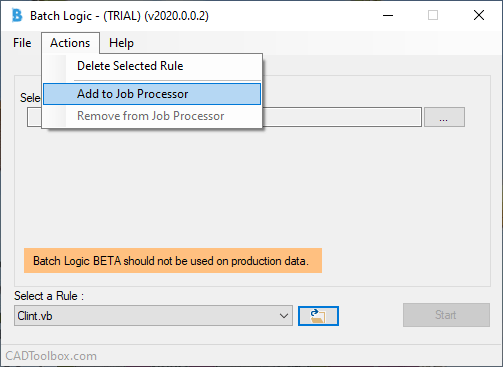
Thomas Rambach of CADToolbox.com recently asked if I would BETA test his latest creation "Batch Logic". Before I get into Batch Logic, it's worth pointing out that Thomas is the creator of Swift Prints and Design Notes for Inventor. Batch Logic is two fantastic utilities rolled into one, the first for Inventor and another for... Continue Reading →
Setting up Duplicate Search in Vault 2020.2
I mentioned the launch of Duplicate Search for Vault 2020.2 in a previous blog post. Once you have installed the update (brief update instructions at the bottom of this post), the new Duplicate Search Dashboard is available in your Vault client. To set up the duplicate search, from your Vault Settings (Tools > Administration >Vault... Continue Reading →
Vault 2020.2 Duplicate Search
The Vault team have just made "Duplicate Search" available to subscription customers. This is different to any duplicate searches that you have run on your Vault in the past, as this new technology allows you to search for duplicate files by their 3D shape. The new duplicate search actually compares the geometry of files to... Continue Reading →
You must be logged in to post a comment.