If you have ever wanted to hide specific rows in your parts list, then this is the quick tip for you! The video below shows how you can hide rows and re-number items. https://youtu.be/thjXodr5OlY UPDATE: Here's a quick follow-up video, just in case you're looking for more flexibility around all-level parts lists, in this video... Continue Reading →
Switching Title Blocks
In the drawings environment it is possible to import a title block from another template file (note I said template, not drawing). So you're looking to update your title block, or to swap your title block for a newer one, the good news is that there is a really simple way to do this. You... Continue Reading →
Fusion 360 Quick Tip: Relative Views
I've been asked how to create a "Relative View" in Fusion 360 by users transitioning from SolidWorks. The good news, is that it's very simple in Fusion 360, simply use a "Named View", the video below explains exactly what you need to do, enjoy! https://youtu.be/N2pXkChd3NY
Fusion 360 Calibrating 1:1 Prints
With the release of Advanced Print controls in November 2022, printing to scale in Fusion 360 is now a lot easier. The new print dialogue pulls the list of available printers from your operating system, and the paper sizes come from your printer. Scale can be specified using a ratio, e.g. 1:1, a fraction example... Continue Reading →
Fusion 360 – Marching on!
The March update to Fusion 360 is something not to be missed. This update is HUGE! So what's the big deal? Well, for starters the team has included a bunch of productivity updates as well as introducing brand new Assembly Concurrency workflows, and a new Nesting & Fabrication Extension. For more details including workflow videos,... Continue Reading →
Autodesk Cloud Services Up-time Dashboard
If you use AutoCAD, Revit, Inventor, Fusion360, Vault, or pretty much any of the main stream Autodesk products, you will have at some stage used an Autodesk cloud service. To help understand any planned maintenance or outages, Autodesk have created a "Health Dashboard", which shows the current status of all cloud services, as well as... Continue Reading →
Autodesk University 2018 Review
I was fortunate enough to visit Autodesk University in Las Vegas this year, and I had a really good time networking with industry peers, meeting my new colleagues from our European teams, and catching up with a few key Autodesk folks. My favourite classes and meetings at AU, are always the ones that I can't... Continue Reading →
Units Matter: Here’s how to set them
In 1996 the inaugural Tri-Nations rugby tournament was played between Australia, New Zealand and South Africa. New Zealand won the trophy that year, but the story behind the massive trophy is rather interesting. According to a 2013 article on stuff.co.nz, the trophy now lives at the Palmerston North Rugby Museum. Taking up the most space... Continue Reading →
Understanding Units in Fusion 360
Setting your Units of Measure in Fusion 360 is really easy. When you first install the software, you will see a pop up in the bottom right hand corner of the screen, asking you to choose your preference for "Default Units" as well as "CAD Experience" To change the units later on, simply go to... Continue Reading →
Generative Design comes to PDMC
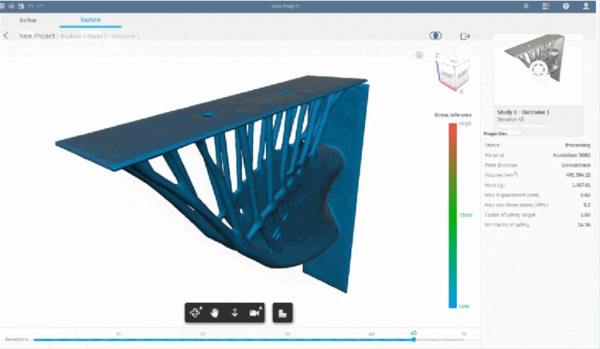
Product Design and Manufacturing Collection subscribers now have access to the Generative Design tools in Fusion 360 Ultimate. Generative Design uses Cloud Credits for processing, these credits would need to be purchased in addition to your PDMC subscription. Check out the tweet below from Fusion 360, follow the link through to all of the details.... Continue Reading →
You must be logged in to post a comment.