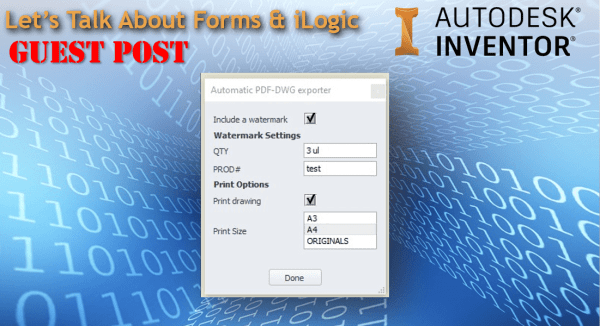
Guest Post by M Veldkamp Forms are great if you know how to use them. For me, I never really bothered with Forms until quite recently. I’d like to give you some neat tricks I picked up while writing an iLogic Rule. Maybe you can recognise this situation. I wrote a couple of nice iLogic... Continue Reading →
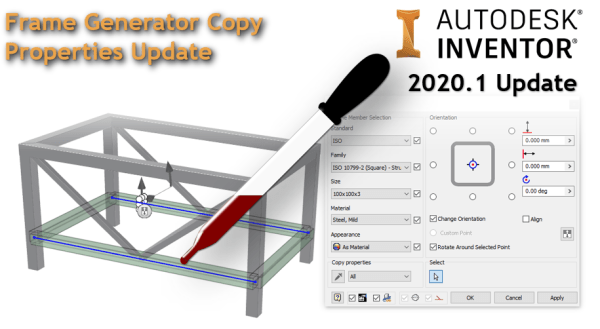
Inventor 2020.1: Frame Generator Copy Properties Update
The "Copy Properties eye dropper" has been updated in Inventor 2020.1's Frame Generator Environment, making the copying of properties from one frame member to another much easier. Here is the workflow, I've included and animated GIF below to show it working! Select the frame members you want to change. Click the eye dropper Choose the... Continue Reading →
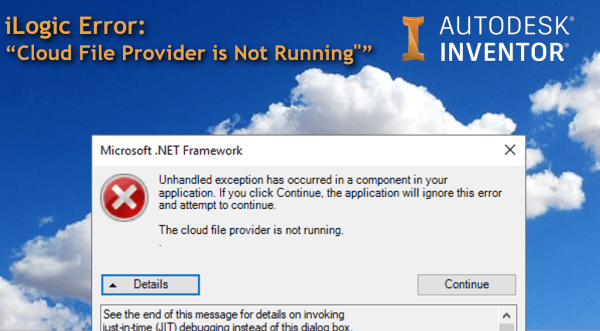
iLogic Error – “The Cloud File Provider is Not Running”
I got a pretty serious looking Microsoft .NET Framework error this weekend when trying to run an external iLogic rule. The strange part was that I got the same error no matter what iLogic rule I tried to run, and the error even popped up if I tried to edit an iLogic rule. After a... Continue Reading →
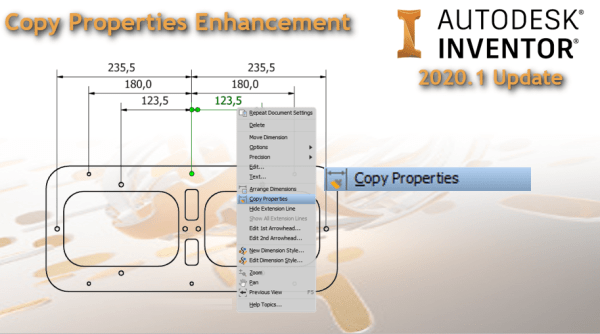
Inventor 2020.1: Copy Properties Update
A really small, but useful enhancement to Inventor has been made in the 2020.1 update, and that is the addition of an icon next to the "Copy Properties" tool on the right click menu (drawing environment), as show above. The "Copy Properties" tool is a really useful way to match the properties of on Dimension... Continue Reading →
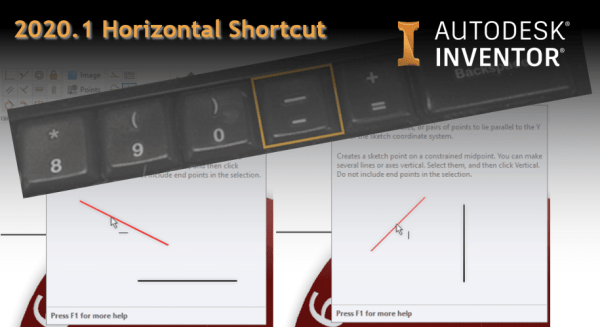
Inventor 2020.1 Horizontal Shortcut
Inventor 2020.1 has a nice small enhancement to the Sketching environment, and that is the inclusion of a keyboard shortcut for the Horizontal command. To access the Horizontal Command in Inventor 2020.1's sketch environment, simply press the dash key [ - ] (as shown below) When Mousing over the commands, both Horizontal and Vertical Constraints,... Continue Reading →
Inventor 2020.1 Update: Spell Checker Now Supports iProperties
Some really cool features are being released in these point releases of Inventor. With Inventor 2019.2 we got "Spell Checking" in the drawing environment, click on the image below for all of the details around spell checking, as well as some cool hacks for getting even more out of the spell checker. Inventor 2020.1 now... Continue Reading →
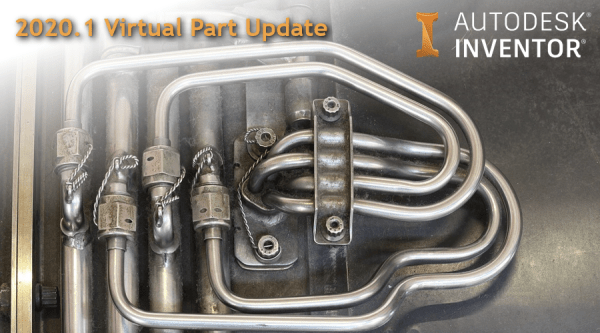
Inventor 2020.1 Virtual Part Update
Inventor 2020.1 release is now live, have a look at the details here. One of my new favourite features is the update to "Virtual Components", or virtual parts. These can now be added to your Assemblies directly from the BoM environment. I'm a big fan of them, as they save a lot of time, and... Continue Reading →
Enabling 3D Content in PDF’s
3D CAD Packages like Autodesk Inventor can easily export out 3D PDF's for sharing and collaboration. Generally the person receiving the 3D PDF does not have a CAD system, making this a good way of sharing 3D information. The problem, is that by default Adobe Reader DC blocks 3D content in PDF's. The good news... Continue Reading →
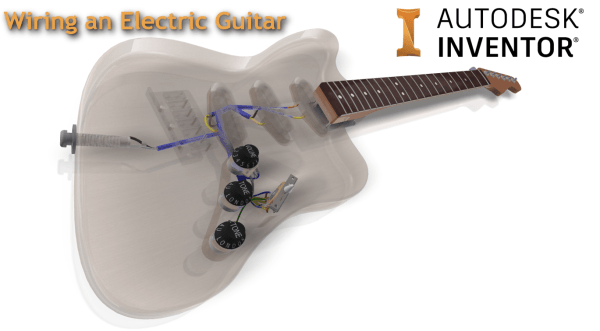
Wiring an Electric Guitar in Autodesk Inventor
As part of the AU London class that I recently ran, I have added some voice narrations to the videos that I recorded around wiring up the guitar. I loosely based my wiring on the information shown on Frailin pickups website: https://www.fralinpickups.com/fralin-wiring-diagrams/. Note that I am not an electrical or electronics expert, the workflow I... Continue Reading →
Control Drawing View Reps & Style with iLogic
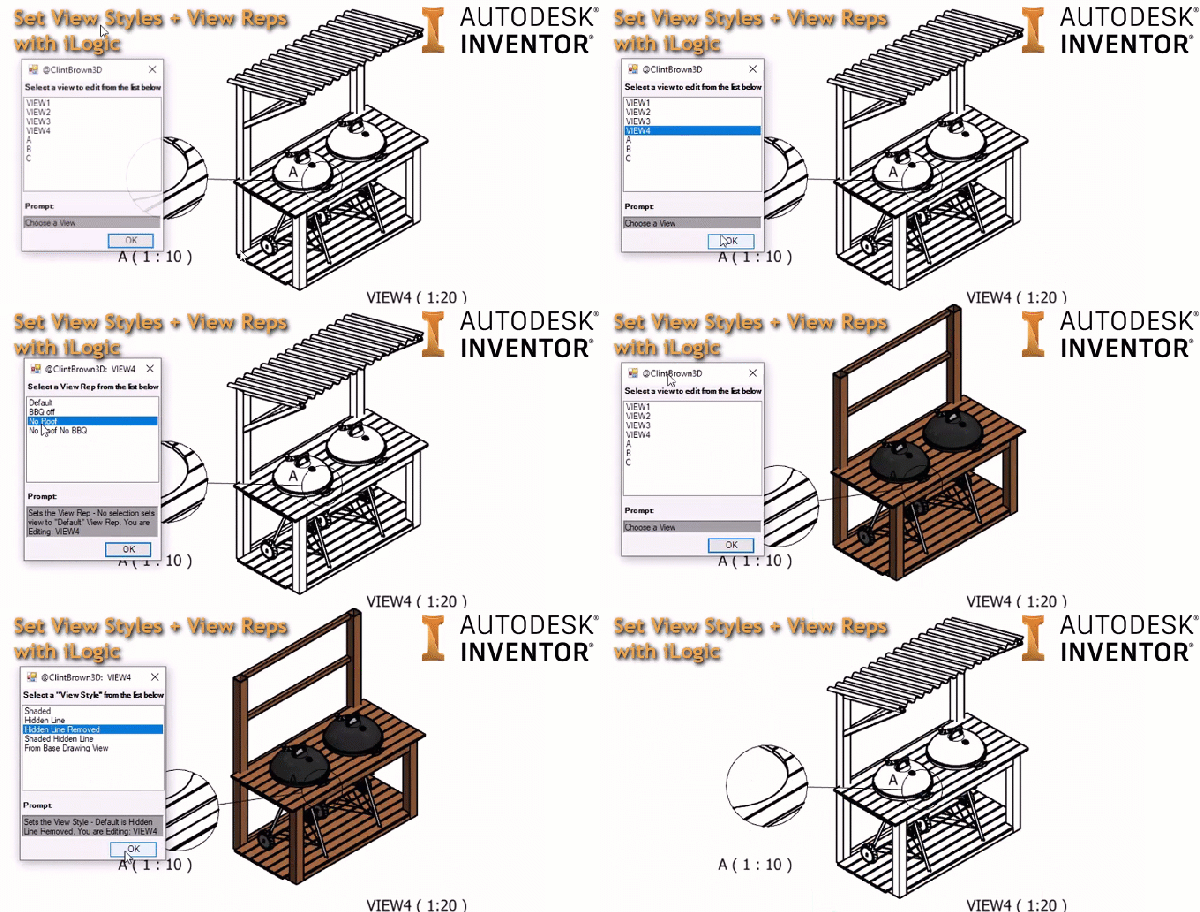
I've written some iLogic code to control the "View Style" and "View Representation" of drawing views. The code gathers all of the views in the drawing and presents them in a list to the user. It then presents a pre-defined set of "View Styles", once it has done this, it then gathers all of the... Continue Reading →
You must be logged in to post a comment.