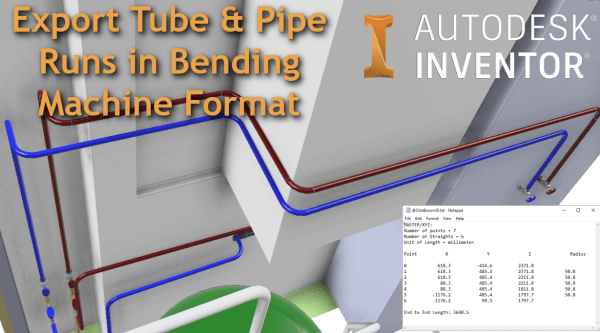
From the Inventor Tube and Pipe Environment, you can export your pipe runs to Bending Machine Formats. The available export types are XYZ, YBC, and LRA. To export Tube & Pipe runs in a bending machine-compatible file format, follow the steps below: Activate "Tube and Pipe Runs" Activate the specific pipe run ("Run02" is active in the image below) Right Click... Continue Reading →
Creating a Star Wars Intro Scroll in Autodesk Inventor
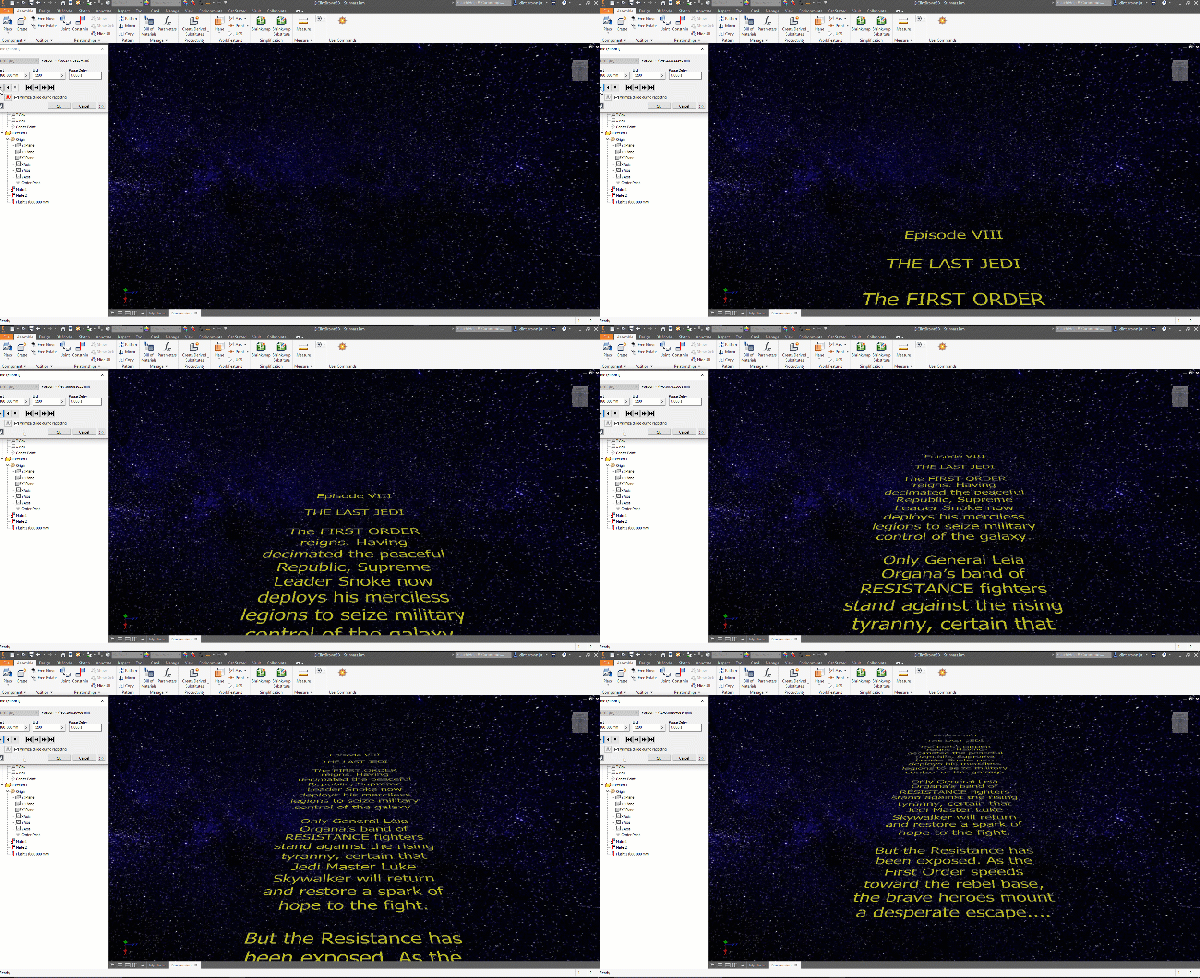
After watching a video on the creation of the famous Star wars intro crawl, I figured that I could easily re-create this in Autodesk Inventor. The results can be seen below: In the original video, a transparent film with the yellow text printed on it, is pulled over a flat plane, while being filmed, this... Continue Reading →
Automate DXF Flat Patterns with iLogic
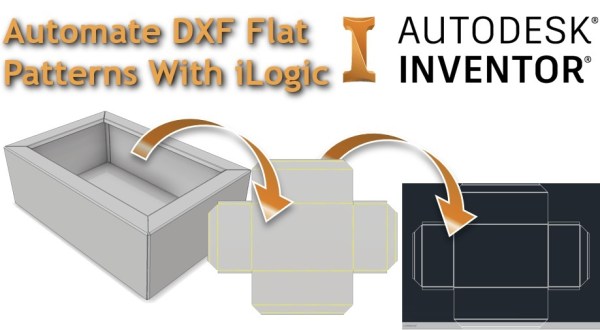
I've written a bit of iLogic code that will export out a DXF file from a sheet metal model. The code checks whether a flat pattern exists in the part, if one is present, it goes to the flat pattern, exports the DXF to the predetermined file location and then returns the part back to... Continue Reading →
Simple iLogic DXF Exporter
Autodesk Inventor iLogic rule to export faces to DXF
Everything You Need To Know About Inventor’s New Spell Checker
The 2019.2 update for Inventor FINALLY includes a spell checker for the drawing environment. This is a feature that users have been requesting for some time, and it is a really nice enhancement to the drawing environment. The tool is available in the "Format Text" dialogue boxes, which come up when adding text to drawing... Continue Reading →
Autodesk University 2018 Review
I was fortunate enough to visit Autodesk University in Las Vegas this year, and I had a really good time networking with industry peers, meeting my new colleagues from our European teams, and catching up with a few key Autodesk folks. My favourite classes and meetings at AU, are always the ones that I can't... Continue Reading →
Conditional Feature Suppression in Autodesk Inventor
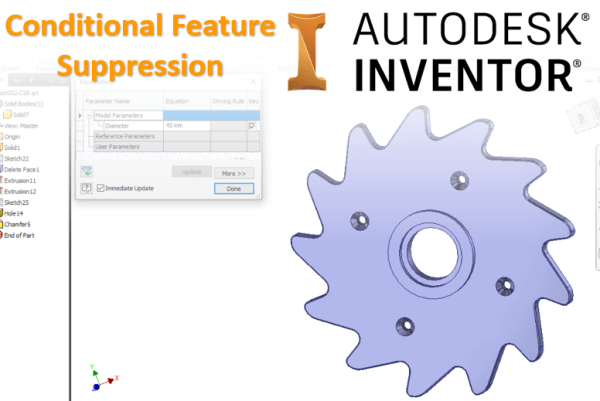
Quick Sunday Morning blog post! The title is not very snappy, but conditional suppression in Inventor is really powerful. Any feature in an Inventor Part file can be suppressed, based on the value of a parameter. To set the suppression, simply right-click on the feature that you wish to control, then choose "Properties". In the... Continue Reading →
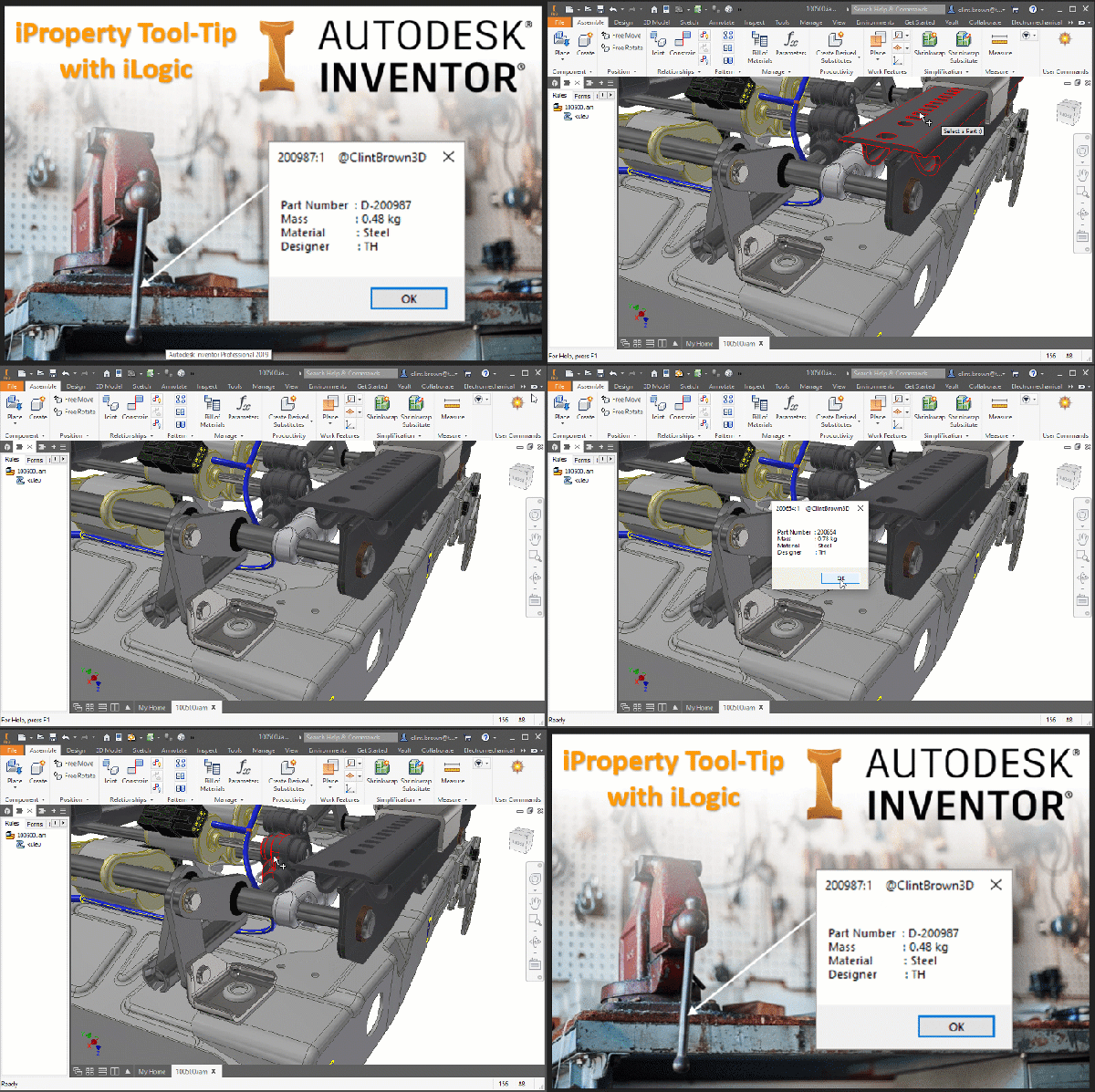
iProperty Tool-Tip with iLogic
I found some code on a forum showing how to handle mouse events in iLogic. Using the mouse selection code, I decided to write a bit of iLogic to show iProperties, for parts selected in an Assembly file. In the code, I have set the selection filter to "Part", the default is "Component", this means that... Continue Reading →
Inventor: Quick DXF Export From Faces & Sketches
Any flat face in Inventor can be exported directly to DXF (or DWG), with a right-click. This makes the creation of parts like gaskets very simple, or if you need to quickly create a DXF for laser or water jet cutting. Your sketches used to create features can also be exported as DXFs. In... Continue Reading →
Inventor: Mouse Wheel Zoom Direction
Quick Tip: To change the zoom direction in Autodesk Inventor, simply click "Tools" > "Application Options" > "Display" then toggle the check box under "Zoom Behaviour" to set the direction of zoom.
You must be logged in to post a comment.