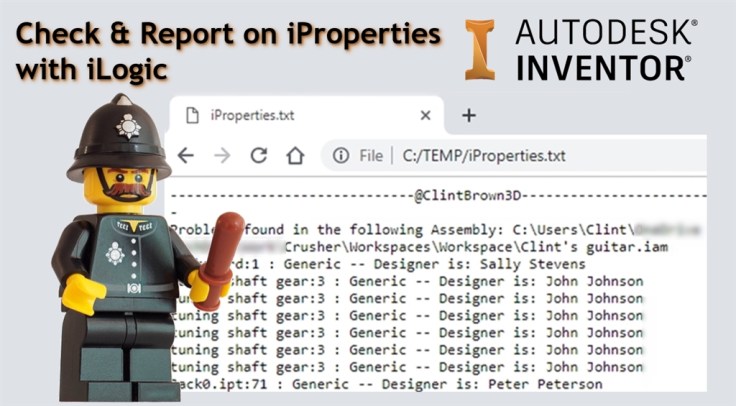
I’ve written an iLogic routine to check through an assembly and write report on all parts that have not had their materials correctly assigned. The iLogic code creates a text file called “iProperties.txt” in “C:/Temp”.
The report contains the name of any files that have “Generic” listed as the material, as well as the designer. You may wish to add in a check for “Default” as well if you are working with older Inventor files.
The text report can be viewed in Notepad, or in an internet browser. To view it in an internet browser, paste file:///C:/TEMP/iProperties.txt into your browser, if you bookmark this page you can refresh it after each time the rule is run. To clear the queue, simply edit or delete the text file.
The Report looks something like this:
------------------------------@ClintBrown3D------------------------------
Problems found In the following Assembly: C:\Workspace\Clint's guitar.iam
pickguard:1 : Generic -- Designer Is: Sally Stevens
tuning shaft gear:3 : Generic -- Designer Is: John Johnson
tuning shaft gear:3 : Generic -- Designer Is: John Johnson
tuning shaft gear:3 : Generic -- Designer Is: John Johnson
tuning shaft gear:3 : Generic -- Designer Is: John Johnson
tuning shaft gear:3 : Generic -- Designer Is: John Johnson
tuning shaft gear:3 : Generic -- Designer Is: John Johnson
Jack0.ipt:71 : Generic -- Designer Is: Peter Peterson
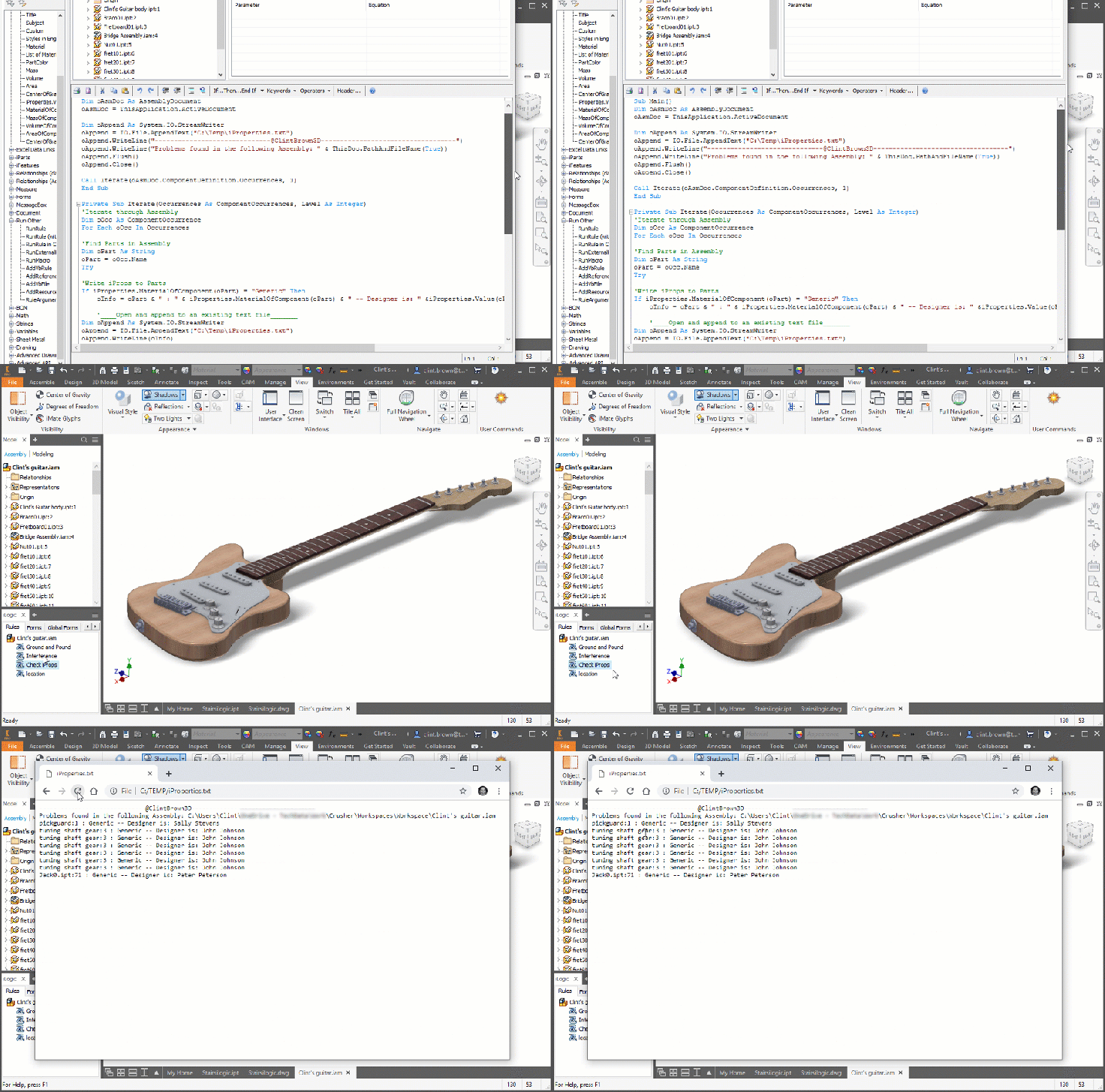
The animated GIF below shows the rule in action.
Here is the iLogic Code:
Sub Main()
'iLogic code by Clint Brown @ClintBrown3D
'originally posted at https://clintbrown.co.uk/check-report-On-iProperties-With-ilogic
Dim oAsmDoc As AssemblyDocument
oAsmDoc = ThisApplication.ActiveDocument

Dim oAppend As System.IO.StreamWriter
oAppend = IO.File.AppendText("C:\Temp\iProperties.txt")
oAppend.WriteLine("------------------------------@ClintBrown3D-----------------------------------")
oAppend.WriteLine("Problems found in the following Assembly: " & ThisDoc.PathAndFileName(True))
oAppend.Flush()
oAppend.Close()

Call Iterate(oAsmDoc.ComponentDefinition.Occurrences, 1)
End Sub

Private Sub Iterate(Occurrences As ComponentOccurrences, Level As Integer)
'Iterate through Assembly
Dim oOcc As ComponentOccurrence
For Each oOcc In Occurrences

'Find Parts in Assembly
Dim oPart As String
oPart = oOcc.Name
Try

'Write iProps to Parts
If iProperties.MaterialOfComponent(oPart) = "Generic" Then
	oInfo = oPart & " : " & iProperties.MaterialOfComponent(oPart) & " -- Designer is: " &iProperties.Value(oPart, "Project", "Designer")

	'____Open and append to an existing text file_______
Dim oAppend As System.IO.StreamWriter
oAppend = IO.File.AppendText("C:\Temp\iProperties.txt")
oAppend.WriteLine(oInfo)
'oAppend.WriteLine("-----------------------------------------------------------------")
oAppend.Flush()
oAppend.Close()
End If

Catch
MessageBox.Show("Oh Snap!", "@ClintBrown3D")
End Try

'Run through the sub assemblies
If oOcc.DefinitionDocumentType = kAssemblyDocumentObject Then
Call Iterate(oOcc.SubOccurrences, Level + 2)
End If
Next

End Sub
 Clint Brown
You must be logged in to post a comment.