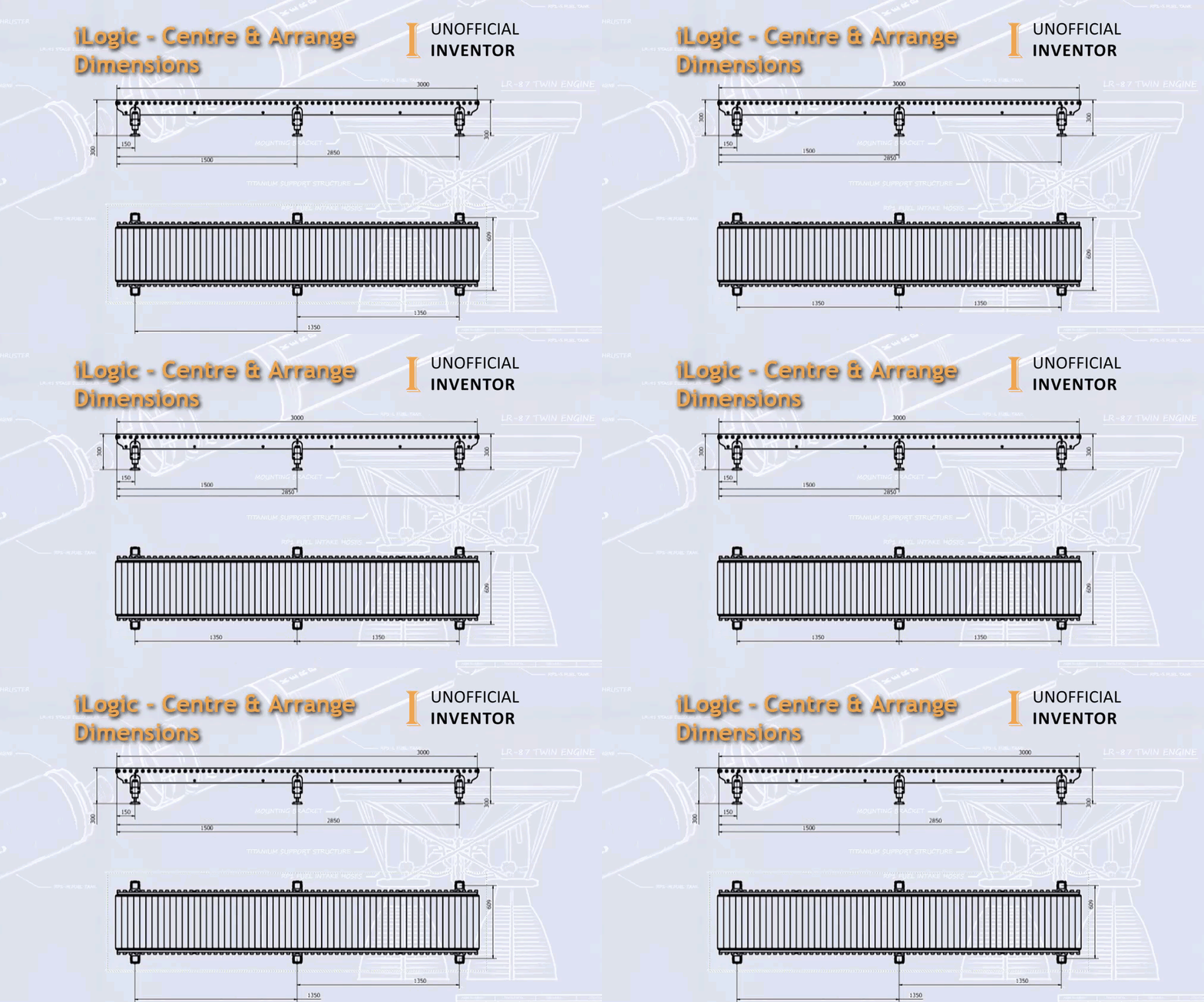
I’ve been doing a bit of work on an iLogic configurator and I thought it would be useful to share some code that I have been using for quite some time. Often when creating configured products, the dimensions on the sheet move, and need some tidying up.
This iLogic utility centres all of the dimensions on the sheet and attempts to then arrange them.
The code itself is based on an API sample for centering dimensions, and a bit of VBA code shared by Brian Ekins on arranging dimensions (link in the code).
Here is an animated GIF showing the code in action:

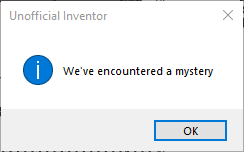
I’ve built in an error trap as shown below. In using and testing the code, there are some instances where the “Arrange Dimensions” code fails. I have found this to be true on “Baseline Dimension Sets”, where an member has been detached.
On the subject of “Baseline Dimension Sets”, the “Arrange Dimensions” code does not arrange them, but the code will centre them.
Below is the iLogic Code
'This iLogic Code Centre's and Arranges Dimensions
'Code by @ClintBrown3D 'Originally posted at https://clintbrown.co.uk/ilogic-centre-arrange-dimensions

On Error GoTo ClintBrown3D
'Code to Centre Dimensions - Adapted from the Inevntor API Sample by @ClintBrown3D
	' a reference to the active drawing document
    Dim oDoc As DrawingDocument
    oDoc = ThisApplication.ActiveDocument

    ' a reference to the active sheet & dimension
    Dim oSheet As Sheet
    oSheet = oDoc.ActiveSheet
    Dim oDrawingDim As DrawingDimension

    ' Iterate over all dimensions in the drawing and center them if they are linear or angular.
    For Each oDrawingDim In oSheet.DrawingDimensions
        If TypeOf oDrawingDim Is LinearGeneralDimension Or TypeOf oDrawingDim Is AngularGeneralDimension Then
            Call oDrawingDim.CenterText
        End If
    Next
'--------------------------------------------------------------------------------------------------------------------
'Code to Centre Dimensions - Adapted from https://modthemachine.typepad.com/my_weblog/2009/03/running-commands-using-the-api.html
' Get the active document, assuming it is a drawing.
    Dim oDrawDoc As DrawingDocument
    oDrawDoc = ThisApplication.ActiveDocument

    ' Get the collection of dimensions on the active sheet.
    Dim oDimensions As DrawingDimensions
    oDimensions = oDrawDoc.ActiveSheet.DrawingDimensions

	    ' Get a reference to the select set and clear it.
    Dim oSelectSet As SelectSet
    oSelectSet = oDrawDoc.SelectSet
    oSelectSet.Clear

    ' Add each dimension to the select set to select them.
    Dim oDrawDim As DrawingDimension
    For Each oDrawDim In oDimensions
        oSelectSet.Select(oDrawDim)
    Next

	Call ThisApplication.CommandManager.ControlDefinitions.Item("DrawingArrangeDimensionsCmd").Execute

Return
ClintBrown3D :
MessageBox.Show("We've encountered a mystery", "Unofficial Inventor", MessageBoxButtons.OK, MessageBoxIcon.Asterisk, MessageBoxDefaultButton.Button1)
 Clint Brown
You must be logged in to post a comment.