I’ve seen a couple of questions about only showing visible components from a model in a drawing. So here we go!
This is a 2 part-er, as the first part is creating the selection set for the drawing, the second is all about re-using the initial reference.
Remember to select the Contents of model that you want to use for your initial reference in the drawings workspace.
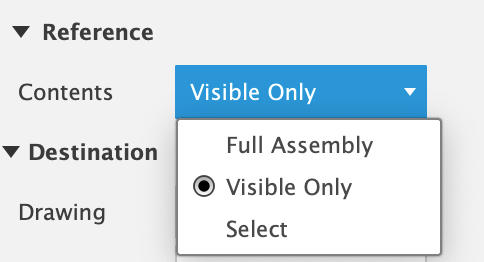
Drawing References:
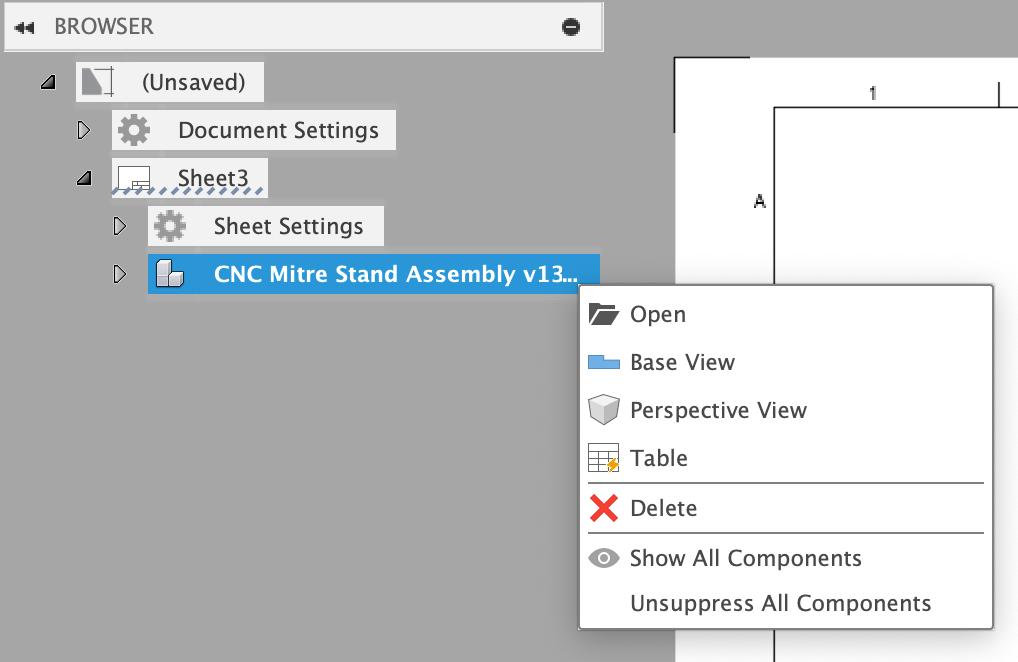
Right-clicking on a reference in the browser node gives you a quick way to place base views, perspective views, or parts lists for a specific reference.
 Clint Brown
You must be logged in to post a comment.