I built a simple drawing inspection tool for Autodesk Fusion. It works on Windows and Mac. It automatically adds bubbles next to each dimension and Hole note. The tool gives you controls to add other annotations, like feature control frames, symbols and datums, as well as notes and leaders.
Bubbles can be re-ordered and excluded.
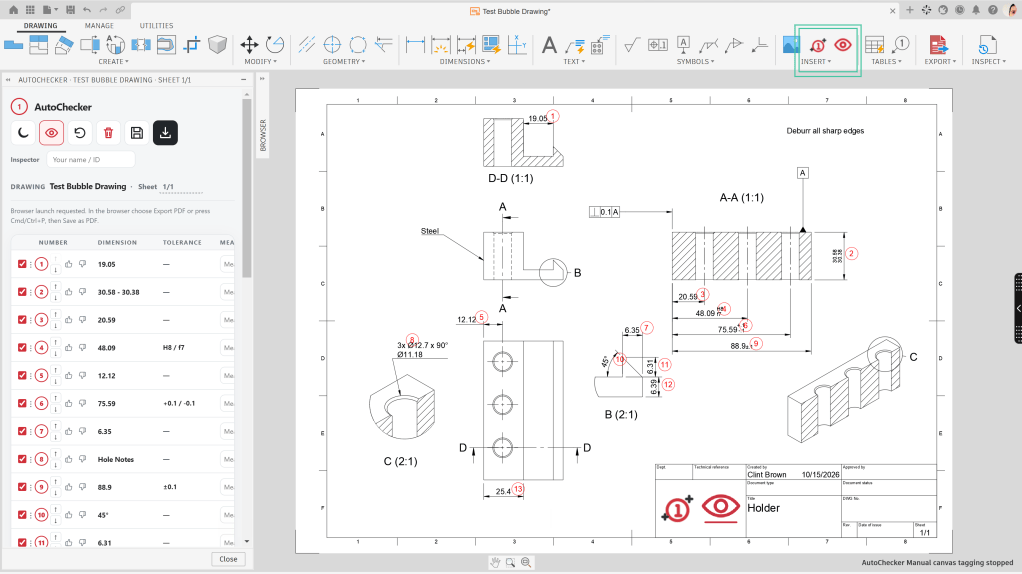
The download button pushes you to a web interface, where there is more space to interact with the report.
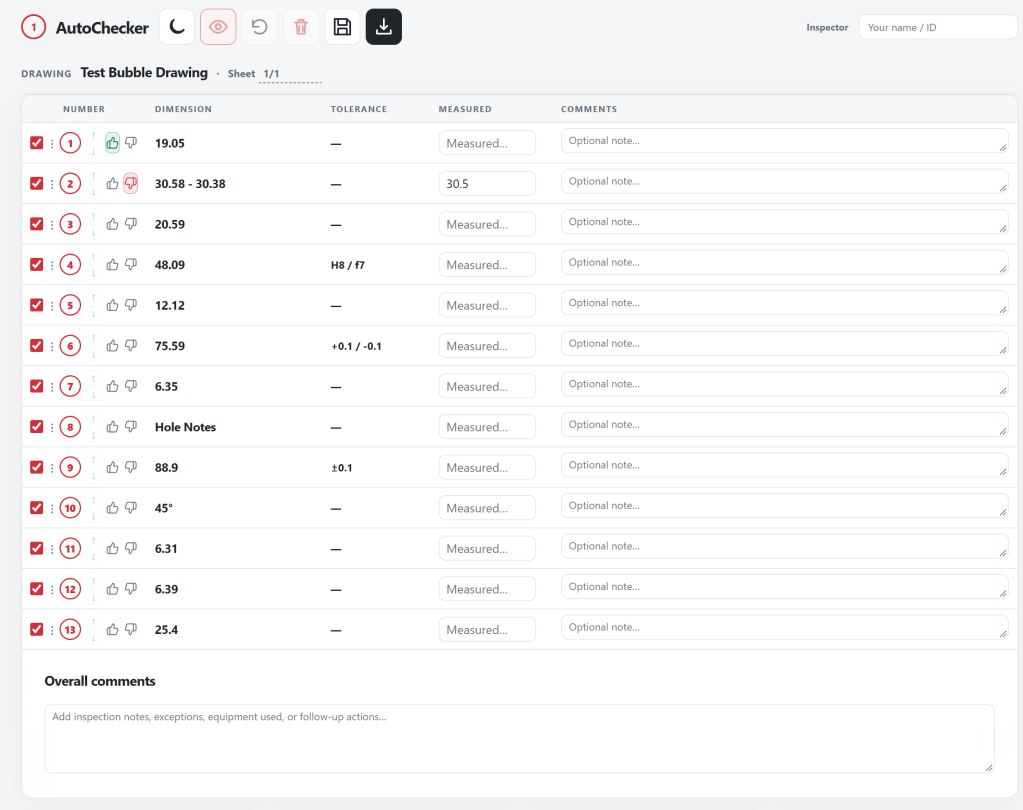
It’s simple, it’s not perfect (hole note sizes are not always pulled through for example), but I think it could be useful for many folks out there.
Download, installation, & usage instructions etc. can be found here:
For the geeks who want to know how I did this… I know a bit too much about how the back end of Fusion drawings works, so I was able to vibe code what I wanted by explaining to my LLM of choice how it all works and what it needed to build.
Note: I cannot offer any support, this is a one and done project for me.


Leave a Reply